






The Nxeon Blog
Guides for people who run their own servers.
Straight-talking tutorials and comparisons on VPS hosting, game servers, Linux and security. No fluff, just what actually works. 346 guides from the team that runs the servers.
Search results
82 guides for “resources” · Clear search
How to Configure a Palworld Server (Settings Explained)
Every important setting in PalWorldSettings.ini explained in plain English: difficulty, rates, PvP, base limits, and the options that actually change how your server plays.
Valheim Dedicated Server Requirements and Best Specs
How much RAM, CPU, and storage a Valheim server really needs — sized by player count and world age — plus the crossplay and mod overhead most guides miss.
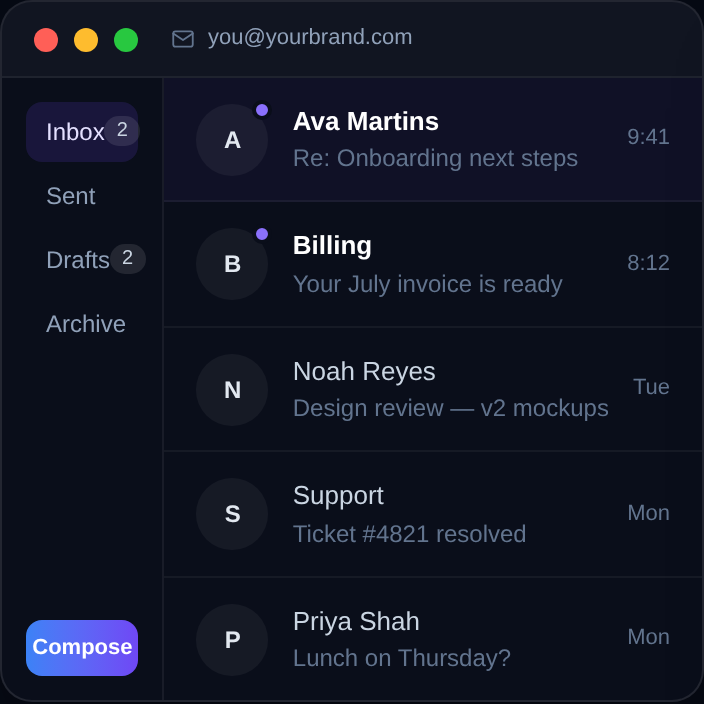
How to Set Up Business Email on a Custom Domain
Get professional you@yourdomain.com email working, whatever your options — managed provider or self-hosted. The DNS records, the trade-offs, and the setup path.
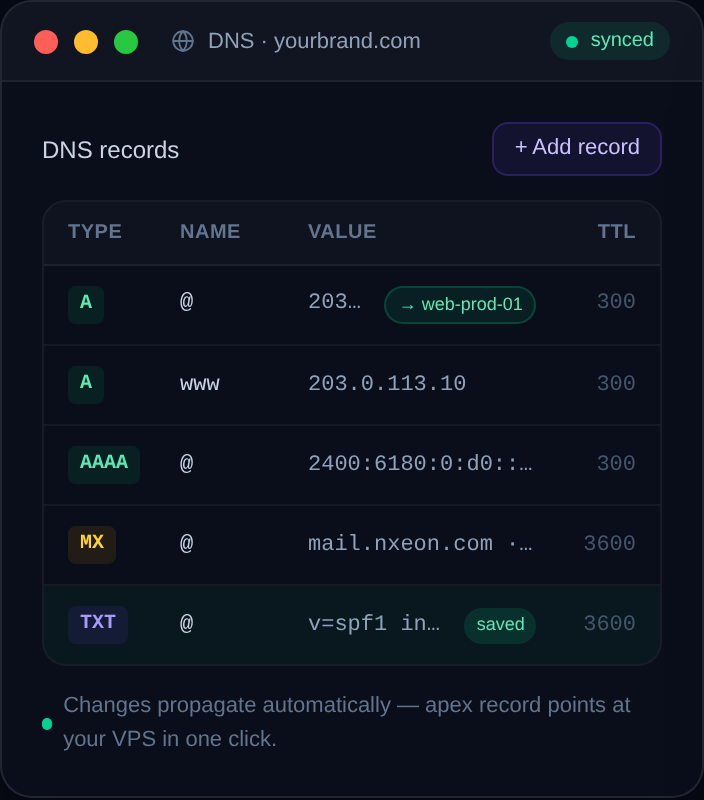
How to Point a Domain to a VPS with Cloudflare
A step-by-step guide to connecting any domain to your VPS using Cloudflare's free DNS, including the exact A records and the proxy setting most people get wrong.

12 Best Self-Hosted Apps to Run on a VPS
A curated tour of the best self-hosted apps for a VPS — what each one replaces, what it needs, and where to start. Your roadmap to a private, self-run stack.
How to Self-Host a Minecraft Map Viewer (BlueMap/Dynmap)
Add a live, browsable web map to your Minecraft server. This guide installs BlueMap (3D) and covers Dynmap (2D) so players can explore your world in a browser.
How to Self-Host FreshRSS on a VPS
Take back control of your reading with a self-hosted RSS reader. Install FreshRSS on a VPS with Docker and sync it to your favourite mobile app.
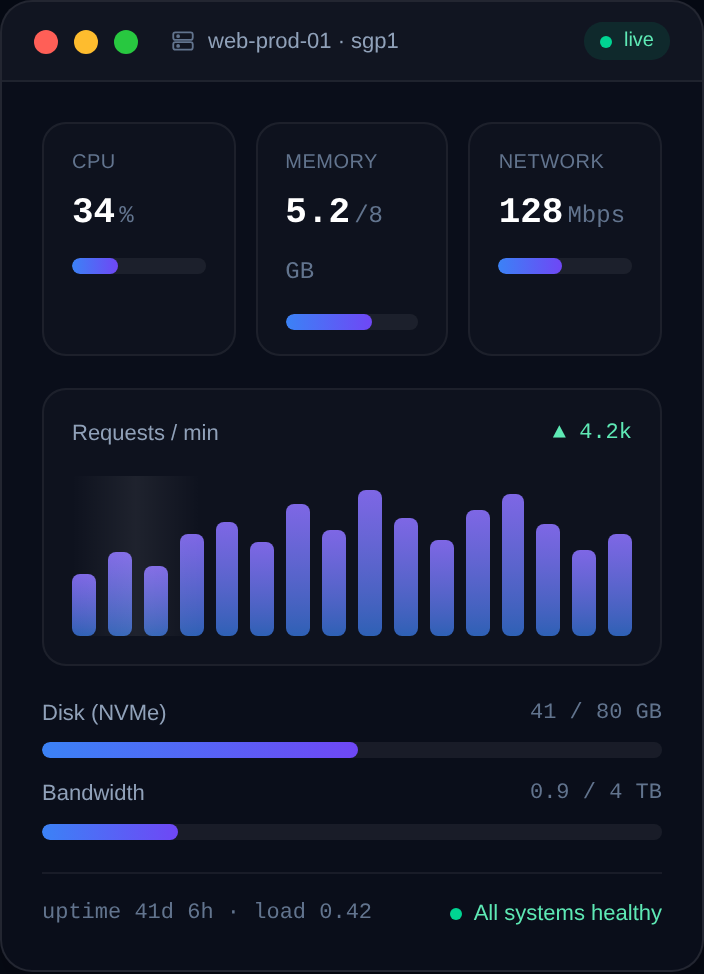
How to Self-Host Grafana and Prometheus for Monitoring
The classic open-source monitoring stack. Install Prometheus and Grafana on a VPS with Docker, collect server metrics, and build dashboards that actually help.
How to Self-Host Ghost Blog on a VPS
Ghost is a fast, focused publishing platform with built-in memberships and newsletters. Install it on a VPS with Docker and HTTPS in under half an hour.
How to Self-Host Vaultwarden (Bitwarden-Compatible) on a VPS
Run your own password vault with Vaultwarden, a lightweight server that works with every official Bitwarden app. Docker install with HTTPS in minutes.
Game Server Specs Explained: CPU, RAM and Bandwidth
Understand what actually matters when sizing a game server: single-thread CPU, RAM per player, storage speed, and upload bandwidth — with real rules of thumb.
How to Host Multiple Game Servers on One VPS
Run several game servers on a single VPS without them clashing: separate users, unique ports, systemd services, resource limits, and a clean firewall.
Deploy your first server in under a minute.
Creating an account is free and takes no card details. Every guide here runs on a Nxeon VPS or game server.