






The Nxeon Blog
Guides for people who run their own servers.
Straight-talking tutorials and comparisons on VPS hosting, game servers, Linux and security. No fluff, just what actually works. 346 guides from the team that runs the servers.
Search results
7 guides for “2fa” · Clear search
How to Manage Secrets and Environment Variables on a VPS
Hardcoded API keys and passwords in code are a breach waiting to happen. Learn to store secrets in env files, systemd, and vaults — the right way.
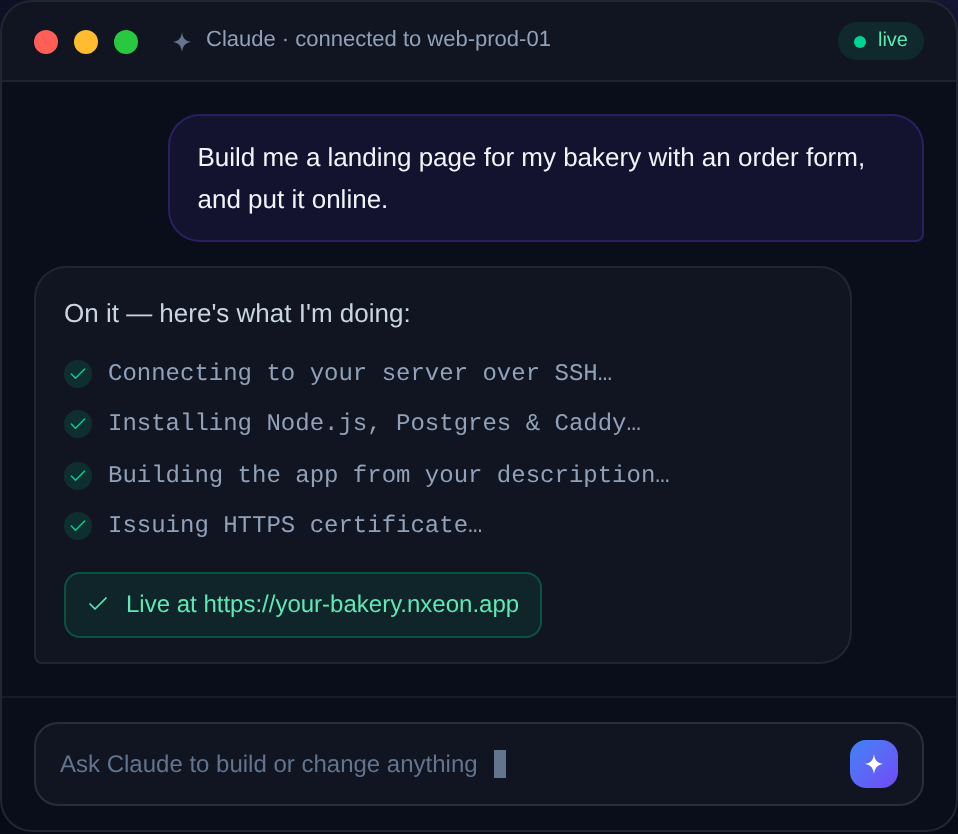
How to Protect a VPS from Brute-Force Attacks
Bots relentlessly guess logins against every public server. Here's a layered playbook — keys, firewall, rate limits and bans — to make brute-forcing pointless.
How to Add Two-Factor Authentication to SSH
Add a time-based one-time code on top of your SSH key for defence in depth. Set up Google Authenticator PAM without locking yourself out.
How to Self-Host a Password Manager on a VPS
Which self-hosted password manager should you run, and how? Compare Vaultwarden, KeePass sync and Passbolt, then deploy your pick on a VPS with HTTPS.
How to Self-Host Home Assistant on a VPS
Home Assistant on a VPS gives you a cloud dashboard and secure remote access to your smart home. Here's how to install it with Docker — and what it can't do.
How to Self-Host Vaultwarden (Bitwarden-Compatible) on a VPS
Run your own password vault with Vaultwarden, a lightweight server that works with every official Bitwarden app. Docker install with HTTPS in minutes.
How to Secure a WordPress Site on a VPS
Running WordPress on your own VPS means owning its security — which is a good thing. This practical checklist locks down the server, PHP and WordPress itself.
Deploy your first server in under a minute.
Creating an account is free and takes no card details. Every guide here runs on a Nxeon VPS or game server.