






The Nxeon Blog
Guides for people who run their own servers.
Straight-talking tutorials and comparisons on VPS hosting, game servers, Linux and security. No fluff, just what actually works. 346 guides from the team that runs the servers.
Search results
21 guides for “bots” · Clear search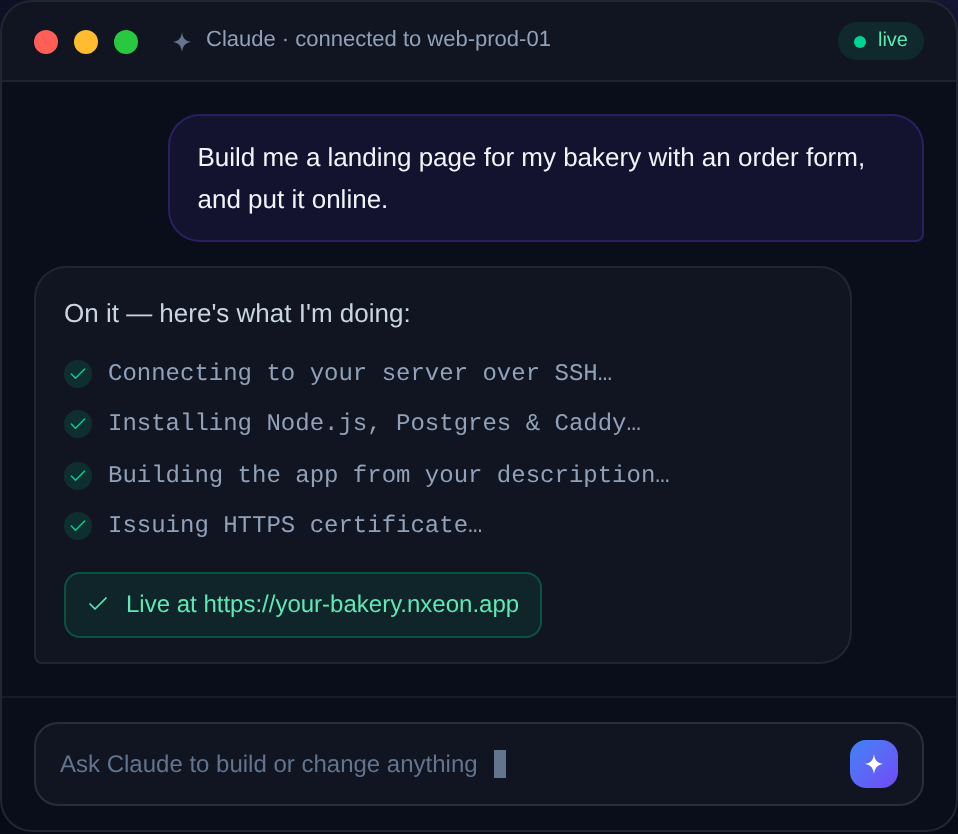
How to Protect a VPS from Brute-Force Attacks
Bots relentlessly guess logins against every public server. Here's a layered playbook — keys, firewall, rate limits and bans — to make brute-forcing pointless.

How to Install and Configure fail2ban
fail2ban watches your logs and automatically bans IPs that fail to log in too many times. Here's how to install it and write custom jails.
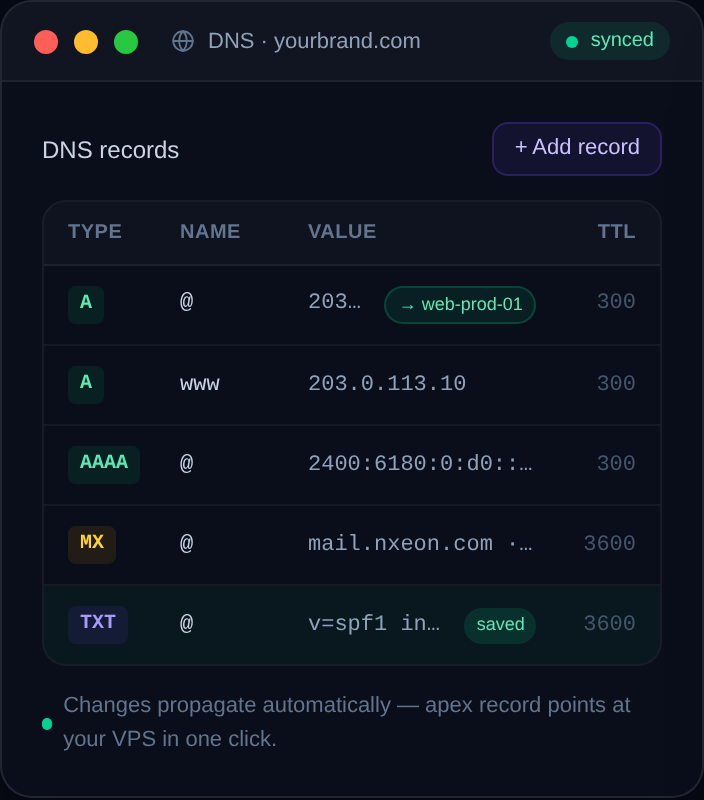
How to Create a Staging Subdomain for Your Site
Test changes safely on staging.yourdomain.com before they hit production. Here's the DNS, the web-server config, the SSL, and how to keep bots and Google out.
How to Set Up a Wildcard Subdomain on a VPS
A wildcard subdomain catches every subdomain at once — ideal for multi-tenant apps and dynamic subdomains. Here's the DNS record, the wildcard SSL cert, and the Nginx config.
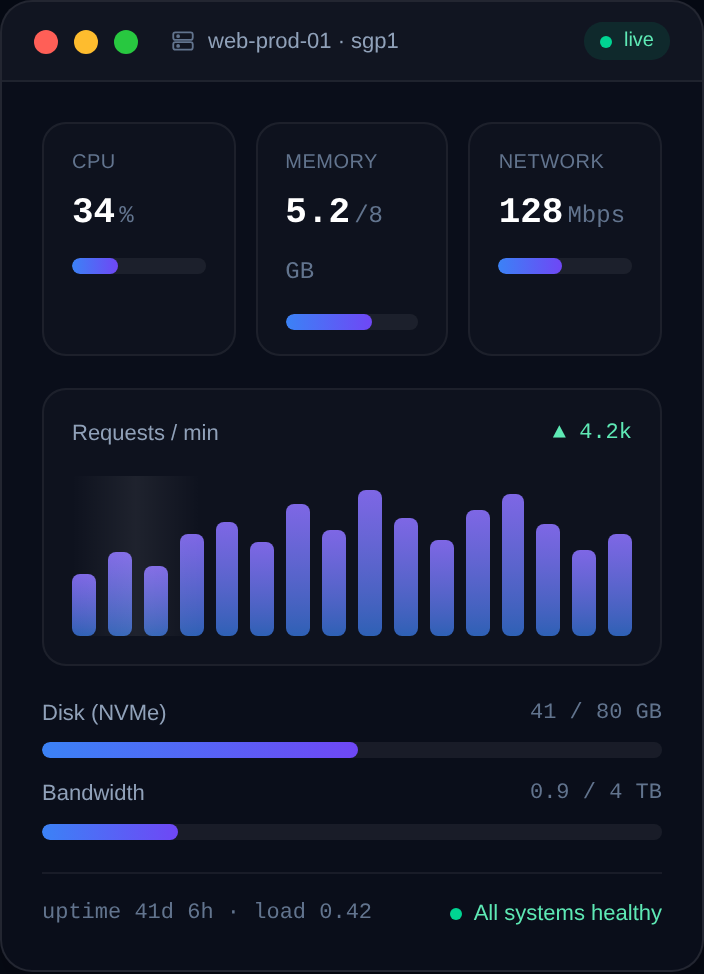
Game Server Specs Explained: CPU, RAM and Bandwidth
Understand what actually matters when sizing a game server: single-thread CPU, RAM per player, storage speed, and upload bandwidth — with real rules of thumb.

How to Host Multiple Game Servers on One VPS
Run several game servers on a single VPS without them clashing: separate users, unique ports, systemd services, resource limits, and a clean firewall.
How to Set Up a Mumble (Murmur) Voice Server
Host your own low-latency Mumble voice server with the Murmur daemon on a Linux VPS: install, configure mumble-server.ini, set the SuperUser password, and secure it.
How to Run a Telegram Bot 24/7 on a VPS
Deploy a Telegram bot on a Linux VPS and keep it online 24/7: Python or Node, polling vs webhooks, a safe token, and a systemd service that auto-restarts.
How to Deploy a Discord Bot with Docker
Containerize your Discord bot with a Dockerfile and run it on a VPS: build the image, pass the token as an env var, and auto-restart with a restart policy.
How to Host a Discord Music Bot on a VPS
Run your own Discord music bot on a VPS: install ffmpeg and the voice dependencies, stream audio reliably, and keep it online 24/7 with PM2.
How to Host a Node.js (discord.js) Bot on a VPS
Deploy a discord.js bot on a VPS from scratch: install Node.js, structure the project, register slash commands, secure the token, and run it with PM2.
How to Host a Python Discord Bot on a Linux VPS
Deploy a discord.py bot on a Linux VPS the right way: virtualenv, dependencies, a .env token, and a systemd service that restarts on crash and boot.
Deploy your first server in under a minute.
Creating an account is free and takes no card details. Every guide here runs on a Nxeon VPS or game server.