






The Nxeon Blog
Guides for people who run their own servers.
Straight-talking tutorials and comparisons on VPS hosting, game servers, Linux and security. No fluff, just what actually works. 346 guides from the team that runs the servers.
Search results
22 guides for “infrastructure” · Clear search
How to Set Up Health Checks and Auto-Restart for Services
Services crash. With systemd restart policies, watchdogs and simple health checks, yours come back automatically instead of staying down until you notice.

How to Set Up a Firewall for a Game Server
Game servers need specific ports open and everything else shut. Configure UFW to expose only your game's ports, protect RCON, and cut attack surface.
DDoS Protection Basics for a VPS
What a DDoS attack actually is, what you can mitigate at the server level, and where you genuinely need upstream protection. A realistic primer.
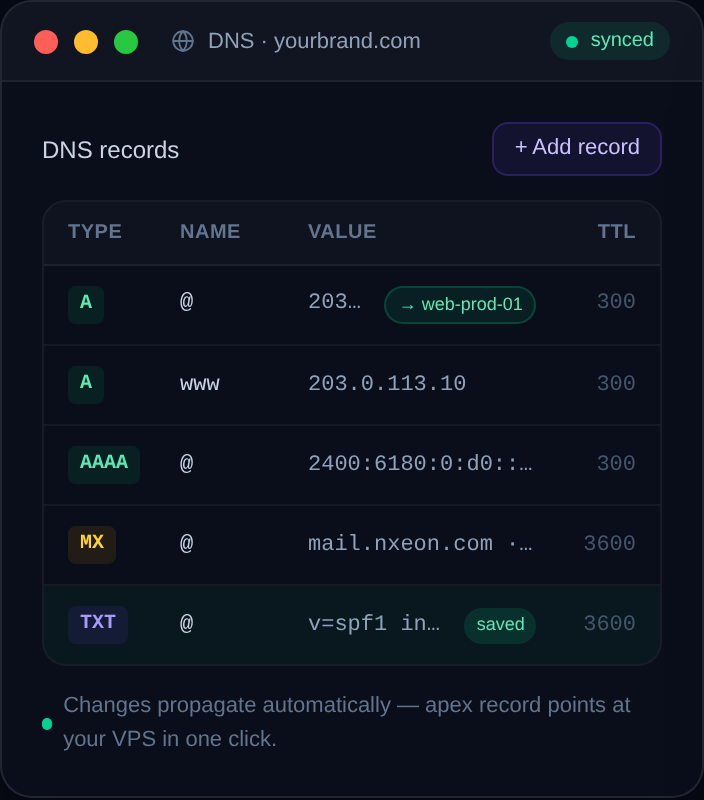
How to Set Up Custom Nameservers for Your Domain
Point your domain at the nameservers of Cloudflare, your host, or your own DNS server — the switch that hands DNS control to the right place. Here's how, safely.
What Is a Glue Record and When Do You Need One?
Glue records solve a chicken-and-egg problem in DNS when your nameservers live on the domain they serve. Here's the plain-English explanation and when you need them.
How to Stop Your Emails Going to Spam
A practical checklist for getting your email out of the spam folder — authentication, reputation, content and infrastructure — with the exact fixes that move the needle.
How to Set Up SPF, DKIM and DMARC Step by Step
The three DNS records that decide whether your email lands in the inbox or the spam folder. Here's exactly what to publish, in the right order, with real values.
How to Self-Host a URL Shortener on a VPS
Branded short links on your own domain, with real analytics and no third-party shutting them down. Install Shlink on a VPS with Docker.
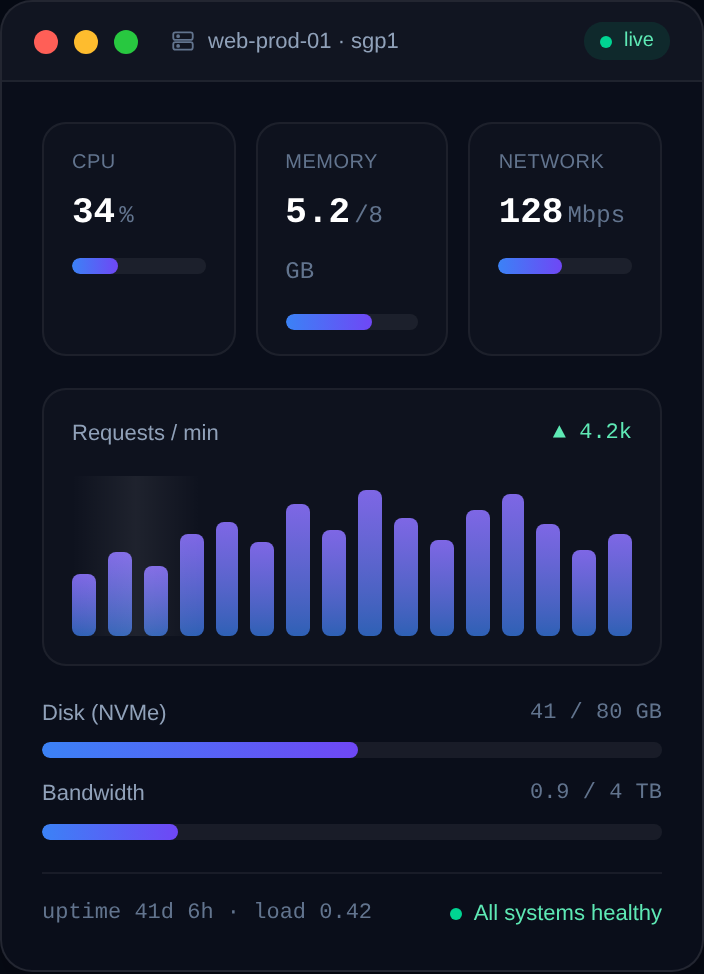
How to Self-Host a Status Page for Your Services
Give users a public status page that shows what's up, what's down and why. Build one for free with Uptime Kuma on a VPS.
How to Self-Host a Password Manager on a VPS
Which self-hosted password manager should you run, and how? Compare Vaultwarden, KeePass sync and Passbolt, then deploy your pick on a VPS with HTTPS.
How to Self-Host Syncthing for File Sync
Syncthing keeps folders in sync across your devices with no cloud provider in between. Run it on a VPS as an always-on relay so devices sync even when they're not both online.
How to Self-Host Vaultwarden (Bitwarden-Compatible) on a VPS
Run your own password vault with Vaultwarden, a lightweight server that works with every official Bitwarden app. Docker install with HTTPS in minutes.
Deploy your first server in under a minute.
Creating an account is free and takes no card details. Every guide here runs on a Nxeon VPS or game server.