






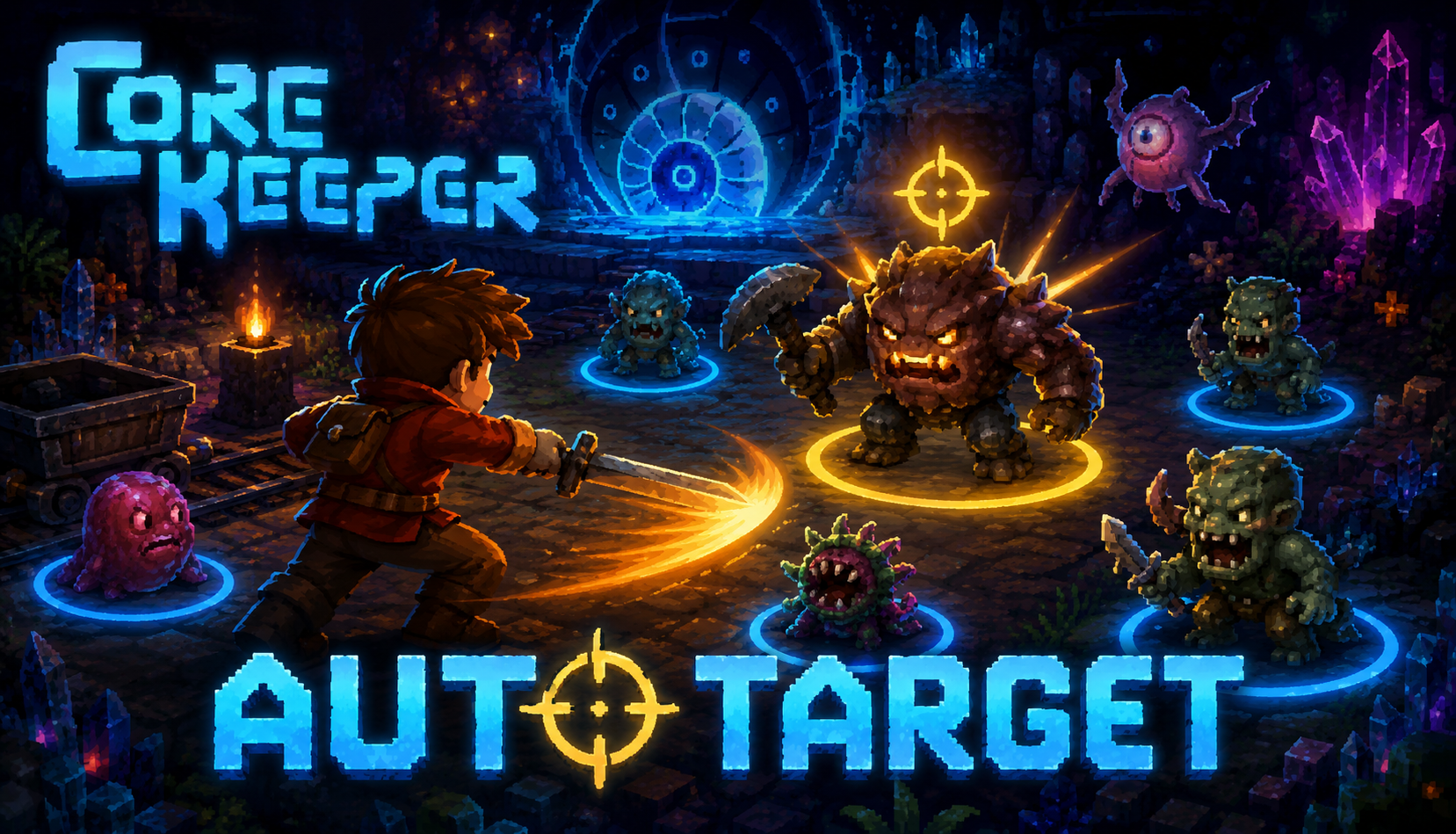

About AutoTarget
From mod.ioAdds auto-aim and manual target locking to Core Keeper. Press F to automatically aim all attacks at the nearest enemy, or hover over an enemy and press T to lock onto it. Locked and auto-aimed targets are highlighted with coloured rings.
AutoTarget
A combat targeting mod for Core Keeper that adds auto-aim and manual target locking.
Features
Auto-Aim — when active, all attacks automatically aim toward the nearest valid enemy within range. Works with ranged weapons, beams, and lunge attacks. Melee facing direction can also be overridden (configurable).
Target Lock — manually pin a specific enemy by pressing the lock key while hovering your cursor over it. All attacks aim at the locked target until you release it or the target dies. The lock clears automatically on death or despawn.
Visual Rings — active targets are highlighted with a coloured circle ring:
- Gold ring: manually locked target
- Cyan ring: auto-aim target (hidden while a lock is held)
Friendly entities are never targeted — this includes minions, pets, and summons that share your faction (such as the Phantom Spark ghost).
Installation
To install the mod you can either subscribe to it on mod.io or download and install it manually.
Mod.io installation
Subscribe either through the website or the in-game [mods] tab.
This mod requires Elevated Permissions to work — you will be prompted with that information after restarting the game.
If you subscribe on the mod.io website, you still need to open the [mods] tab in game for it to download and install.
Updating
Go into the game's [mods] tab and click [collection] at the top of the screen. The [AutoTarget] mod should begin updating automatically. Restart the game once it finishes.
Manual installation
Download the file from the mod.io website, unpack it as a folder into:
<pre>CoreKeeper_Data\StreamingAssets\Mods </pre> inside your Core Keeper installation directory.
Updating
Follow the installation instructions above.
Issues
Please report any issues here: https://github.com/jnielson9/corekeeper_mod_autotarget/issues
Default Keybinds
<table> <thead> <tr> <th>Key</th> <th>Action</th> </tr> </thead> <tbody> <tr> <td>F</td> <td>Toggle auto-aim on / off</td> </tr> <tr> <td>T</td> <td>Lock enemy under cursor / release lock</td> </tr> </tbody> </table> Configuration
Settings are saved to AutoTarget_config.json in the game's persistent data folder:
%AppData%\..\LocalLow\Pugstorm\Core Keeper\ </pre> The file is created automatically on first run with default values. Edit it with any text editor while the game is closed.
<table> <thead> <tr> <th>Option</th> <th>Default</th> <th>Description</th> </tr> </thead> <tbody> <tr> <td>autoAimEnabled</td> <td>false</td> <td>Whether auto-aim starts enabled when you load the game</td> </tr> <tr> <td>targetingRange</td> <td>15</td> <td>Radius in world units (~tiles) to scan for enemies</td> </tr> <tr> <td>highlightEnabled</td> <td>true</td> <td>Show the circle rings on targets</td> </tr> <tr> <td>overrideMeleeFacing</td> <td>true</td> <td>Also redirect melee facing direction toward the target</td> </tr> <tr> <td>toggleAutoAimKeyCode</td> <td>70</td> <td>KeyCode int for the auto-aim toggle (70 = F)</td> </tr> <tr> <td>lockTargetKeyCode</td> <td>84</td> <td>KeyCode int for target lock (84 = T)</td> </tr> <tr> <td>debug</td> <td>false</td> <td>Log targeting events to the game log for troubleshooting</td> </tr> </tbody> </table> Keybinds use Unity KeyCode integer values.
Contribution
To work on the mod from the CoreKeeperModSDK, add this project as a submodule\clone into CoreKeeperModSDK/Assets/AutoTarget:
git submodule add https://github.com/jnielson9/corekeeper_mod_autotarget.git .\Assets\AutoTarget </pre> Notes
- The mod is client-side only; it does not affect other players.
- Auto-aim state (on/off) is remembered between sessions.
- Target lock is cleared when switching worlds or returning to the menu.
Highlights
From source dataFootprint
Rated a light load on a server.
Last update
Its author last shipped an update 6 mo ago.
AutoTarget on Nxeon
From our catalogue- One-click install
- Supported on Nxeon Core Keeper servers. We download it from mod.io, place it, and restart the server.
- Server side
- Client-only: it runs in players’ own games, so it can’t be installed on a server
- Server load
- light
- Smallest plan we suggest
- Core Keeper — 2 GB (2 GB RAM). This follows our own load rating above, not a benchmark.
- Latest build
- 6073383_modfile-d7c6.zip, released 2026-05-20
Run AutoTarget on a Core Keeper server
Pick a server or deploy a new one above; it is installed in one click.
What kind of mod it is
From the catalogQuality of life & UI
Small conveniences, tweaks and interface improvements players notice straight away.
Client-side mod
From source side supportmod.io lists AutoTarget as not supported on servers. It runs in players’ own games, not on your server.
Compatibility
- Game
- Core Keeper
- Runs on
- Client only
Verified at the source
- ✓mod.ioOfficial listing, checked 2026-11-03Open ↗
- ✓Authorthebigguy14269, as published on mod.io
- ✓LicenseNot published by the sourceFree















