
About Camera Mode
From mod.ioAllows you to easily take high quality (and huge) screenshots of your world.
Adds a Terraria-inspired Camera Mode to the game, allowing you to easily take high quality (and huge) screenshots of your world.
Features and usage
Press the button bound to "Toggle Camera Mode" (F4 by default) while in-game to toggle Camera Mode.
In Camera Mode, the normal game UI is hidden and you can't interact with the world. Several options will be visible in the top-left of the screen:
- Capture screenshot: Captures the area currently visible on your screen.
- Capture frame: Captures the selected frame. Areas larger than your screen will be stitched together automatically.
- Pin frame: Set the frame by clicking in the world or on the fullscreen map.
- Clear frame: Clears the selected frame.
- Toggle map: Toggles the fullscreen map.
- Open folder: Opens the folder that captures are saved in. (
C:\Users\%userprofile%\AppData\LocalLow\Pugstorm\Core Keeper\<platform>\<platform-id>\mods\CameraMode\Captureson Windows) - Settings: Toggles the capture settings panel. Allows you to change the capture quality, resolution scale and lighting type.
Credits
- ppblitto (Brazillian Portuguese translation)
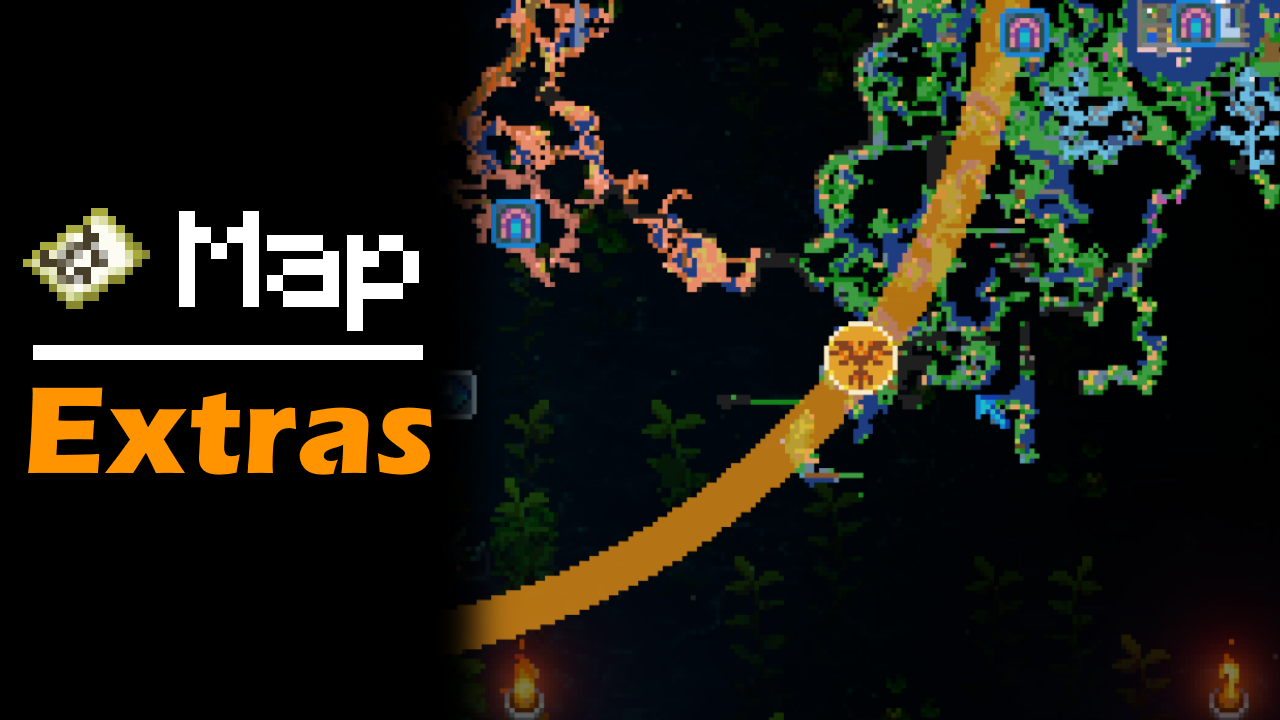
- World in the third screenshot is Caveling's Workshop - All Items Map
Highlights
From source dataGame versions
Supports 9 Core Keeper versions, the newest being 1.2.0.3.
Footprint
Rated a light load on a server.
Last update
Its author last shipped an update 44d ago.
Camera Mode on Nxeon
From our catalogue- One-click install
- Supported on Nxeon Core Keeper servers. We download it from mod.io, place it, and restart the server.
- Server side
- Client-only: it runs in players’ own games, so it can’t be installed on a server
- Server load
- light
- Smallest plan we suggest
- Core Keeper — 2 GB (2 GB RAM). This follows our own load rating above, not a benchmark.
- Latest build
- 5226463_modfile-drzl.zip, released 2026-09-21
Run Camera Mode on a Core Keeper server
Pick a server or deploy a new one above; it is installed in one click.
What kind of mod it is
From the catalogCosmetics, visuals & audio
Skins, textures, shaders, models and sound — how the game looks and sounds.
Client-side mod
From source side supportmod.io lists Camera Mode as not supported on servers. It runs in players’ own games, not on your server.
Compatibility
- Game
- Core Keeper
- Runs on
- Client only
- Game versions
- 1.2.0.3 and 8 earlier
Verified at the source
- ✓mod.ioOfficial listing, checked 2026-11-05Open ↗
- ✓Authormoorowl, as published on mod.io
- ✓LicenseNot published by the sourceFree