
About Crafting Timer
From mod.ioCustomize machine processing times and extend crafting access to nearby storage through one in-game settings menu.
Crafting Timer
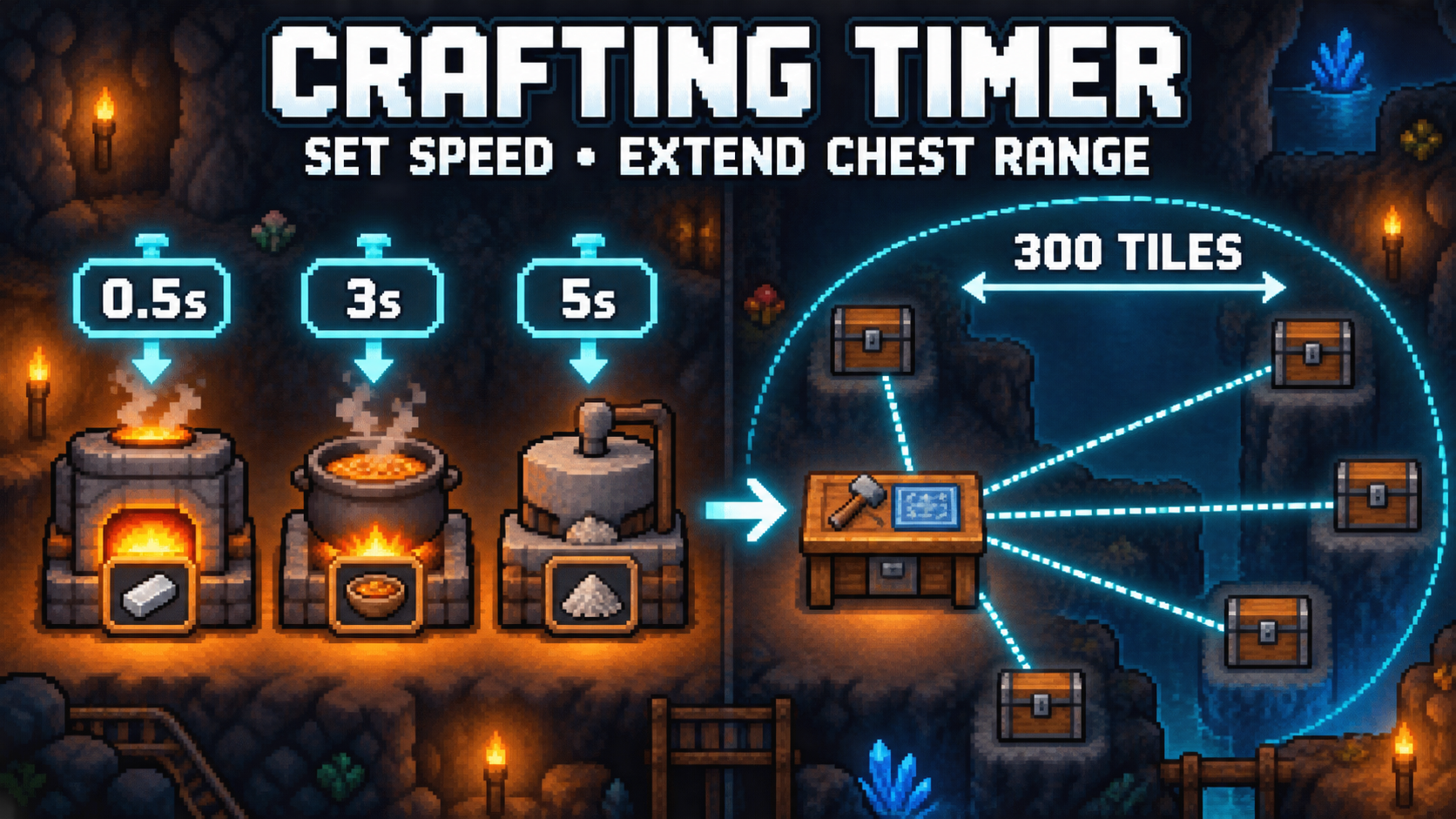
Take control of production speed and storage access from a dedicated in-game settings menu. Crafting Timer lets you set separate processing times for different activities and allows crafting stations to use materials from chests across a much larger area.
Features
Adjustable Processing Times
Set a separate timer for each supported activity:
- Smelting
- Cooking
- General machine processing
- Extracting, including the Shredder and Seed Extractor
- Incinerating
- Fishing
- Critter catching
Every timer offers the following choices:
- Default game time
- 0.5 seconds
- 1 to 10 seconds
Using Default leaves that activity at its normal game speed. All selected values are saved automatically.
Extended Crafting Storage
Control how crafting stations and inventory transfers interact with nearby chests:
- Crafting Chest Range: Choose how far crafting stations can search for materials.
- Quick Stack Range: Choose how far Quick Stack can search for matching storage.
- Chests Read: Set the maximum number of chests checked during a search.
- Only Named Chests: Restrict extended storage access to chests you have named.
The named-chest option helps prevent machines and Quick Stack from using storage that you want to keep separate.
How to Configure
- Open the game’s Settings menu.
- Select Crafting Timer Settings.
- Use left or right to change each value.
All features are configured through the menu. There are no chat commands.
Multiplayer
Processing timers use the saved Crafting Timer settings. Storage-range options are controlled by the host because crafting and inventory transfers are validated by the host world.
Requirements
- CoreLib
Highlights
From source dataFootprint
Rated a light load on a server.
Last update
Its author last shipped an update 37d ago.
Crafting Timer on Nxeon
From our catalogue- One-click install
- Supported on Nxeon Core Keeper servers. We download it from mod.io, place it, and restart the server.
- Server side
- Required on the server
- Server load
- light
- Smallest plan we suggest
- Core Keeper — 2 GB (2 GB RAM). This follows our own load rating above, not a benchmark.
- Latest build
- 1.3.0.2, released 2026-09-27
Run Crafting Timer on a Core Keeper server
Pick a server or deploy a new one above; it is installed in one click.
What kind of mod it is
From the catalogWeapons, items & crafting
New weapons, gear, items and the recipes to make them.
Runs on your server
From source side supportmod.io lists Crafting Timer as required on the server. Check its mod.io page to see whether players need it too.
Compatibility
- Game
- Core Keeper
- Runs on
- Serverrequired on the server
Verified at the source
- ✓mod.ioOfficial listing, checked 2026-11-03Open ↗
- ✓Authorjs13006, as published on mod.io
- ✓LicenseNot published by the sourceFree