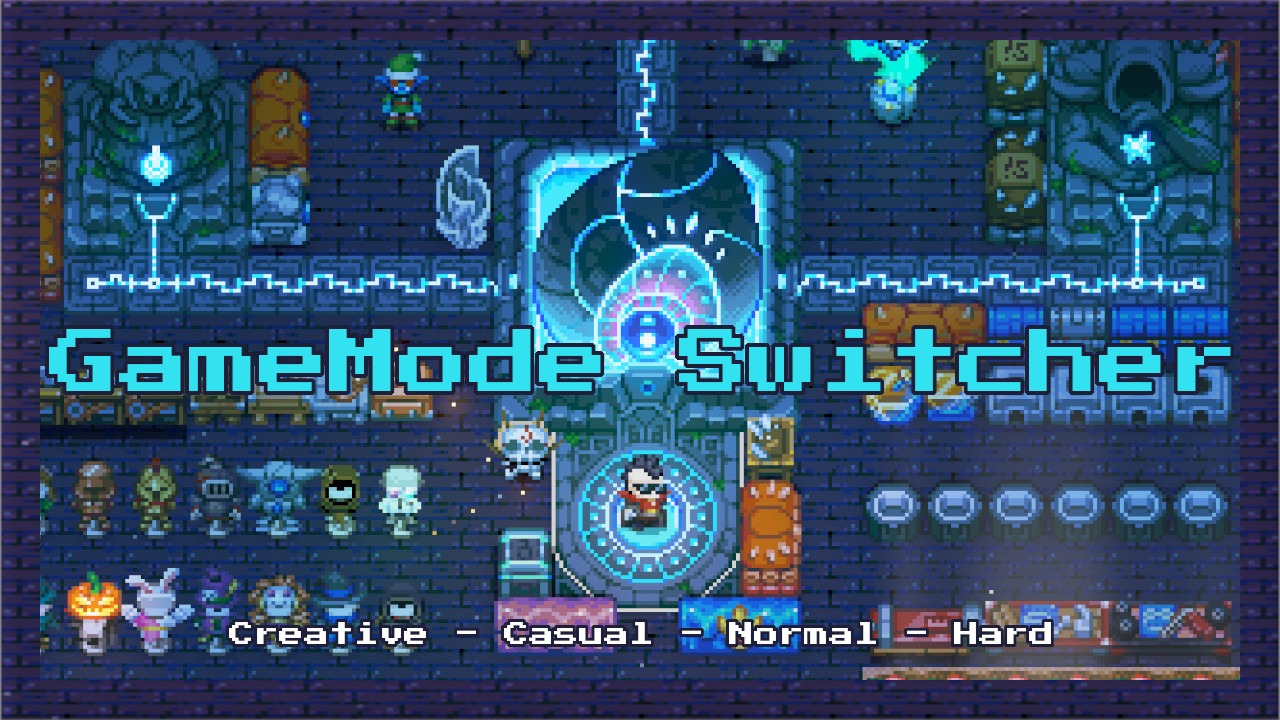

About GameMode Switcher
From mod.ioEasily switch your current world between Creative, Casual, Normal, and Hard using the /gamemode command. (Requires CoreLib)
GameMode Switcher (Requires CoreLib)
Game Mode Switcher lets you change the current world mode between Creative, Casual, Normal, and Hard using the /gamemode command.
Works on Core Keeper 1.3+, local and host only.
FEATURES
Game Mode Switcher gives you full control over your world’s mode without leaving the game. Just type /gamemode creative, /gamemode casual, /gamemode normal, or /gamemode hard to switch instantly, and use /gamemode by itself to see the current mode. The change is written directly to the world save, so it sticks when you save and reload.
⚠️ Important: If you switch to Creative Mode and leave the world without switching back to another mode, only Creative characters will be able to join that world. You can change the mode again at any time to allow other characters to join.
CHAT COMMANDS (Requires CoreLib)
Only the local host (or single-player) can execute the /gamemode commands.
Commands are not used in the console, they are used in the chat
/help gamemode- Shows the available commands and their descriptions (provided by CoreLib’s command system)./gamemode- Shows the current game mode of your world./gamemode creative- Switches the world to Creative mode./gamemode casual- Switches the world to Casual mode./gamemode normal- Switches the world to Normal mode./gamemode hard- Switches the world to Hard mode.
HOW IT WORKS
- Open the in-game chat.
- Type /gamemode to see your current world mode.
- Type /gamemode creative, /gamemode casual, /gamemode normal, or /gamemode hard to switch modes.
- The change applies immediately after the command.
- The new mode is saved automatically and stays active after reloading the world.
- Only the single-player or multiplayer host can change the mode.
CREDITS
Created by Parcew
CoreLib Commands and Hotkeys thanks to Limoka
Special thanks to the Core Keeper modding community.
FEEDBACK & SUPPORT
Discord: @parcew (preferred)
You can also leave a comment on the mod page.
LINKS
Modding guide: https://modding.corekeepergame.com/
My other mods: https://mod.io/u/parcew/
Support my work: https://ko-fi.com/parcew
LICENSE
This mod is protected by the Parcew Mod License. Re-uploading, redistributing, or including this mod (or any of its files, assets, prefabs, or other original content) in other mods or packs without written permission is not allowed.
Full license: https://github.com/parcew/modding/blob/main/LICENSE.md
Permission requests: Discord parcew
This mod is not affiliated with or endorsed by Pugstorm.
Highlights
From source dataGame versions
Built for Core Keeper 1.2.1.5.
Footprint
Rated a light load on a server.
Last update
Its author last shipped an update 39d ago.
GameMode Switcher on Nxeon
From our catalogue- One-click install
- Supported on Nxeon Core Keeper servers. We download it from mod.io, place it, and restart the server.
- Server side
- Client-only: it runs in players’ own games, so it can’t be installed on a server
- Server load
- light
- Smallest plan we suggest
- Core Keeper — 2 GB (2 GB RAM). This follows our own load rating above, not a benchmark.
- Latest build
- 1.0.2, released 2026-09-26
Run GameMode Switcher on a Core Keeper server
Pick a server or deploy a new one above; it is installed in one click.
What kind of mod it is
From the catalogQuality of life & UI
Small conveniences, tweaks and interface improvements players notice straight away.
Client-side mod
From source side supportmod.io lists GameMode Switcher as not supported on servers. It runs in players’ own games, not on your server.
Compatibility
- Game
- Core Keeper
- Runs on
- Client only
- Game versions
- 1.2.1.5
Verified at the source
- ✓mod.ioOfficial listing, checked 2026-10-20Open ↗
- ✓AuthorParcew, as published on mod.io
- ✓LicenseNot published by the sourceFree