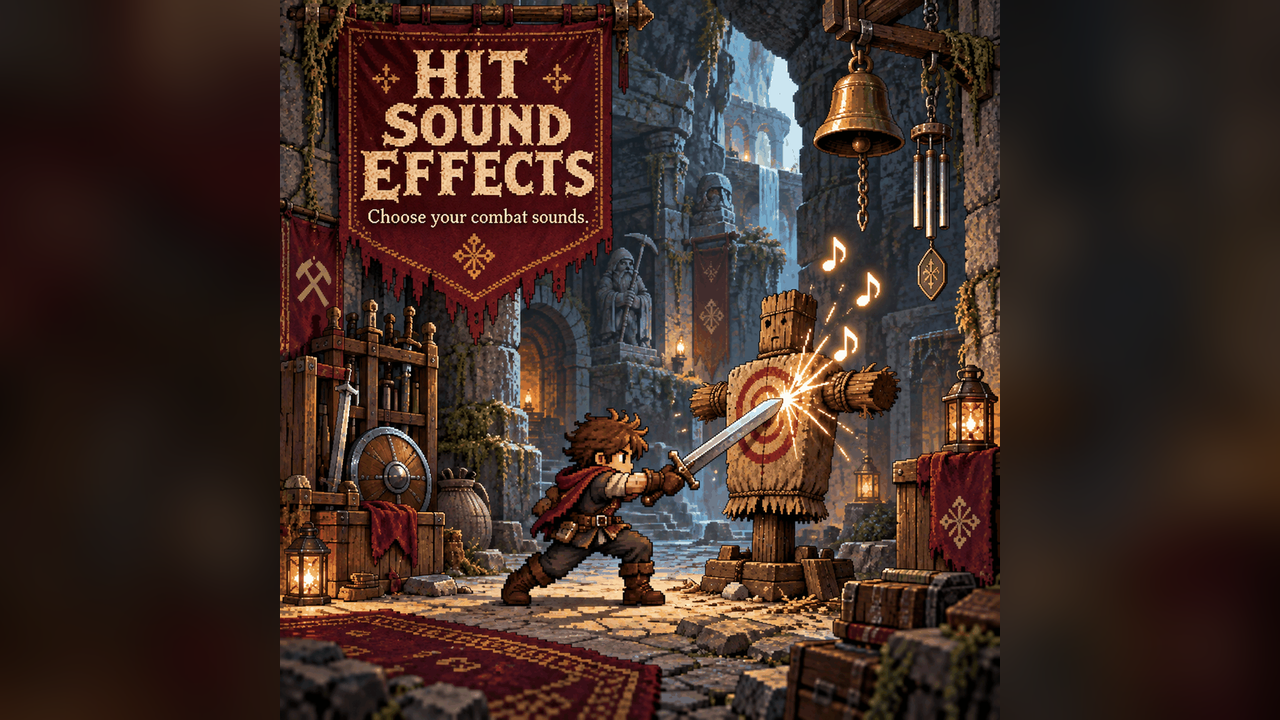

About Hit Sound Effects
From mod.ioHear hits, kills and damage more clearly with separate sounds: a ting when you hit a creature, a coin "cha-ching" when a recently hit creature dies, and a clang when you take damage. The vanilla sounds they replace are muted. Open Settings > Mod...
Hear hits, kills and damage more clearly with separate sounds: a ting when you hit a creature, a coin "cha-ching" when a recently hit creature dies, and a clang when you take damage. The vanilla sounds they replace are muted.
Open Settings > Mod Options > Hit Sound Effects to choose sounds and adjust each volume and pitch; set a slot to Off for the vanilla sound.
Previously named Stim Hits. Existing settings and custom sound files carry over; the internal folder remains StimHits.
| Option | Default | |
|---|---|---|
| Hit sound / volume / pitch | Auto / 0.8 / 1.0 | You damage a creature (melee, bow, gun, staff). |
| Kill sound / volume / pitch | Auto / 0.9 / 1.0 | A creature you hit in the last 1.5 s dies. |
| Hurt sound / volume / pitch | Auto / 0.9 / 1.0 | You take damage. |
| Hit range (tiles) | 16 | Creatures' vanilla hurt sounds are muted within this range (objects ding within it). |
| Ding on objects too | Off | Also ding on ore boulders, destructibles etc. while you are attacking (drills and other players hitting nearby objects stay vanilla) |
Sounds: Auto (your own hit/kill/hurt file if present, else the built-in sound for that slot),
Ting, Clang, Coin (the mod's own synthesized sounds), Game Clang / Small Clang / Ding /
Anvil / Bell / Shield (Core Keeper's sounds), then every sound file in your sounds folder, listed
by file name, so you can cycle through them in the menu.
Your own sounds
Put .mp3, .ogg or .wav files (subfolders are fine) in
%USERPROFILE%\AppData\LocalLow\Pugstorm\Core Keeper\Steam\<your id>\mods\StimHits\Sounds
The folder is created on first launch. Every file shows up by name in all three sound choices after
a restart. Files named hit, kill or hurt in the folder itself are what Auto plays; add
numbered variants (kill2, kill3, ...) and a random one plays each time. The folder lives outside
the mod, so updates never touch it and your files are never shared with anyone. Keep sounds short
(under a second). Silence at the start of a file is cut automatically so sounds land on the hit.
Limits
- Hits are attributed through the damage numbers: your melee and your own projectiles count; pets,
minions and other players do not. Their creature-hurt sounds are still muted within the range.
- Replaced: the creature's hurt sound, the melee impact sound and the impact sound of your
projectiles that hit. Flash, particles and enemy death sounds stay vanilla.
- Sound playback is local: other players hear their own settings. The manifest requires the mod on both client and server for multiplayer.
Requires CoreLib and Mod Options. Built into Sid's Overhaul.
Source and full docs: https://github.com/Sthakur27/corekeeper-mods/tree/main/StimHits
Highlights
From source dataFootprint
Rated a light load on a server.
Last update
Its author last shipped an update 3d ago.
Hit Sound Effects on Nxeon
From our catalogue- One-click install
- Supported on Nxeon Core Keeper servers. We download it from mod.io, place it, and restart the server.
- Server side
- Required on the server
- Server load
- light
- Smallest plan we suggest
- Core Keeper — 2 GB (2 GB RAM). This follows our own load rating above, not a benchmark.
- Latest build
- 1.4.3, released 2026-10-31
Run Hit Sound Effects on a Core Keeper server
Pick a server or deploy a new one above; it is installed in one click.
What kind of mod it is
From the catalogCosmetics, visuals & audio
Skins, textures, shaders, models and sound — how the game looks and sounds.
Runs on your server
From source side supportmod.io lists Hit Sound Effects as required on the server. Check its mod.io page to see whether players need it too.
Compatibility
- Game
- Core Keeper
- Runs on
- Serverrequired on the server
Verified at the source
- ✓mod.ioOfficial listing, checked 2026-11-03Open ↗
- ✓Authorcoopdedoop, as published on mod.io
- ✓LicenseNot published by the sourceFree