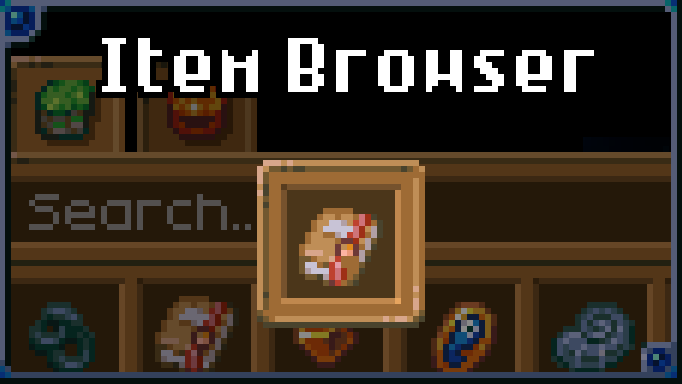

About Item Browser
From mod.ioAllows you to view every item and creature in the game, see their sources and usages, spawn them in and more!
Allows you to view every item and creature in the game, see their sources and usages, spawn them in and more!
Usage
To open the browser, enter a world and press the button bound to "Toggle browser" (Z by default). The items tab is shown by default, but you can swap to the creatures or cooking tab in the top-left of the browser.
Features
View sources and usages
View the sources and usages of an item/creature by clicking in the browser.
You can also press the button bound to "Show sources" (O by default) or "Show usages" (U by default) while hovering over any item slot.
Not all sources and usages are supported, but most are! See below for a full list.
Values that are affected by world mode and player count (such as boss drop chances) will adjust automatically.
Searching, filtering and sorting options
Search by display name or object ID. Some filtering options include mod, version added, effect, equipment type, damage type and level.
You can double click on the search bar to highlight the search results in chests and your inventory.
Favorites
Favorite an item/creature by hovering over it in the browser and pressing the button bound to "Toggle locking mode" (F by default). Favorites are pinned to the top of the items/creatures list.
History
The history tab (found in the top-left of the browser) shows up to 100 previously accessed sources and usages.
Mod support
Automatic mod support for content using vanilla features.
Other features
These are available in the options tab:
- "Cheat mode" allows you to spawn in items by pressing the button bound to "Give item" (middle click by default). Requires creative mode or admin privileges.
- "Hide undiscovered" hides items/creatures in the browser until you've picked up or encountered them. Clicking on an undiscovered item/creature will reveal it temporarily. This is an experimental feature so I'd appreciate any feedback!
Supported sources/usages
- Background perks
- Breeding
- Bucketing
- Cattle produce
- Challenge arena reward
- Cooking ingredient
- Crafting
- Creature summoning
- Critter catching
- Drops (including structure-exclusive)
- Drops when damaged
- Farming
- Fishing
- Initial generation
- Loot (including structure-exclusive)
- Merchant
- Merchant spawning
- Ore boulder extraction
- Over time around entity
- Polishing
- Primary loot table
- Respawn event
- Saddling
- Salvaging
- Seed extracting
- Structure plundering/contents
- Talent pool
- Terrain generation
- Territory plundering/contents
- Trading
- Unlocking
- Vending
- Wall destruction (locked chests + archaeologist)
Credits
ppblitto (Brazillian Portuguese translation)
Highlights
From source dataGame versions
Built for Core Keeper 1.2.1.5.
Footprint
Rated a light load on a server.
Last update
Its author last shipped an update 44d ago.
Item Browser on Nxeon
From our catalogue- One-click install
- Supported on Nxeon Core Keeper servers. We download it from mod.io, place it, and restart the server.
- Server side
- Client-only: it runs in players’ own games, so it can’t be installed on a server
- Server load
- light
- Smallest plan we suggest
- Core Keeper — 2 GB (2 GB RAM). This follows our own load rating above, not a benchmark.
- Latest build
- 5820594_modfile-3cjt.zip, released 2026-09-21
Run Item Browser on a Core Keeper server
Pick a server or deploy a new one above; it is installed in one click.
What kind of mod it is
From the catalogCosmetics, visuals & audio
Skins, textures, shaders, models and sound — how the game looks and sounds.
Client-side mod
From source side supportmod.io lists Item Browser as not supported on servers. It runs in players’ own games, not on your server.
Compatibility
- Game
- Core Keeper
- Runs on
- Client only
- Game versions
- 1.2.1.5
Verified at the source
- ✓mod.ioOfficial listing, checked 2026-11-04Open ↗
- ✓Authormoorowl, as published on mod.io
- ✓LicenseNot published by the sourceFree