
About Mod Settings Menu
From mod.ioA shared in-game Options-menu screen where other mods register their settings.
Mod Settings Menu
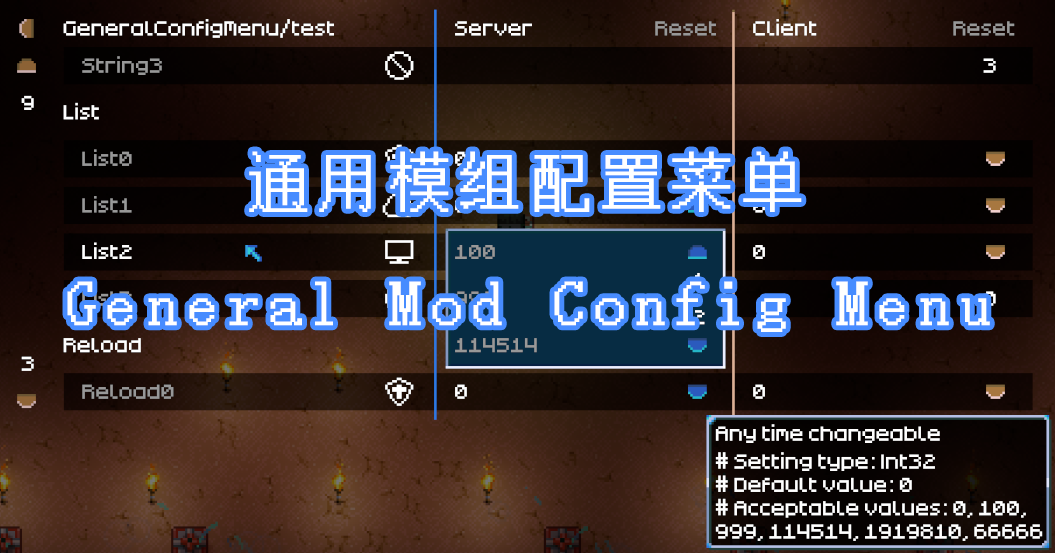
A shared in-game settings screen for Core Keeper mods. Other mods register their options here, and they appear as a tidy panel under Options → Mod Settings — no config files to hand-edit, no separate per-mod menus.
For players: you most likely installed this because another mod depends on it. There is nothing to configure in Mod Settings Menu itself — each dependent mod adds its own section with its own toggles, sliders, and choices. Open Options → Mod Settings to find them.
- Every setting saves automatically and is restored on the next launch.
- Settings are grouped per mod, under the mod's name as the heading.
- Labels follow your game language wherever the mod author provides translations.
For mod authors: adding a settings section takes about five lines in your mod's IMod.Init — declare toggles, sliders, discrete choices, or steppers, then read the live values wherever you need them. The framework renders the menu and persists every value (through CoreLib) for you. The full API reference lives in the source repository's README.
Dependency: requires CoreLib.
Multiplayer: install on both the client and the server.
Built with the official Pugstorm Core Keeper Mod SDK. Personal-use, non-commercial (Core Keeper EULA). Not affiliated with or endorsed by Pugstorm.
Highlights
From source dataGame versions
Supports 9 Core Keeper versions, the newest being 1.2.0.3.
Footprint
Rated a light load on a server.
Last update
Its author last shipped an update 24d ago.
Mod Settings Menu on Nxeon
From our catalogue- One-click install
- Supported on Nxeon Core Keeper servers. We download it from mod.io, place it, and restart the server.
- Server side
- Required on the server
- Server load
- light
- Smallest plan we suggest
- Core Keeper — 2 GB (2 GB RAM). This follows our own load rating above, not a benchmark.
- Latest build
- 1.2.2, released 2026-10-11
Recent builds
| Build | Released | Game versions | Loaders |
|---|---|---|---|
| 1.2.2 | 2026-10-11 | n/a | n/a |
| 1.2.1 | 2026-10-02 | n/a | n/a |
| 1.2.0 | 2026-09-27 | n/a | n/a |
Run Mod Settings Menu on a Core Keeper server
Pick a server or deploy a new one above; it is installed in one click.
What kind of mod it is
From the catalogCosmetics, visuals & audio
Skins, textures, shaders, models and sound — how the game looks and sounds.
Runs on your server
From source side supportmod.io lists Mod Settings Menu as required on the server. Check its mod.io page to see whether players need it too.
Compatibility
- Game
- Core Keeper
- Runs on
- Serverrequired on the server
- Game versions
- 1.2.0.3 and 8 earlier
Verified at the source
- ✓mod.ioOfficial listing, checked 2026-11-05Open ↗
- ✓AuthorValgardT, as published on mod.io
- ✓LicenseNot published by the sourceFree