
About Placement++
From mod.ioArea-work toolkit for builders: place blocks and seeds in up to 9x9 grids and lines, work with shovel/hoe/roofing tool/watering can at up to 9x9, and control the sledgehammer's size and hit shape in game. Multiplayer & dedicated server support.
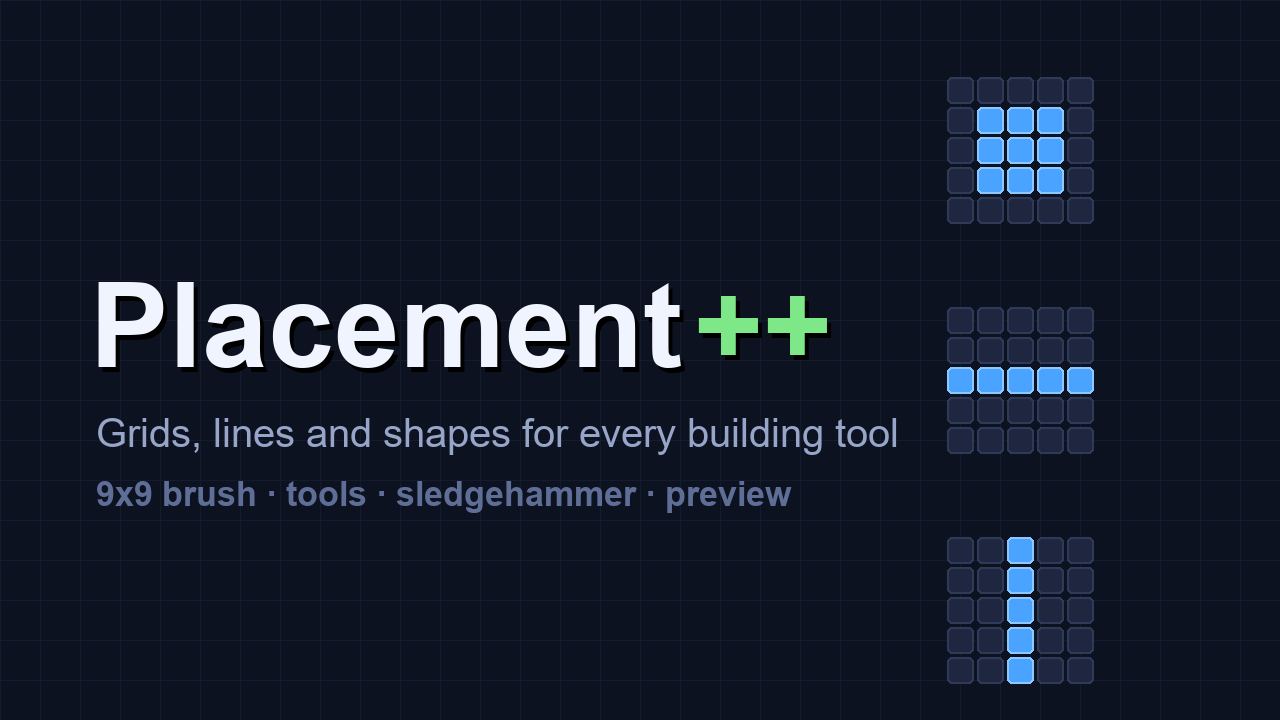
Placement++ is a building-focused overhaul based on Limoka's PlacementPlus, merged with Tool Resizer's tool scaling and extended with sledgehammer support, a creative void brush, previews and Korean localization. The goal: every area-work action a builder needs, in one mod.
한국어 안내는 아래쪽에 있습니다.
Features
Grid placement
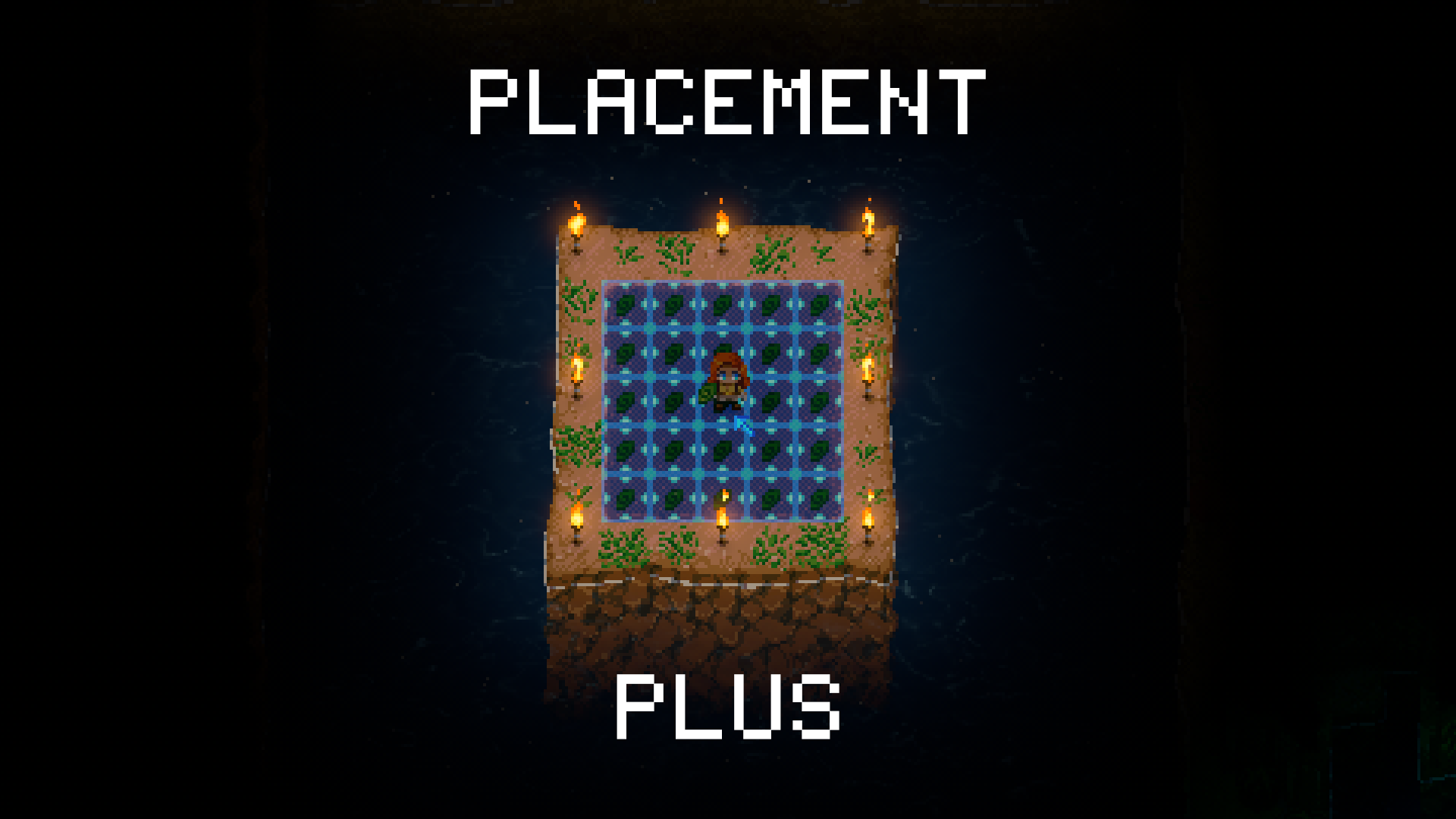
- Place most 1x1 objects — walls, floors, tiles, seeds — in squares or lines, 9x9 by default (configurable up to 15x15)
- Four brush shapes: horizontal line, vertical line, square, off (cycle with C)
- Hold Alt to replace existing tiles; toggle mode swaps BOTH layers of a cell (wall + the ground under it), and replacing works under placed objects and walls
- Materials are consumed normally; digging and mining use the durability of the shovel/pickaxe in your inventory. With god mode on, placing and replacing are free — no items, no durability, no drops
- Workbenches, doors and similar are excluded by default so you don't place nine of them by accident — configurable
REMOVE mode — creative void brush
- In creative worlds the wall-block mode cycle (V) gains a fourth mode: REMOVE
- It voids every layer of the brushed area at once — ground-only and ground+wall cells alike — and the holes persist through save/load
- Free of cost. Perfect for carving skyblock-style maps. Not available outside creative worlds
Tool area work (Tool Resizer merged and extended)
- Shovel, hoe, roofing tool and watering can work at up to 9x9 regardless of tool tier (resize with R or +/-)
- Shovel, hoe and roofing tool also follow the brush shape — dig a single row, mow a single column, and so on
- The preview matches the actual work area exactly
Roofing tool modes (V key)
- DEFAULT: stock behavior (fills if the area is fully open, punches otherwise)
- CLOSE ROOF: only fills · OPEN ROOF: only punches
- All three respect brush size and shape
Paint brush
- Paint whole areas at once following brush size and shape, with a preview
- Cycle colors with V
Sledgehammer
- Four sizes: 3x3 (stock) → 5x5 → 7x7 → 9x9, with +/- while holding it
- Two hit shapes (V key): SQUARE — an NxN box around the impact, for demolition; ARC — the stock swing grown to size, a wide swath in front (e.g. 9x5)
- A low-opacity preview shows where tiles will break; toggle and opacity are in the config menu and apply instantly
- In multiplayer the size and shape are server-wide values — admins only, changes are synced and announced to everyone
Localization
- Korean in-game messages and config menu names when the game language is Korean; English otherwise
Controls
(rebindable in the game's control settings)
- Numpad +/- — brush / tool / sledgehammer size (hold for auto-repeat)
- C — brush shape: horizontal → vertical → square → off (tools skip "off")
- V — tool mode: roofing DEFAULT/CLOSE/OPEN, wall blocks toggle/ground/wall (+REMOVE in creative), paint colors, sledgehammer SQUARE/ARC
- CapsLock + V — cycle backwards
- Hold LeftAlt — replace existing tiles
Settings
- Max Brush Size (default 9) — shared cap for brush and tools, adjustable 3–15; the "9x9" on this page is the default (tool caps apply after a restart; the sledgehammer is capped at 9x9 by the game itself)
- Allow Wall Variants (off) — let items with wall-mounted variants (torches, doors, lamps) into the brush; orientations may come out odd
- Ignore Builtin Exclude (off) — allow brush placement of workbenches, doors, minecarts and other excluded items
- Sledgehammer Preview (on) and Preview Opacity (0.15, applies instantly)
Multiplayer / Dedicated servers
- Install on both client and server
- Sledgehammer size/shape can only be changed by admins listed in Admins.json (no restriction in singleplayer)
- Since 1.2.0 dedicated servers work out of the box — do NOT rename lib_burst_generated.dll anymore. If you renamed it for an earlier version, restore the original name (or let a server update restore it): the workaround is no longer needed, and running the server without that native code costs real performance (rubber-banding when things get busy).
Requirements
- CoreLib (required)
- General Mod Config Menu recommended for the in-game settings menu (the cfg file works without it)
- Disable the original PlacementPlus and Tool Resizer while using this mod — it replaces both
Known limitations
- Objects larger than 1x1 (beds etc.) cannot be brush-placed
- The sledgehammer's attack shape and tile shape come from one value — "arc attack + square tiles" is not possible; in ARC shape the size number is the swath's width (5 → 5x3, 7 → 7x5, 9 → 9x5)
- The preview can shift by one tile as you move within a tile — it always matches where the hit actually lands
- Bucket and watering can support square areas only (no brush shapes)
Credits
- Original mod: Limoka (mod.io: limoka8) — PlacementPlus (MIT license, included)
- Tool scaling idea: LordOfCloud — Tool Resizer
- Sledgehammer range approach: ReishyouSose — Quality of Core Keeper
한국어 안내
Placement++ 는 Limoka의 PlacementPlus를 바탕으로 Tool Resizer의 도구 확장을 흡수하고, 대형망치 지원·크리에이티브 제거 브러시·미리보기·한국어를 얹은 건축 특화 통합판입니다.
주요 기능
- 브러시 면적 설치 — 벽·바닥·타일·씨앗 등 1x1 배치물 대부분을 사각형/줄로 한 번에 설치 (기본 9x9, 설정으로 15x15까지). 모양 4종: 가로줄·세로줄·사각형·끔 (C키). Alt를 누른 채 설치하면 기존 타일 교체 — 동시 모드는 벽+바닥 양층을 한 번에 갈고, 물건·벽 아래 타일도 교체됨. 갓 모드에서는 설치·교체가 완전 무료 (아이템·내구도·드랍 없음)
Highlights
From source dataGame versions
Built for Core Keeper 1.2.1.5.
Footprint
Rated a light load on a server.
Last update
Its author last shipped an update 2 mo ago.
Placement++ on Nxeon
From our catalogue- One-click install
- Supported on Nxeon Core Keeper servers. We download it from mod.io, place it, and restart the server.
- Server side
- Required on the server
- Server load
- light
- Smallest plan we suggest
- Core Keeper — 2 GB (2 GB RAM). This follows our own load rating above, not a benchmark.
- Latest build
- 1.2.5, released 2026-08-27
Run Placement++ on a Core Keeper server
Pick a server or deploy a new one above; it is installed in one click.
What kind of mod it is
From the catalogQuality of life & UI
Small conveniences, tweaks and interface improvements players notice straight away.
Runs on your server
From source side supportmod.io lists Placement++ as required on the server. Check its mod.io page to see whether players need it too.
Compatibility
- Game
- Core Keeper
- Runs on
- Serverrequired on the server
- Game versions
- 1.2.1.5
Verified at the source
- ✓mod.ioOfficial listing, checked 2026-11-04Open ↗
- ✓Authorunholyzealot, as published on mod.io
- ✓LicenseNot published by the sourceFree