






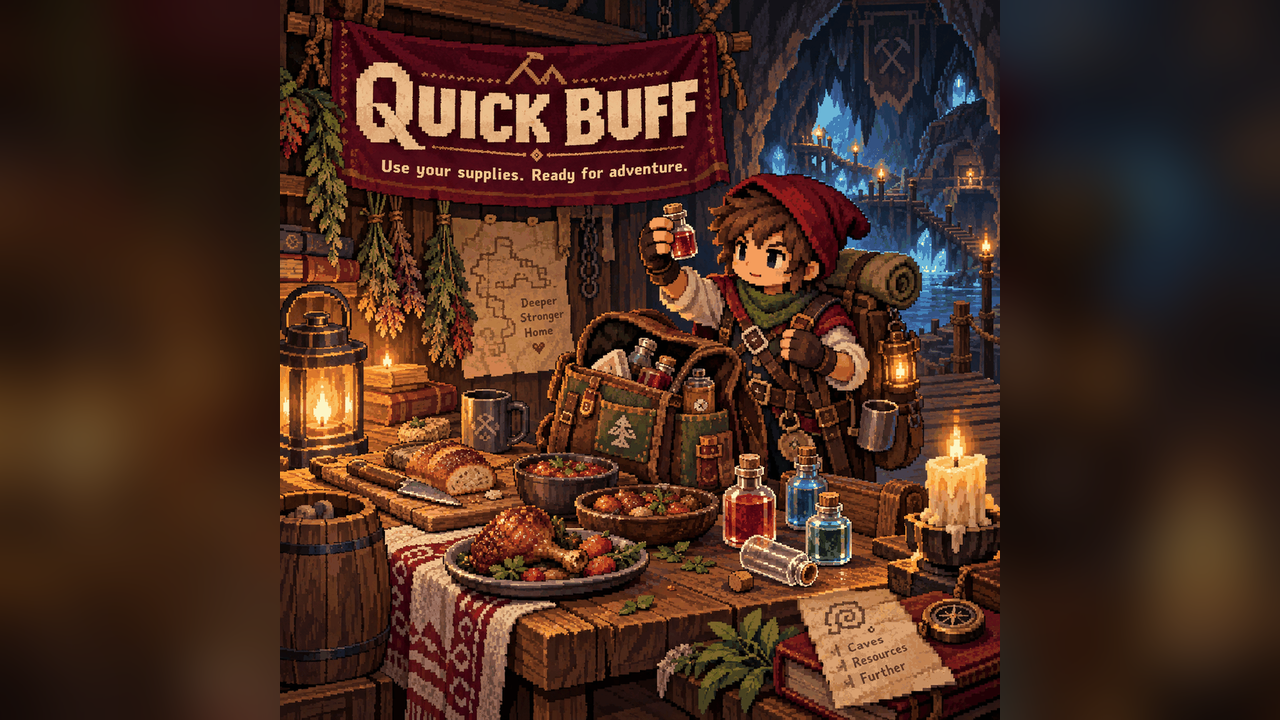

About Quick Buff
From mod.ioGet ready for a fight with one key, then heal, restore mana or refresh your food buffs just as quickly.
Get ready for a fight with one key, then heal, restore mana or refresh your food buffs just as quickly.
Keys at a glance
- B — Quick Buff: consume one of each distinct buff food and buff potion you carry.
- H — Quick Heal: drink the first instant-healing potion found, starting with the hotbar. Does nothing at full health.
- J — Quick Mana: drink the first mana potion found, starting with the hotbar. Does nothing at full mana.
- F — Quick Food: consume buff foods only. By default, this uses cooked food and leaves raw food alone. It works regardless of hunger.
Rebind these in Controls > Quick Buff. The actions search your main inventory and equipped pouches, including extra pouch slots. Keys are ignored while menus, inventories or text entry are open. A chat message reports the result.
Avoid using supplies too early
By default, an item is skipped when all of its buffs have more than 30 seconds left. If even one buff is missing or running low, the item can be used again. Quick Buff leaves hunger-only, heal-only, mana-only and permanent-upgrade items alone; use Quick Heal for healing potions and Quick Mana for mana potions.
Open Settings > Mod Options > Quick Buff to change:
- Skip buffs that are still active: on by default.
- Still active means more than: 30 seconds, adjustable from 0–300.
- Quick Food: only cooked food: on by default.
- Quick Food: skip fish dishes: off by default.
The last two settings affect F only. B still considers all qualifying buff foods.
Chat commands
Use /quickbuff (/qb), /quickheal (/qh), /quickmana (/qm) or /quickfood (/qf) as alternatives to the keys.
Requirements and limits
Requires CoreLib and Mod Options on the host/server and every client. Supplies are consumed on the server; multiplayer results may appear after a short network delay. Each action is limited to one request per 0.4 seconds per player. Dedicated headless server behavior has not been verified.
Also included in Sid's Overhaul; use one version of this feature.
Source and full docs: https://github.com/Sthakur27/corekeeper-mods/tree/main/QuickBuff
Highlights
From source dataFootprint
Rated a light load on a server.
Last update
Its author last shipped an update 8d ago.
Quick Buff on Nxeon
From our catalogue- One-click install
- Supported on Nxeon Core Keeper servers. We download it from mod.io, place it, and restart the server.
- Server side
- Required on the server
- Server load
- light
- Smallest plan we suggest
- Core Keeper — 2 GB (2 GB RAM). This follows our own load rating above, not a benchmark.
- Latest build
- 1.5.0, released 2026-10-28
Recent builds
| Build | Released | Game versions | Loaders |
|---|---|---|---|
| 1.5.0 | 2026-10-28 | n/a | n/a |
| 1.3.0 | 2026-10-04 | n/a | n/a |
| 1.0.0 | 2026-09-25 | n/a | n/a |
Run Quick Buff on a Core Keeper server
Pick a server or deploy a new one above; it is installed in one click.
What kind of mod it is
From the catalogQuality of life & UI
Small conveniences, tweaks and interface improvements players notice straight away.
Runs on your server
From source side supportmod.io lists Quick Buff as required on the server. Check its mod.io page to see whether players need it too.
Compatibility
- Game
- Core Keeper
- Runs on
- Serverrequired on the server
Verified at the source
- ✓mod.ioOfficial listing, checked 2026-11-05Open ↗
- ✓Authorcoopdedoop, as published on mod.io
- ✓LicenseNot published by the sourceFree















