






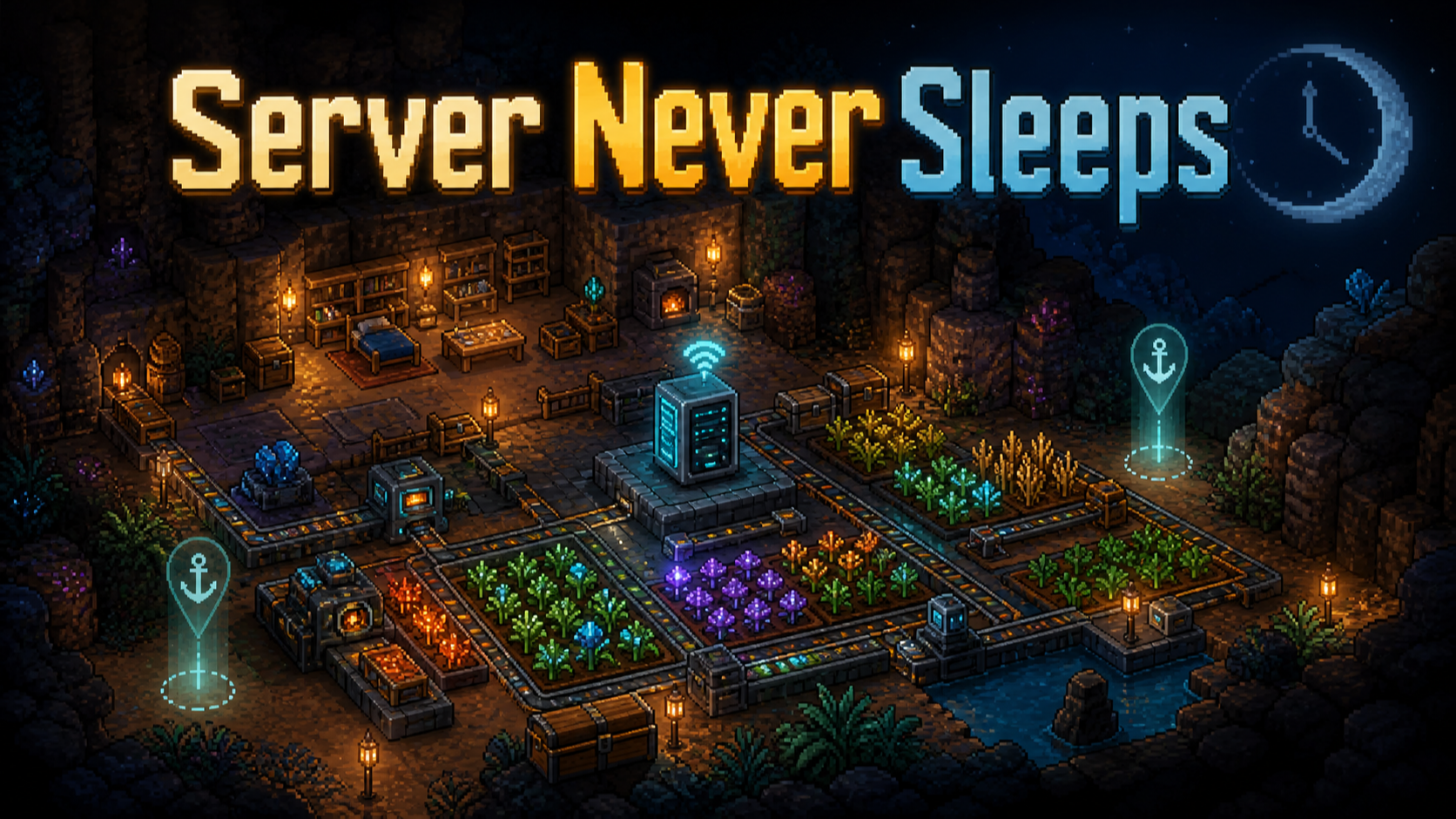

About Server Never Sleeps
From mod.ioKeeps your Core Keeper dedicated server active when everyone logs out, so farms and nearby world simulation can keep running around recent offline player locations.
Server Never Sleeps
Server Never Sleeps keeps your Core Keeper dedicated server active when everyone logs out, so farms and nearby world simulation can keep running around recent offline player locations.
When enabled, the mod remembers named players and their recent logout positions, then uses those positions as offline activity points. The server continues ticking nearby vanilla systems around those locations, helping farms, drills, traps, mob farms, crops, livestock, and other nearby automation keep working while the server is empty.
This mod does not replace Core Keeper's spawning or farming rules with a custom system. The goal is to stay close to vanilla behavior: the game still decides what spawns, updates, grows, moves, or takes damage. Server Never Sleeps only keeps the right areas active and prevents the dedicated server from pausing when no real player is connected.
Key Features
- Keeps dedicated servers running with zero online players.
- Uses recent logout positions as offline activity locations.
- Limits offline activity slots based on server max player count.
- Removes offline activity for a player when that player comes online.
- Works with vanilla-style farms, drills, traps, tile updates, and mob spawning behavior.
- Stores its config and known-player registry outside the world save.
- Does not save fake player entities into your world.
Configuration
You can enable the mod with a launch flag:
<pre>-keepserverrunning true</pre> The no-value form also works and means true:
-keepserverrunning</pre> If you do not want to keep using a custom launch flag, you can use the config file instead.
Start the server once with the mod installed, then stop it. The mod will create:
<pre>mods/ServerNeverSleeps/ServerNeverSleepsConfig.json</pre> This file is in your server data/config area, not inside the mod install folder. For Docker servers, this will usually be under your mounted server data folder:
<pre><your-server-data>/mods/ServerNeverSleeps/ServerNeverSleepsConfig.json</pre> If the file does not exist, create the ServerNeverSleeps folder and add this file manually:
{ "keepServerRunning": true }</pre> Then restart the server. If you pass -keepserverrunning true or -keepserverrunning false, the command line value overrides the config and writes the new value back to the config file.
Important Notes
A player must have joined and been recorded before their logout position can be used. A brand-new server with no known players has no offline activity locations yet.
Be careful where you log out. Core Keeper's vanilla mob spawning can keep producing enemies in active areas, and some natural spawn zones can build up large enemy counts over time. For long offline runs, log out near controlled farms rather than open areas where mobs naturally spawn freely.
How To Support Development
If you like what I do and would like to support development, you can buy me a coffee, send a tip, or share feedback and bug reports.
<a href="https://www.paypal.com/paypalme/c0nnlost?country.x=US&locale.x=en_US">PayPal
Highlights
From source dataFootprint
Rated a light load on a server.
Last update
Its author last shipped an update 4 mo ago.
Server Never Sleeps on Nxeon
From our catalogue- One-click install
- Supported on Nxeon Core Keeper servers. We download it from mod.io, place it, and restart the server.
- Server side
- Required on the server
- Server load
- light
- Smallest plan we suggest
- Core Keeper — 2 GB (2 GB RAM). This follows our own load rating above, not a benchmark.
- Latest build
- 1.1.2, released 2026-07-02
Run Server Never Sleeps on a Core Keeper server
Pick a server or deploy a new one above; it is installed in one click.
What kind of mod it is
From the catalogQuality of life & UI
Small conveniences, tweaks and interface improvements players notice straight away.
Runs on your server
From source side supportmod.io lists Server Never Sleeps as required on the server. Check its mod.io page to see whether players need it too.
Compatibility
- Game
- Core Keeper
- Runs on
- Serverrequired on the server
Verified at the source
- ✓mod.ioOfficial listing, checked 2026-11-03Open ↗
- ✓Authorconnlost, as published on mod.io
- ✓LicenseNot published by the sourceFree















