







About Transfer in map
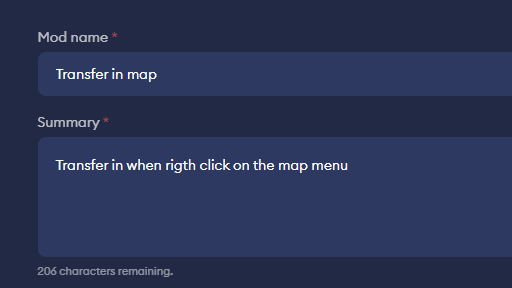
From mod.ioTransfer to the pointed position when rigth click on the big map layer. Fix the map marker.
1. Open the map in game, right click on the map to transfer player to the pointed position.
2. Fix the problem that can not add a marker on the map.
In the big map view, when a non-Ping type marker is selected in the lower-left corner, left-clicking on the map adds the selected typed marker, and clicking again removes the marker.
3.Extends the crafting range(Fixing bug now).
fix the bug in https://mod.io/g/corekeeper/m/extended-crafting-range
Notes: Only build for windows.
Buy me a coffee: https://buymeacoffee.com/vipwp
ChangeLog:
1.2.0:
Extends the crafting range to all the craft in current screen.
1.1.0:
(1).Left click on the map to add marker.
(2).After transfer click, closing the big map view.
1.0.1:
Transfer on map right click.
Highlights
From source dataGame versions
Supports 2 Core Keeper versions, the newest being 0.7.5.1.
Footprint
Rated a light load on a server.
Last update
Its author last shipped an update 2 yr ago.
Transfer in map on Nxeon
From our catalogue- One-click install
- Supported on Nxeon Core Keeper servers. We download it from mod.io, place it, and restart the server.
- Server load
- light
- Smallest plan we suggest
- Core Keeper — 2 GB (2 GB RAM). This follows our own load rating above, not a benchmark.
- Latest build
- 1.1.0, released 2024-06-29
Run Transfer in map on a Core Keeper server
Pick a server or deploy a new one above; it is installed in one click.
What kind of mod it is
From the catalogQuality of life & UI
Small conveniences, tweaks and interface improvements players notice straight away.
Compatibility
- Game
- Core Keeper
- Game versions
- 0.7.5.1 and 1 earlier
Verified at the source
- ✓mod.ioOfficial listing, checked 2026-10-30Open ↗
- ✓Author594peng, as published on mod.io
- ✓LicenseNot published by the sourceFree















