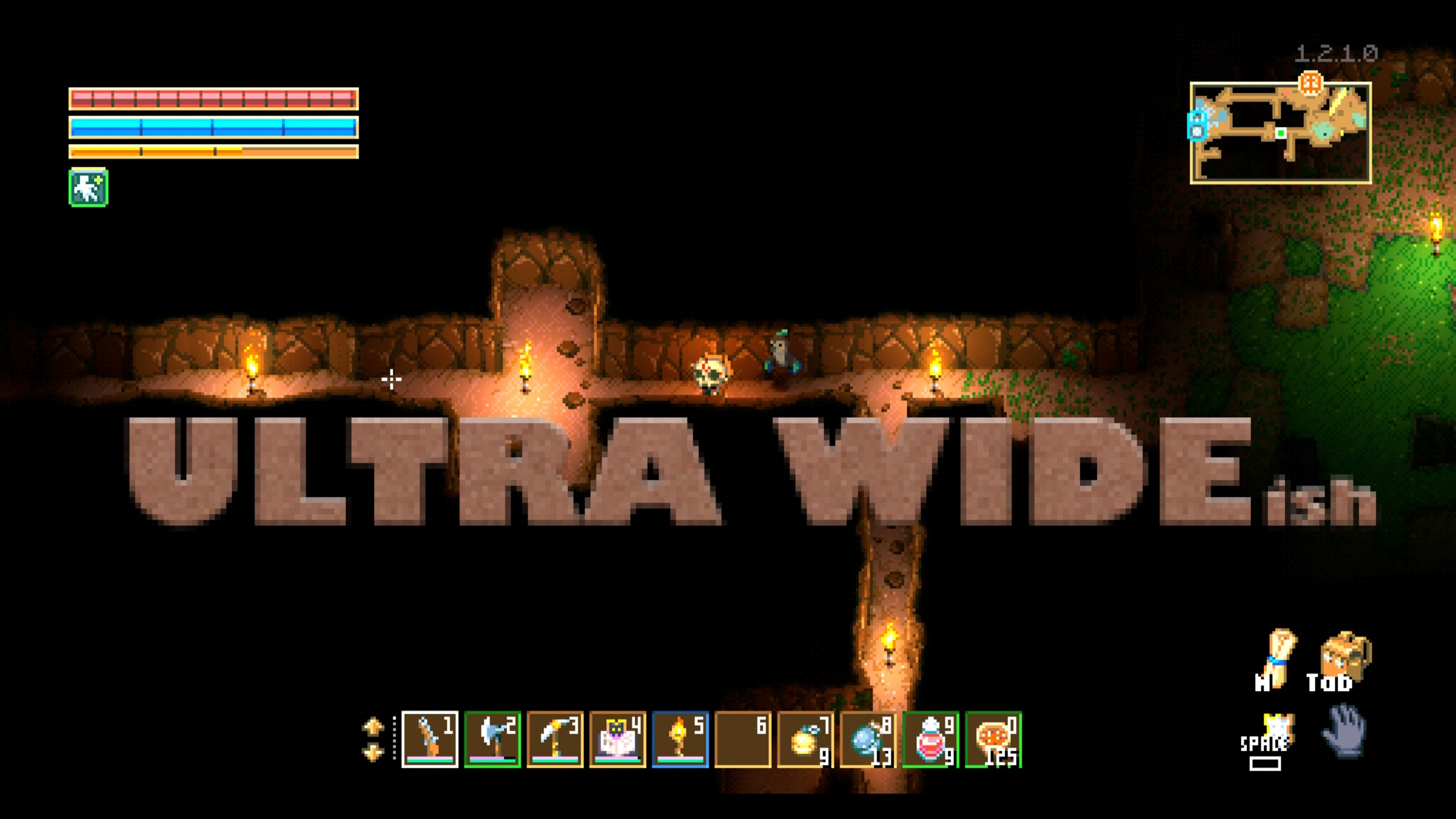

About UltraWide 2
From mod.ioUltrawide 2 support for Core Keeper, with full 32:9 rendering on top of the original 21:9 / 16:10 support.
Play Core Keeper at up to 32:9 resolution
Adds support for a variety of screen aspect ratios up to a maximum of 32:9, with original 21:9 and 16:10 support retained.
Configuration
On first run the mod creates a config file at: %USERPROFILE%\AppData\LocalLow\Pugstorm\Core Keeper\UltraWide2_config.json
You can paste that path into File Explorer's address bar to jump there.
<table> <thead> <tr> <th>Setting</th> <th>Values</th> <th>Default</th> <th>Notes</th> </tr> </thead> <tbody> <tr> <td>mode</td> <td>"safe" or "full"</td> <td>"safe"</td> <td>safe keeps a streaming margin so terrain at screen edges pops/skews less. full pushes to the absolute 32:9 ceiling for maximum horizontal real estate, at the cost of more pronounced edge artifacts during movement.</td> </tr> <tr> <td>safeMarginTiles</td> <td>0 – 24</td> <td>4</td> <td>Only active in safe mode. Higher values give cleaner edges but more letterboxing on very wide displays. The engine streams a 64-tile-wide window around the player, so the world view ends up 64 - 2 × safeMarginTiles tiles wide.</td> </tr> </tbody> </table> Edit the file and restart the game for changes to take effect. If the file contains invalid JSON the mod will log a warning and fall back to defaults.
Note: Even at higher safe-margin values, some edge shimmer can remain during fast movement. This is inherent to how the game streams terrain at runtime and cannot be fully eliminated by the mod.
Installation
To install the mod you can either subscribe to it on mod.io or download and install it manually.
Mod.io installation
Subscribe either through the website or the in-game [mods] tab.
This mod requires Elevated Permissions to work — you will be prompted with that information after restarting the game (mod id: 6040598).
If you subscribe on the mod.io website, you still need to open the [mods] tab in game for it to download and install.
Updating
Go into the game's [mods] tab and click [collection] at the top of the screen. The [UltraWide 2] mod should begin updating automatically. Restart the game once it finishes.
Manual installation
Download the file from the mod.io website, unpack it as a folder into: CoreKeeper_Data\StreamingAssets\Mods
inside your Core Keeper installation directory.
Updating
Follow the installation instructions above.
Issues
Please report any issues here: https://github.com/jnielson9/CKUltraWide2/issues
#ultra #ultrawide #ultrawide2
Highlights
From source dataFootprint
Rated a light load on a server.
Last update
Its author last shipped an update 6 mo ago.
UltraWide 2 on Nxeon
From our catalogue- One-click install
- Supported on Nxeon Core Keeper servers. We download it from mod.io, place it, and restart the server.
- Server side
- Client-only: it runs in players’ own games, so it can’t be installed on a server
- Server load
- light
- Smallest plan we suggest
- Core Keeper — 2 GB (2 GB RAM). This follows our own load rating above, not a benchmark.
- Latest build
- 6040598_modfile-2c04.zip, released 2026-05-06
Run UltraWide 2 on a Core Keeper server
Pick a server or deploy a new one above; it is installed in one click.
What kind of mod it is
From the catalogCosmetics, visuals & audio
Skins, textures, shaders, models and sound — how the game looks and sounds.
Client-side mod
From source side supportmod.io lists UltraWide 2 as not supported on servers. It runs in players’ own games, not on your server.
Compatibility
- Game
- Core Keeper
- Runs on
- Client only
Verified at the source
- ✓mod.ioOfficial listing, checked 2026-11-03Open ↗
- ✓Authorthebigguy14269, as published on mod.io
- ✓LicenseNot published by the sourceFree