






About AddLoot
From Steam WorkshopNow it works perfectly again.... Have included the object rotation no need to rotate the building 270 degrees Add Loot points to buildings and other items. This is a helping tool to try to create…
Now it works perfectly again.... Have included the object rotation no need to rotate the building 270 degrees
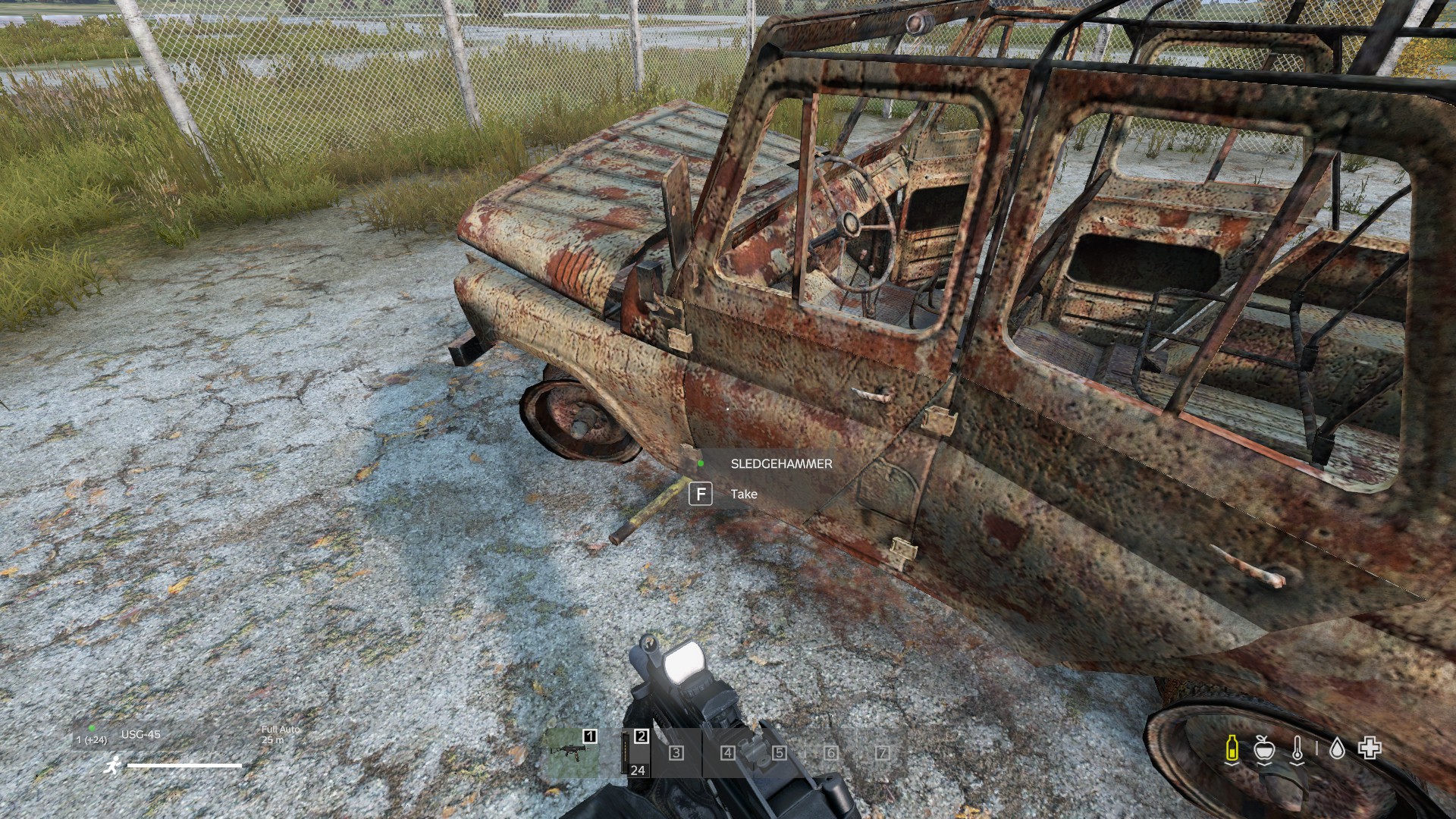
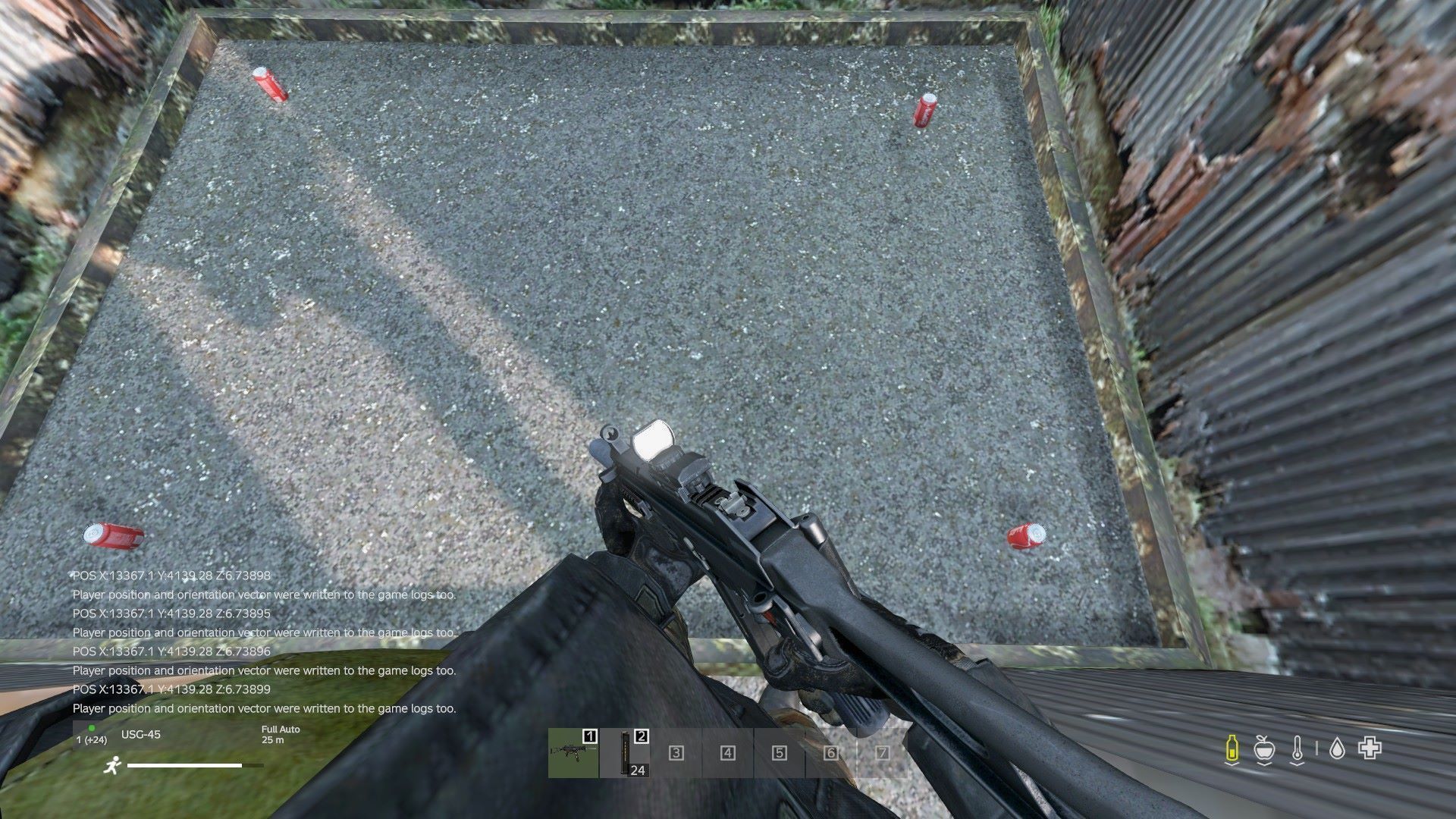
Add Loot points to buildings and other items.
This is a helping tool to try to create loot spawning points in buildings that are already in the map. Possibly best used in the community offline mode of the map your are editing.
Spawn the building/item where you want to add loot points.
Selected a building by pointing the cursor on the building and press the[code] I[/code] key.
The selection of the building is indicated by the spawning of a yellow barrel floating in mid-air on the top left corner of the bounding box.
With the building selected you can move around the building and place spawnpoints
Using the p key will make a point that has the flag="32" set, and will force the item to be on the ground Using the L key will make a normal point without the flag. this is used for e.g. shelves..... Using the K key this will register a position where the X and Y is based on the cursor, but the Z is based on the elevation of the player (workaround for buildings where the floor is transparant)
The result will can be found in the file called Loot_pos.txt that can be found in your Profile folder: Output example:
group name="Land_Escape_bus_stop" lootmax="10">
<usage name="Industrial" />
<usage name="Farm" />
<container name="lootFloor" lootmax="10">
<category name="tools" />
<category name="containers" />
<tag name="floor" />

<point pos="3.83252 -1.56468 -1.61938" range="0.6" height="1.5" flags="32" />
<point pos="2.30176 -1.56468 -1.51709" range="0.6" height="1.5" flags="32" />
<point pos="-0.478516 -1.56468 0.736084" range="0.6" height="1.5" flags="32" />
<point pos="-3.11328 -1.56468 -1.5481" range="0.6" height="1.5"  />
<point pos="-0.0893555 -0.946861 -1.81934" range="0.6" height="1.5"  />
when you are done remember to manually closte the Container ang the Group with:
    </container>
  </group>
The flags="32" tag will ensure that the loot is placed on the ground, i assume ignoring the Z- positon. the point pos is X Z Y relative to the centre of the bounding box of the object the loot is spawning relative to.
Remember to change the mission start.bat file to define the profile folder, this is the start of my line:
@echo off

taskkill /F /IM DayZ_x64.exe /T

RD /s /q "storage_-1" > nul 2>&1

cd ../../

start DayZ_x64.exe -mission=.\Missions\DayZCommunityOfflineMode.ChernarusPlus -mod=@AddLoot -profiles=SC -nosplash -noPause -noBenchmark -filePatching -doLogs -scriptDebug=true
Shout-out to Lugge, Hunter and Sumrak for the help they provided.
If you want to support me: https://www.paypal.me/luskerne
Highlights
From source dataFootprint
Rated a light load on a server.
Last update
Its author last shipped an update 5 yr ago.
AddLoot on Nxeon
From our catalogue- One-click install
- Not available. One-click install isn't available for this game's mods yet. Download it and upload it to your server in Files.
- Server load
- light
- Smallest plan we suggest
- DayZ — 6 GB (6 GB RAM). This follows our own load rating above, not a benchmark.
- Latest build
- 2021-06-19, released 2021-06-19
Game versions by loader
| Loader | Game versions | Newest |
|---|---|---|
| Workshop |
From 1 recorded build of AddLoot.
Deploy a server above, then upload the file in Files.
What kind of mod it is
From the catalogWeapons, items & crafting
New weapons, gear, items and the recipes to make them.
Compatibility
- Game
- DayZ
Verified at the source
- ✓Steam WorkshopOfficial listing, checked 2026-10-10Open ↗
- ✓AuthorKlaskede -lynge, as published on Steam Workshop
- ✓LicenseNot published by the sourceFree














