About BarrelTanning
From Steam WorkshopBarrel Tanning 1.0! DayZ1.11 Compatible! * Works with Expansion * Features include: Tanning Pelts the old school way! (via a barrel, some water, and various ingredients) Lime for tanning, nails and…
Barrel Tanning 1.0!
DayZ1.11 Compatible! * Works with Expansion *
Features include: Tanning Pelts the old school way! (via a barrel, some water, and various ingredients) Lime for tanning, nails and bark for coloring, and disinfectant for bleaching leather clothing. Pelt stacking! (up to 8) Bleeding animals! (damaged animals will eventually bleed out, no visual blood trails at this point) (Courtesy of DERLETH) Decreased the damage done to pelts from various weaponry! (less chance of a ruined pelt) Decreased size of all pelts and leather! Craftable Water Pouch attachable to canteen slots! Custom recipes for crafting leather clothing! (Courtesy of DMOK Terrorista) Returned leather is 1:1 ratio for all animal pelts.
4 configuration options: Plug n Play = modified pelt damage & no bleeding animals. NPD extension = No Pelt Damage & no bleeding animals. _Bleeding extension = Pelt damage & Bleeding animals. _BleedingNPD extension = Pelt Damage & Bleeding animals. See "Advanced Setup" below for examples!
Details: Barrels require at least 1 waterbottle worth of water in it for the following recipes to work. if more than one section of the top slots contain items, the recipes might not work.
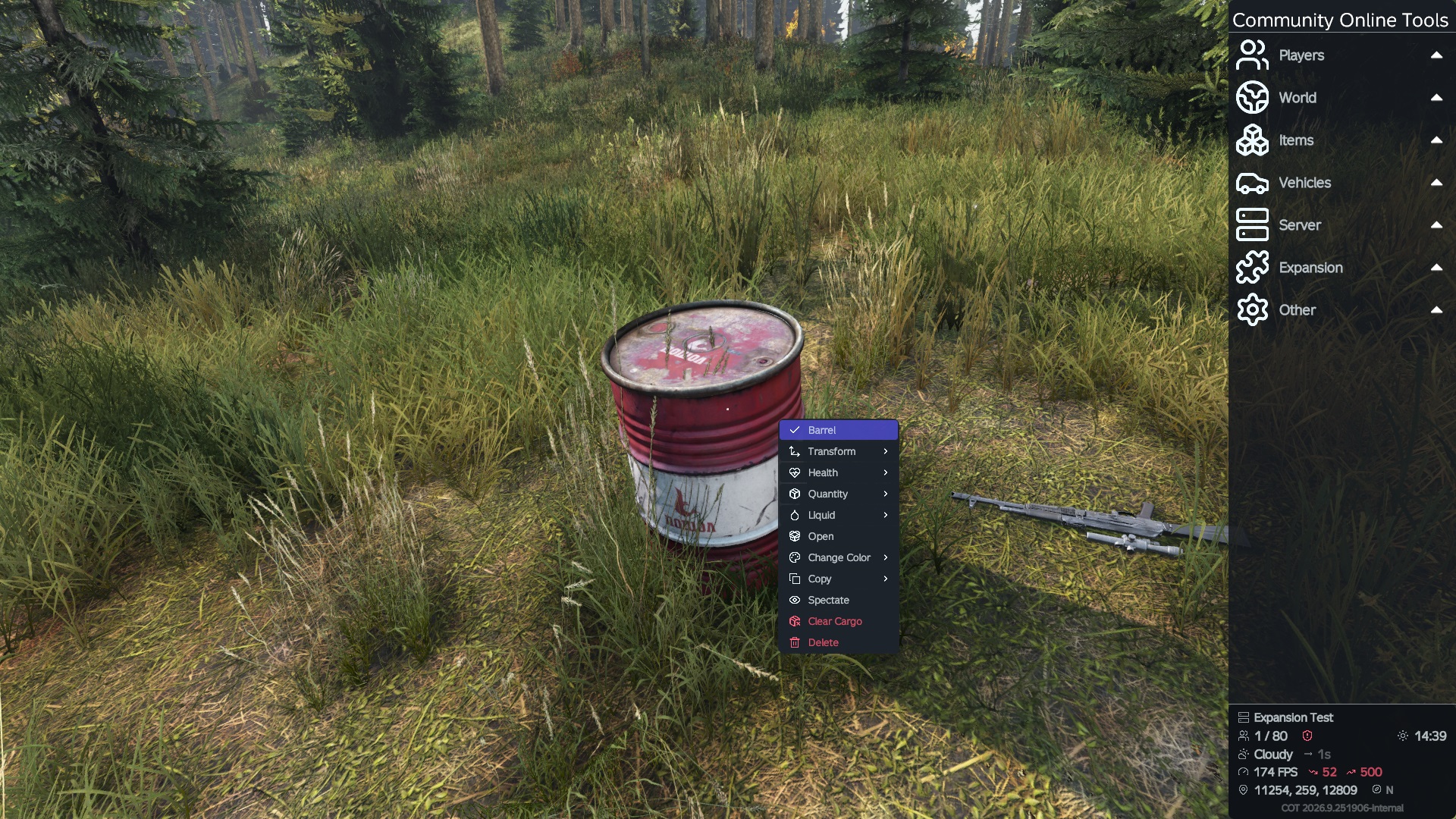
For tanning, just add lime to the top slot, add pelts in the barrel, close the lid and wait! The barrel is locked for 10 sec per pelt and automatically opens when done!
For coloring, nails = black, birch bark = beige, & oak bark = brown. For each item of leather clothing in the barrel, it will lock for 20 sec each and auto-opens when done.
For Bleaching, add disinfectant to the top slot, colored leather clothing in the barrel and close the lid! For each item of leather clothing in the barrel, it will lock for 20 sec each and auto-opens when done.
Custom crafting recipes: Vanilla craft tanned leather recipe disabled! Vanilla craft leather sack recipe disabled! Added pelts to vanilla LeatherCourierBag recipe: Deer, Goat, Pig, Wolf, & Sheep All of the following recipes use a LeatherSewingKit to craft: Leather Hat: 1 tanned leather Leather Water Pouch: 1 tanned leather Leather Gloves: 2 tanned leather Leather Shirt: 2 tanned leather Leather Pants: 3 tanned leather Leather Vest: 4 tanned leather Leather Vest: 5 tanned leather Leather Sack: 8 tanned leather
Known Issues: - Don't forget to add at least 1 bottle of water to your barrel or none of this will work! - There must be space available in the barrel for the tanned leather to spawn, 3 wide by 2 tall. - Does not work with my serverside mod @NoPeltDamage. - Does not work with @BleedingAnimals, nor @Tanned Pelt.
Server Owners:
Installation: Copy @BarrelTanning to your server's root dir. Copy the key to your keys folder. Add "-mod=@BarrelTanning;" to your launch parameters. If you want to use NoPeltDamage, BleedingAnimals, or both, see advanced setup! Load order: Should be loaded after all other animal mods.
Advanced Setup: Navigate to and open your events.xml file, found in your.mission\db folder and find the Animal section, using the Bear here as an example.
    <event name="AnimalBear">
        <nominal>0</nominal>
        <min>2</min>
        <max>2</max>
        <lifetime>180</lifetime>
        <restock>0</restock>
        <saferadius>200</saferadius>
        <distanceradius>0</distanceradius>
        <cleanupradius>0</cleanupradius>
        <flags deletable="0" init_random="0" remove_damaged="1"/>
        <position>fixed</position>
        <limit>custom</limit>
        <active>1</active>
        <children>
            <child lootmax="0" lootmin="0" max="1" min="1" type="Animal_UrsusArctos"/>
        </children>
    </event>
Notice the child: Animal_UrsusArctos For No Pelt Damage, use the extension NPD, making it "Animal_UrsusArctosNPD" For Bleeding Animals, use the extension _Bleeding, making it "Animal_UrsusArctos_Bleeding" For No Pelt Damage & Bleeding Animals, use the extension _BleedingNPD, making it "Animal_UrsusArctos_BleedingNPD" add the same extensions for the rest of your animals in your mission!
All custom classnames: Animal_BosTaurus_BrownNPD Animal_BosTaurus_WhiteNPD Animal_BosTaurus_SpottedNPD Animal_BosTaurus_Brown_Bleeding Animal_BosTaurus_White_Bleeding Animal_BosTaurus_Spotted_Bleeding Animal_BosTaurus_Brown_BleedingNPD Animal_BosTaurus_White_BleedingNPD Animal_BosTaurus_Spotted_BleedingNPD Animal_BosTaurusF_BrownNPD Animal_BosTaurusF_WhiteNPD Animal_BosTaurusF_SpottedNPD Animal_BosTaurusF_Brown_Bleeding Animal_BosTaurusF_White_Bleeding Animal_BosTaurusF_Spotted_Bleeding Animal_BosTaurusF_Brown_BleedingNPD Animal_BosTaurusF_White_BleedingNPD Animal_BosTaurusF_Spotted_BleedingNPD Animal_CanisLupus_GreyNPD Animal_CanisLupus_WhiteNPD Animal_CanisLupus_Grey_Bleeding Animal_CanisLupus_White_Bleeding Animal_CanisLupus_Grey_BleedingNPD Animal_CanisLupus_White_BleedingNPD Animal_CapraHircus_BrownNPD Animal_CapraHircus_BlackNPD Animal_CapraHircus_WhiteNPD Animal_CapraHircus_Brown_Bleeding Animal_CapraHircus_Black_Bleeding Animal_CapraHircus_White_Bleeding Animal_CapraHircus_Brown_BleedingNPD Animal_CapraHircus_Black_BleedingNPD Animal_CapraHircus_White_BleedingNPD Animal_CapraHircusFNPD Animal_CapraHircusF_Bleeding Animal_CapraHircusF_BleedingNPD Animal_CapreolusCapreolusNPD Animal_CapreolusCapreolus_Bleeding Animal_CapreolusCapreolus_BleedingNPD Animal_CapreolusCapreolusFNPD Animal_CapreolusCapreolusF_Bleeding Animal_CapreolusCapreolusF_BleedingNPD Animal_CervusElaphusNPD Animal_CervusElaphus_Bleeding Animal_CervusElaphus_BleedingNPD Animal_CervusElaphusFNPD
Highlights
From source dataFootprint
Rated a light load on a server.
Last update
Its author last shipped an update 6 yr ago.
BarrelTanning on Nxeon
From our catalogue- One-click install
- Not available. One-click install isn't available for this game's mods yet. Download it and upload it to your server in Files.
- Server load
- light
- Smallest plan we suggest
- DayZ — 6 GB (6 GB RAM). This follows our own load rating above, not a benchmark.
- Latest build
- 2021-01-23, released 2021-01-23
Game versions by loader
| Loader | Game versions | Newest |
|---|---|---|
| Workshop |
From 1 recorded build of BarrelTanning.
Run BarrelTanning on a DayZ server
Deploy a server above, then upload the file in Files.
What kind of mod it is
From the catalogGameplay & overhauls
New mechanics, content and overhauls that change how the game plays.
Compatibility
- Game
- DayZ
Verified at the source
- ✓Steam WorkshopOfficial listing, checked 2026-11-01Open ↗
- ✓AuthorGramps, as published on Steam Workshop
- ✓LicenseNot published by the sourceFree