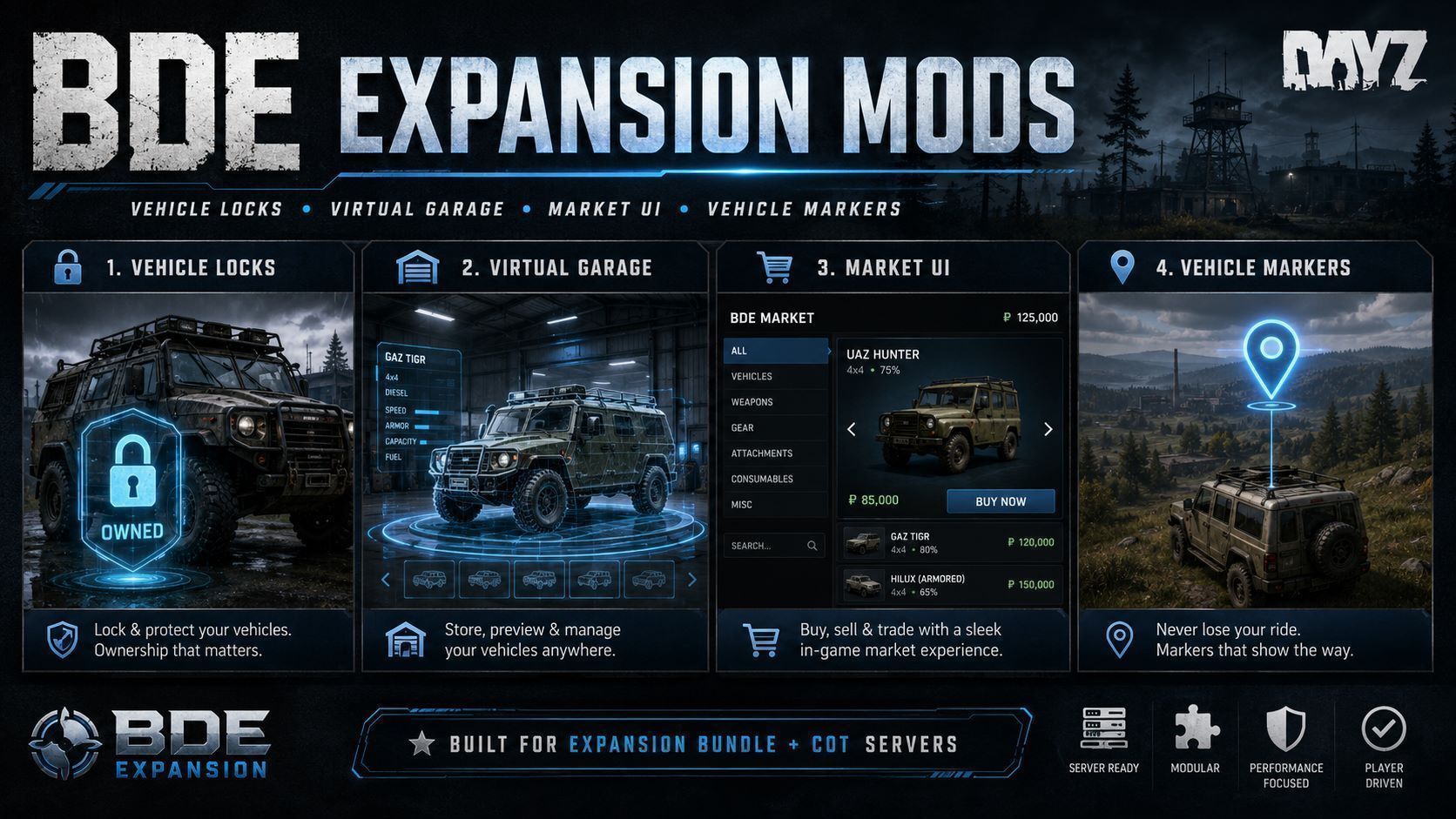
About BDE Expansion Mods
From Steam WorkshopThis mod pack aims to change a few things about DayZ Expansion This is made specifically for servers that run Expansion Bundle and Community Online Tools. If you'd like to modify it for your own use,…
This mod pack aims to change a few things about DayZ Expansion
This is made specifically for servers that run Expansion Bundle and Community Online Tools. If you'd like to modify it for your own use, feel free.
Vehicle Locks
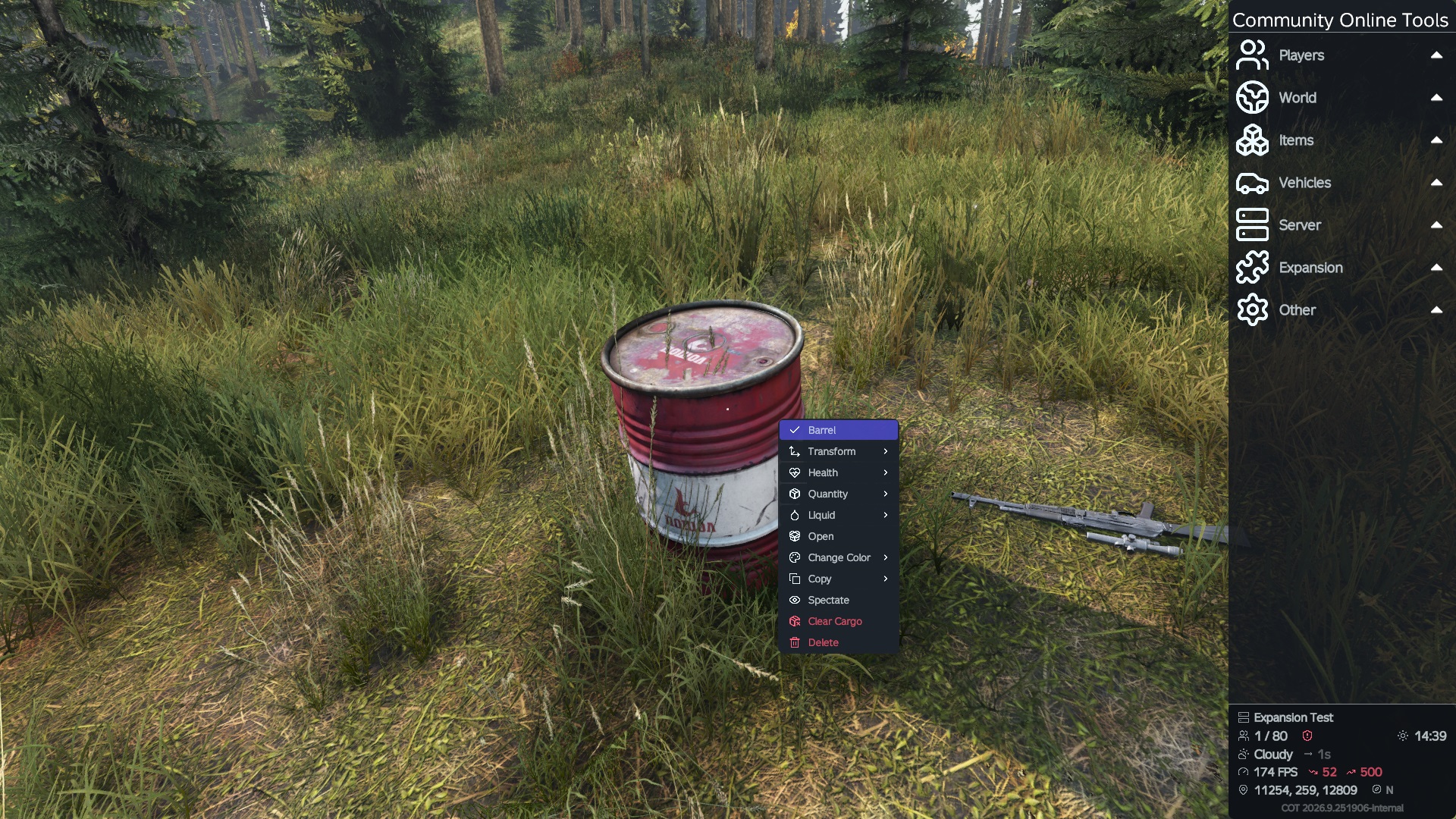
Gets rid of the need for Vehicle Keys and ties each vehicle to its owner. Already existing vehicles with Keys will automatically migrate to this new system without needing a wipe. Anyone in the owners group can access the vehicle. Makes Expansion Keys just usable to claim unowned vehicles, but can make any item configurable as a claim item, or no item. Up to you. Admins with COT active can lock/unlock and reset ownership of any vehicle.
Virtual Garage
Works with the new Locks system, only players that can access a vehicle can store it. Anyone in the owners group can store/retrieve a vehicle. Real 3d preview of the vehicle. List of vehicles cargo. Option to auto repair on storing. Can set any object you want to act as the garage entity. Admins with COT active can store/retrieve any vehicle. If an Admin stores a vehicle, it will still be retrievable by the owner. So if your players have blocked up the trader, you can store their vehicles for them.
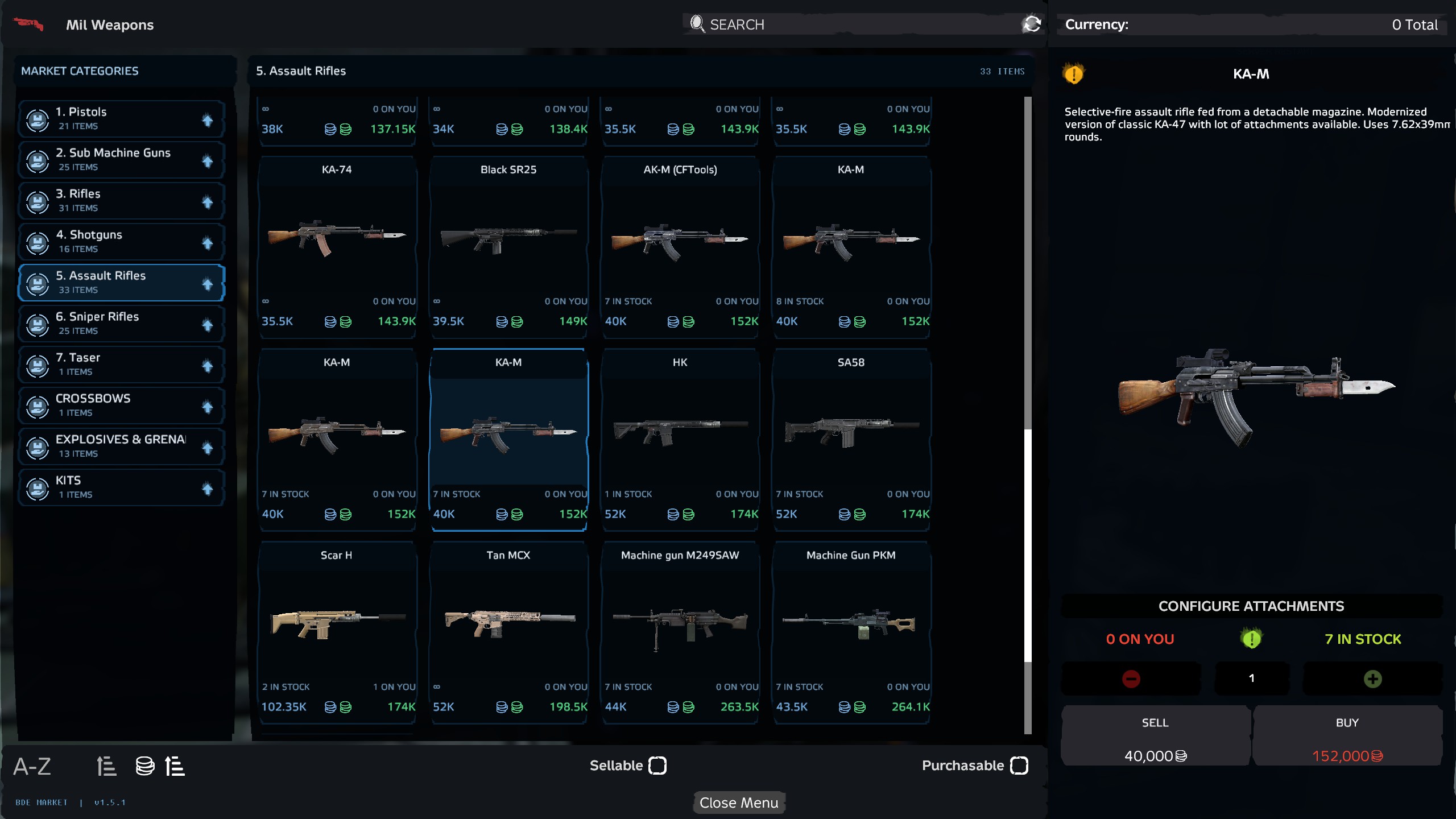
Market UI
Included but features list can be found on the Standalone Mod Page BDE Expansion Market UI
Map UI
Included but features list can be found on the Standalone Mod Page BDE Expansion Map UI
Vehicle Markers
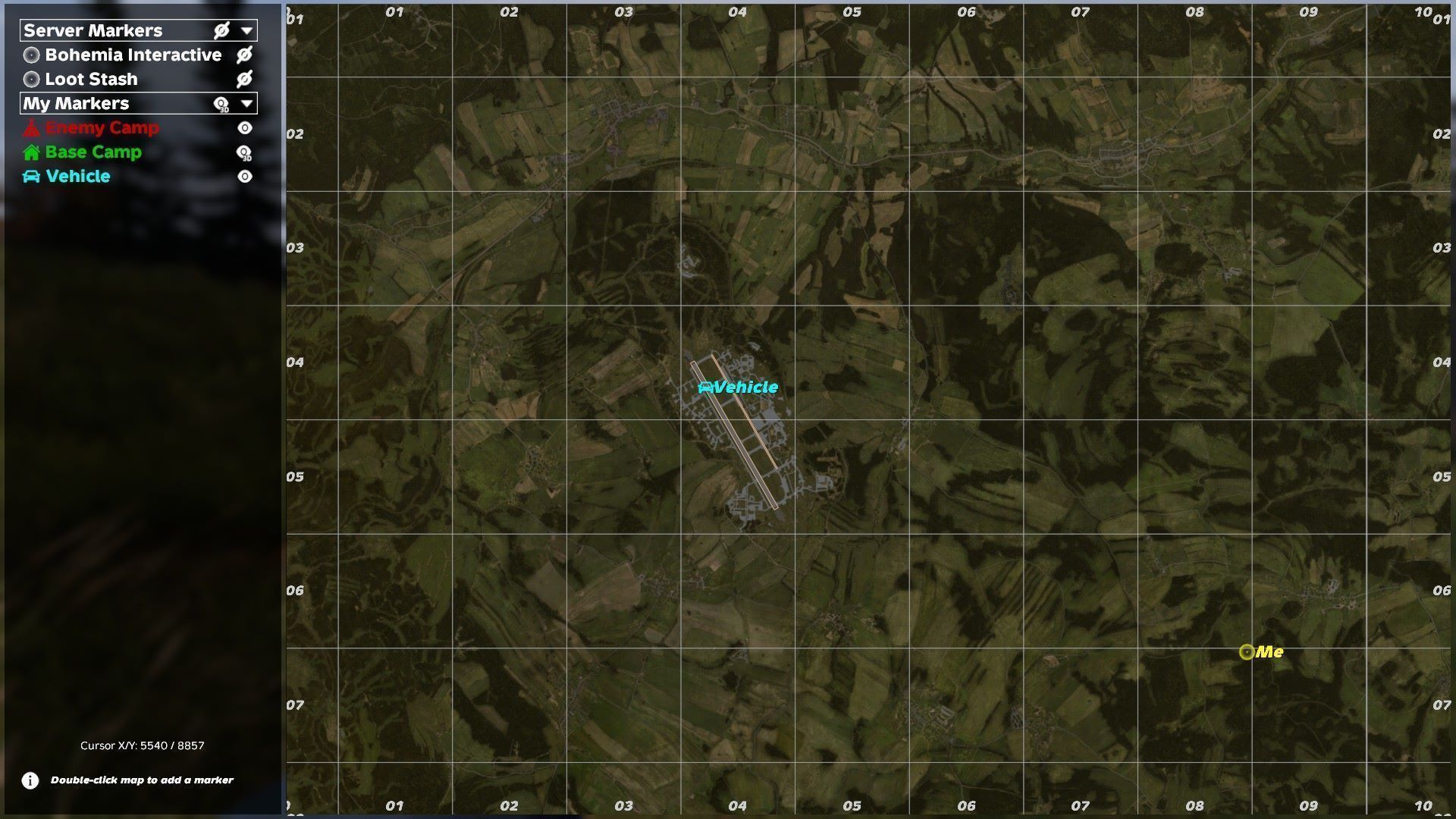
When you get out of any vehicle, it creates a 3d map marker on the vehicle. Marker is only created for the Driver. Marker is automatically deleted upon re-entering the vehicle.
Setup
If using Vehicle Locks Set "VehicleRequireKeyToStart" from 1 to 0 in /profiles/ExpansionMod/Settings/VehicleSettings.json If using Virtual Garage Set "Enabled" from 1 to 0 in /profiles/ExpansionMod/Settings/GarageSettings.json then put the classname/s of your Garage Objects in "GarageAccessObjects" (replacing "DV_Parking") in /profiles/BDE/BDE_Virtual_Garage/settings.json
Requirements
Community Online Tools Expansion Bundle
It also uses Stalker Light and Effects for lighting inside the Vehicle Preview Hangar. It's not a hard dependant but I'd recommend it, plus it's repackable.
Config Explanations
Garage Settings
    "Version": 3,
    "Enabled": 1, //1 Enables BDE Garage, 0 Disables
    "GarageAccessObjects": [ // Array of object classes you'd like to act as Garage access points
        "DV_Parking"
    ],
    "MatchInheritedAccessObjectClasses": 1, //1 Enables objects inheriting from GarageAccessObjects to also act as Garage access points
    "VehicleStoreRangeMeters": 30.0, // Range the vehicles must be from the Garage access entity to be able to be stored
    "MaxStoredVehiclesPerOwner": 10, // Max amount of vehicles each player can store
    "AllowGroupAccess": 1, // 1 allows players to access vehicles owned by other members of their group, 0 disables
    "RequireVehicleEmpty": 1, // 1 requires vehicle to be empty, 0 allows inventory to be stored too
    "RequireEngineOff": 1, // 1 requires engine to be turned off, 0 allows engines to be on
    "MaximumStoreSpeedKmh": 1.0, // Max speed a vehicle can be travelling for store to work
    "AllowRuinedVehicles": 0, // 1 allows ruined vehicles to be stored, 0 disables
    "AllowStoringDynamicEventVehicles": 0, // 1 allows storing of world spawned vehicles to be stored, 0 disables
    "AllowCrossWorldRetrieval": 0, // 1 allows every garage to access every vehicle stored from any garage, 0 disables
    "AlternativeSpawnMaximumRadiusMeters": 40.0, // Max range a vehicle can spawn from the intended spawn point if it is occupied
    "AlternativeSpawnStepMeters": 4.0, // probably leave alone
    "AlternativeSpawnDirections": 16, // probably leave alone
    "AlternativeSpawnMaximumTerrainDeltaMeters": 1.25, // probably leave alone
    "DebugLogging": 0, // probably leave alone
    "m_Loaded": 1
Locks Settings
{"Version": 1,
    "EnableVehicleLocks": 1, // 1 enables BDE Vehicle locks, 0 disables
    "LockMarketVehiclesOnPurchase": 1, // 1 auto locks vehicles on purchase, 0 leaves unlocked
    "LockClaimedVehicles": 1, // 1 auto locks vehicles on claiming, 0 leaves unlocked
    "LockMigratedVehicles": 1, // 1 locks existing vehicles migrating from Expansion Keys system
    "AllowFreeClaiming": 1, // 1 allows claiming without an item, 0 requires an item
    "ClaimItemClassName": "", // item class needed if AllowFreeClaiming is 0
    "DeleteClaimItemOnSuccess": 1, // does what it says
    "AutoMigrateExpansionOwners": 1, // 1 auto migrates vehicles already existing before installing this mod to the new locks system
    "DeleteLoadedExpansionKeysOnAutoMigration": 1, // 1 tries to auto delete existing keys once migrated
    "AllowExpansionKeyClaim": 1, // 1 allows Expansion Keys to now be used as Claim Items
    "DeleteExpansionKeyOnClaim": 1, // does what it says
    "DeleteMarketExpansionKey": 1, // 1 auto deletes the key given to a player when buying a vehicle (can also be disables outright in Expansions settings)
    "EnableVehicleMarkers": 1, // 1 enables Vehicle Markers on exiting a vehicle, 0 disables
    "MarkerDriverOnly": 1, // 1 only makes a marker for the driver, 0 makes a marker when leaving any seat
    "MarkerRequiresVehicleAccess": 1, // 1 only allows markers to be made for the owner or members of the owners group, 0 for everyone
    "MarkerName": "My Vehicle", // Name of marker
    "MarkerIcon": "Car", // Icon of marker
"MarkerColor": -16711936, // Marker colourHighlights
From source dataFootprint
Rated a light load on a server.
Last update
Its author last shipped an update 16d ago.
BDE Expansion Mods on Nxeon
From our catalogue- One-click install
- Not available. One-click install isn't available for this game's mods yet. Download it and upload it to your server in Files.
- Server load
- light
- Smallest plan we suggest
- DayZ — 6 GB (6 GB RAM). This follows our own load rating above, not a benchmark.
- Latest build
- 2026-10-20, released 2026-10-20
Game versions by loader
| Loader | Game versions | Newest |
|---|---|---|
| Workshop |
From 1 recorded build of BDE Expansion Mods.
Run BDE Expansion Mods on a DayZ server
Deploy a server above, then upload the file in Files.
What kind of mod it is
From the catalogGameplay & overhauls
New mechanics, content and overhauls that change how the game plays.
Compatibility
- Game
- DayZ
Verified at the source
- ✓Steam WorkshopOfficial listing, checked 2026-10-20Open ↗
- ✓AuthorBeldum, as published on Steam Workshop
- ✓LicenseNot published by the sourceFree