






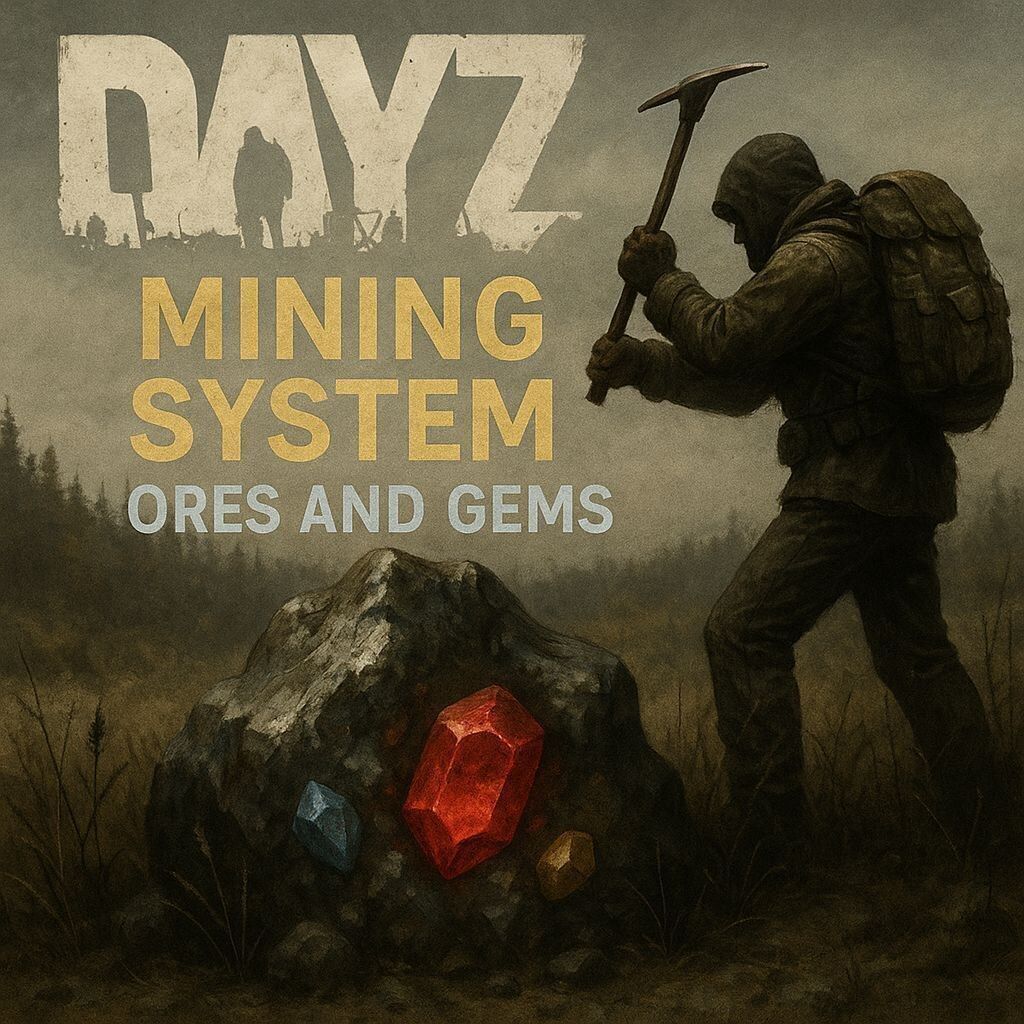
About DayZ Mining System with Ores and Gems V2
From Steam Workshop✅ Available for DayZ 1.29+ | Version: BETA | Active Development Mining System V2 Beta began with DayZ 1.29. Big thanks to Fubar for the DayZ 1.29+ support and V2 update assistance!…
✅ Available for DayZ 1.29+ | Version: BETA | Active Development
Mining System V2 Beta began with DayZ 1.29. Big thanks to Fubar for the DayZ 1.29+ support and V2 update assistance! DayZ Mining System with Ores and Gems (Legacy)
🔨 About the Mining System
The DayZ Mining System adds immersive mining, smelting, gem processing, forging, and progression-based crafting to DayZ servers.
Mine custom resource nodes, process ores in the Furnace, cut gems at the Grinding Stone, forge ingots at the Anvil, and combine materials into advanced fusion bars and pickaxes.
This mod is currently in active BETA development. Most features are stable, but server setup and configuration are required.
✨ Latest Update — Gem Quality Progression
• Removed Legacy Cut gems from the active gem progression. • Grinding raw gems now produces quality-based gems. • When EnableGemCuttingMiniGame = 0, grinding always produces a Standard gem. • When EnableGemCuttingMiniGame = 1, grinding produces a Flawed gem and enables the quality-progression gameplay loop. • Added 3x Flawed gem → 1x Standard gem upgrades. • Added 3x Standard gem → 1x Perfect gem upgrades. • Fixed gem-upgrade recipes so they are discoverable through the in-hand crafting menu. • Legacy Cut item classes remain internally for existing-save compatibility but are no longer produced or used by recipes.
⭐ Features
Three Crafting Stations • Furnace — Automatic ore smelting with individual processing timers. • Grinding Stone — Raw gem processing and quality progression for eight gem types. • Anvil — Ingot forging, special bars, and advanced crafting recipes.
Player Protection System • Server-authoritative state management. • Crafting-slot locking while stations are active. • Consumable requirement checks. • Synchronized network states.
Fully Configurable • Dynamic crafting times for 51+ recipes. • Individual timings for the Furnace, Anvil, Grinding Stone, advanced recipes, and pickaxes. • Adjustable propane, Grinding Wheel, and Blacksmith Hammer consumption. • Enable or disable supported systems through the server configuration. • Normal and debug logging modes. • Client/server synchronized crafting times.
Consumable Management • Furnace: Propane canister and pipe. • Grinding Stone: Grinding Wheel with quantity-based durability. • Anvil: Blacksmith Hammer with durability-based usage.
Mining System • Configurable mining times for pickaxes, sledgehammers, and custom tool tiers. • Custom ore nodes with probability-based drops. • Cycle-based node depletion. • Persistent progress while mining a node. • Configurable mining limits with support for high max_mine values. • Optional vanilla rock mining. • DeerIsle 6.0 endgame compatibility. • Automatic node destruction after depletion. • Detailed mining logs containing cycles, limits, and positions.
Advanced Logging • Production and server-only debug logs. • Configurable automatic log cleanup. • Configured-versus-actual crafting-time tracking.
🎮 Player Guide
Basic Progression
1. Find or craft a suitable mining tool. 2. Mine resource nodes for ores, nuggets, and raw gems. 3. Smelt ores in the Furnace using the required propane setup. 4. Process raw gems at the Grinding Stone using a Grinding Wheel. 5. Forge ingots and advanced materials at the Anvil using a Blacksmith Hammer. 6. Use processed materials to craft special bars and upgraded pickaxes.
Processing Raw Gems
1. Locate or deploy a Grinding Stone. 2. Attach a Grinding Wheel to a regular Grinding Stone. 3. Hold a raw gem and interact with the Grinding Stone. 4. Select the matching gem-crafting action. 5. Complete the crafting action to receive the processed gem.
Result with gem progression disabled: • One raw gem produces one Standard gem.
Result with gem progression enabled: • One raw gem produces one Flawed gem.
Upgrading Gem Quality
Upgrade recipes require three gems of the same type and quality. For example, Flawed Ruby gems must be combined with Flawed Ruby gems.
Recipes • 3x Flawed gems → 1x Standard gem. • 3x Standard gems → 1x Perfect gem.
How to craft an upgrade 1. Split three matching gems into a stack of two and one separate gem. 2. Place the stack of two in your hands. 3. Combine it with the separate matching gem. 4. Cycle through the available crafting actions until the gem-upgrade recipe appears. 5. Craft the recipe to receive one gem of the next quality.
Because gem items inherit some Small Stone behavior, “Make Stone Knife” may also appear. Cycle to the gem-upgrade action before crafting.
Examples • 2x Flawed Ruby + 1x Flawed Ruby → 1x Standard Ruby. • 2x Standard Jade + 1x Standard Jade → 1x Perfect Jade.
📦 Installation
Server
1. Download the latest release. 2. Extract it to the server mod folder:
@MrfreezeMiningSystem/[/code]
3. Add it to the server startup parameters:
[code]-mod=@MrfreezeMiningSystem
4. Start the server once to generate the configuration files. 5. Configure the mod files under:
profiles/FreezeMining/FMS_Settings.json
profiles/FreezeMining/Mining/FMS_Crafting.json
6. Restart the server after making changes.
Client
• Subscribe through the Steam Workshop. • Enable the mod in the DayZ Launcher. • Join a server running the same mod version.
⚙️ Configuration
Main settings file:
profiles/FreezeMining/FMS_Settings.json[/code]

[b]Gem quality progression[/b]
[code]
"EnableGemCuttingMiniGame": 0
Raw gems are processed directly into Standard gems.
"EnableGemCuttingMiniGame": 1
Highlights
From source dataFootprint
A 594 MB download, rated a light load on a server.
Last update
Its author last shipped an update 10d ago.
DayZ Mining System with Ores and Gems V2 on Nxeon
From our catalogue- One-click install
- Not available. One-click install isn't available for this game's mods yet. Download it and upload it to your server in Files.
- Server load
- light
- Smallest plan we suggest
- DayZ — 6 GB (6 GB RAM). This follows our own load rating above, not a benchmark.
- Latest build
- 2026-10-05, released 2026-10-05, 594 MB
Game versions by loader
| Loader | Game versions | Newest |
|---|---|---|
| Workshop |
From 2 recorded builds of DayZ Mining System with Ores and Gems V2.
Recent builds
| Build | Released | Game versions | Loaders |
|---|---|---|---|
| 2026-10-05 | 2026-10-05 | n/a | Workshop |
| 2026-09-21 | 2026-09-21 | n/a | Workshop |
Dependencies
- Required: CF
Declared by the newest build that lists any. Required ones are installed with it on one-click installs.
Run DayZ Mining System with Ores and Gems V2 on a DayZ server
Deploy a server above, then upload the file in Files.
What kind of mod it is
From the catalogWorld generation
Changes or adds to how new terrain, biomes and structures are created.
Compatibility
- Game
- DayZ
- File size
- 594 MB
Verified at the source
- ✓Steam WorkshopOfficial listing, checked 2026-10-10Open ↗
- ✓AuthorMrFreezeGamesPC, as published on Steam Workshop
- ✓LicenseNot published by the sourceFree














