






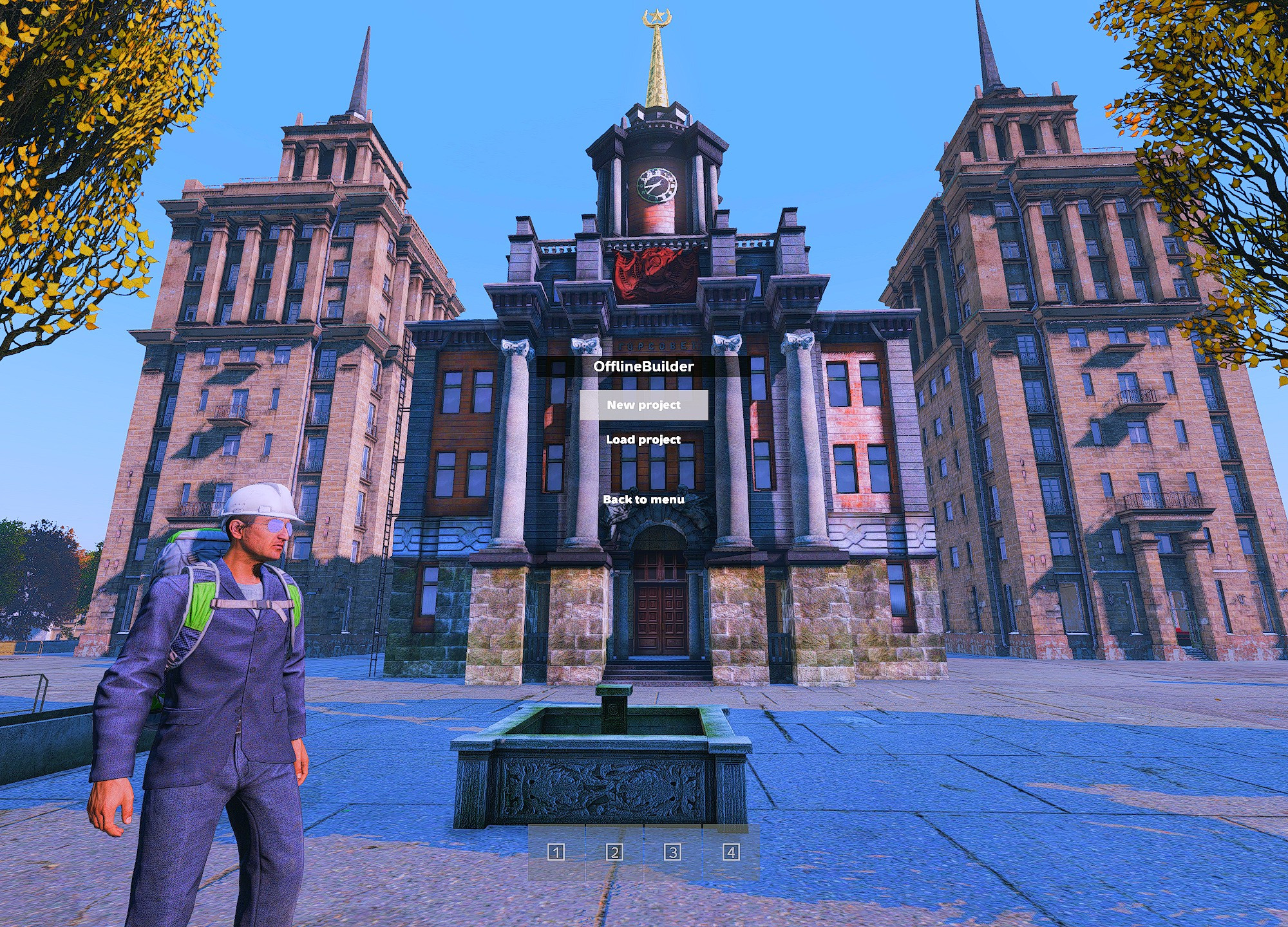
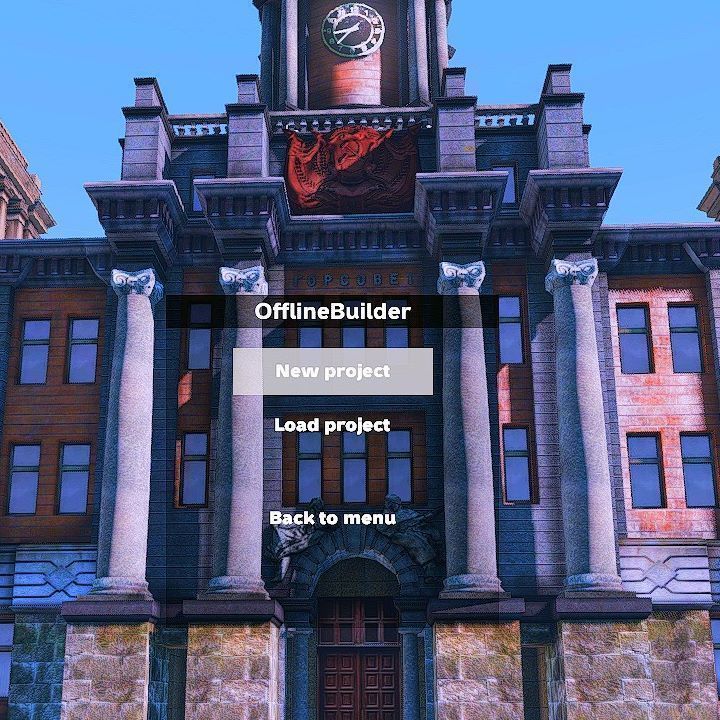
About FX Offline Builder
From Steam WorkshopFor bug reports/general support/news - join my discord https://discord.gg/e88GPU4hHP PREFACE This mod is a experimental helper mod to build stuff in offline using the Aftermath's awesome base…
For bug reports/general support/news - join my discord https://discord.gg/e88GPU4hHP
PREFACE
This mod is a experimental helper mod to build stuff in offline using the Aftermath's awesome base building system. This mod is built by me to use when planning my builds and may stop working any time in the future. I created this from my own free time and will be solving issues when I have the time to do so. If you have any issues with this mod please message me on discord (`jyrno42`). You can also find me on the Aftermath discord server but please dont spam their discord about issues with my mod.
Everything included in the mod is written by me and is the combination of lost hair, too much caffeine and a lucky break during the summer. I have no affiliation with the Aftermath server or its owners. I just play there and enjoy the base building system they have created. This mod does not contain any of the licenced data built and published by the Aftermath team.
More info about the Aftermath server here: https://aftermath-gaming.com
Offline builder
Plan your Aftermath base offline and build it for real in-game. No more looting for stuff just to plan out a build and be ready for the wipeday. Just build it offline, save your work and show it off to your friends (random people on the internet).
Getting started
see here for a set of instructions: https://gist.github.com/Jyrno42/a63c8ec7543ccb4a51ed8c14e3265fd6
Note: Make sure to also install https://steamcommunity.com/sharedfiles/filedetails/?id=3433128089
FAQ
How do I spawn in kits?
You probably wont need to, as you spawn with a huge bag full of different kits and the kits don't despawn when u place them. However should you lose your kits you can spawn them in using the "admin" menu built into the community offline mode. Just press y button on your keyboard and look for items with kit in their name. And then just spawn them in and build your project.
Note: When starting a new project always place the plotpole you were spawned with first. Otherwise you may not have such a good time.
The game crashes a lot
Tough luck, this is a mod and an experimental one at that. Additionally, the community offline mode tends to crash a lot too. Just keep trying and it should work eventually. Dont worry too much about your work as we backup the save file under an unique name every time you make a change.
How do I delete objects
Use the "Toolbox" item that you spawn with. This can be used to delete objects from your project.
How do I know how far an item is from my plotpole
Use the Poking stick item you spawn with. This can be used to debug items that you have placed.
How do I move my plotpole
You can use the "Toolbox" item that you spawn with on your plotpole to move it.
How do I save my work
Its saved automatically every time you make a change.
My game crashes when I try to open up the offline admin menu
This is a known issue with the offline mode. The fix is to update some of the code inside the offline mode folder. The easiest way to do this is to download the latest version of the offline mode from my fork (https://github.com/Jyrno42/DayZCommunityOfflineMode-DeerIsle-Edition/releases/tag/crash-fix-rel-1).
You can see the difference between my fork and the original offline mode for deerisle here:
https://github.com/Jyrno42/DayZCommunityOfflineMode-DeerIsle-Edition/pull/1
Where are the builds saved?
The builds are saved into your DayZ profiles folder, so for example for me it would be `C:\Users\TH3F0X\Documents\DayZ\fx-offline-builder\projects`. In the same folder there will also be a `.history` directory which contains all the backups of your build (one for each time you make a change to your build).
-----
“Copyright 2026 [TH3F0X] This item is not authorized for repacking or posting on Steam by third parties."
----
rip RTC, CKY on top
Highlights
From source dataFootprint
Rated a light load on a server.
Last update
Its author last shipped an update 6d ago.
FX Offline Builder on Nxeon
From our catalogue- One-click install
- Not available. One-click install isn't available for this game's mods yet. Download it and upload it to your server in Files.
- Server load
- light
- Smallest plan we suggest
- DayZ — 6 GB (6 GB RAM). This follows our own load rating above, not a benchmark.
- Latest build
- 2026-10-09, released 2026-10-09
Game versions by loader
| Loader | Game versions | Newest |
|---|---|---|
| Workshop |
From 1 recorded build of FX Offline Builder.
Run FX Offline Builder on a DayZ server
Deploy a server above, then upload the file in Files.
What kind of mod it is
From the catalogChat & community
Chat, voice, Discord, clans and other community features.
Compatibility
- Game
- DayZ
Verified at the source
- ✓Steam WorkshopOfficial listing, checked 2026-10-09Open ↗
- ✓AuthorTH3F0X, as published on Steam Workshop
- ✓LicenseNot published by the sourceFree














