






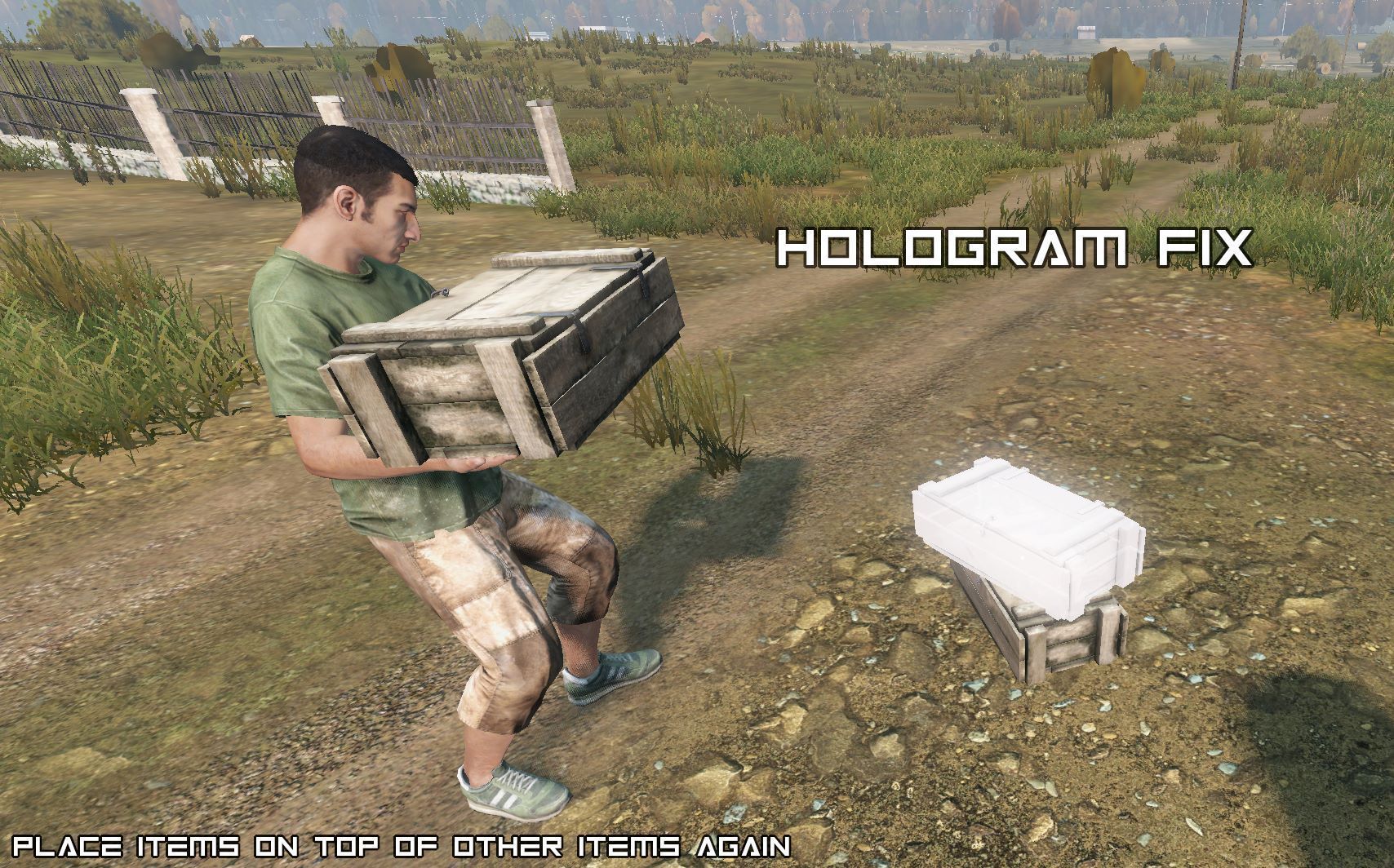
About hologram_fix_119
From Steam Workshop################################################################ NO LONGER NEEDED!!! You can now configure it through disableIsCollidingBBoxCheck in cfggameplay.json. ... it should be disabled ("1")…
################################################################
NO LONGER NEEDED!!!
You can now configure it through disableIsCollidingBBoxCheck in cfggameplay.json.
... it should be disabled ("1") by default - with the 1.19 Update, they just forgot to include the config checkup. Now it's in. ################################################################
[strike]With 1.19 Bohemia changed the behavior of holograms. It is not possible to place items on top of other items anymore (like a wooden crate on another wooden crate...)
As soon as the hologram collides with an ItemBase, it is set to the position of the item... this also means that you could no longer place objects inside, for example, the CabinZ.
I don't know why... but I don't like it ;-)
Some mods might not get updated, so I made this separate fix. When the server is restarted for the first time, a config file is created in the HoloFix_119 folder.
This config allows you to decide whether the fix should apply to all items or only to certain items.[/strike]
If you have any questions, please join my DISCORD Server.
Highlights
From source dataFootprint
A 10 KB download, rated a light load on a server.
Last update
Its author last shipped an update 4 yr ago.
hologram_fix_119 on Nxeon
From our catalogue- One-click install
- Not available. One-click install isn't available for this game's mods yet. Download it and upload it to your server in Files.
- Server load
- light
- Smallest plan we suggest
- DayZ — 6 GB (6 GB RAM). This follows our own load rating above, not a benchmark.
- Latest build
- 2022-10-22, released 2022-10-22, 10 KB
Game versions by loader
| Loader | Game versions | Newest |
|---|---|---|
| Workshop |
From 1 recorded build of hologram_fix_119.
Dependencies
- Required: CF
Declared by the newest build that lists any. Required ones are installed with it on one-click installs.
Run hologram_fix_119 on a DayZ server
Deploy a server above, then upload the file in Files.
What kind of mod it is
From the catalogWorkshop
Its source category doesn’t say more about what it does, so NxLabs lists it under Other.
Compatibility
- Game
- DayZ
- File size
- 10 KB
Verified at the source
- ✓Steam WorkshopOfficial listing, checked 2026-10-10Open ↗
- ✓AuthorBoomLay, as published on Steam Workshop
- ✓LicenseNot published by the sourceFree














