






About HUD Colours
From Steam Workshop🟢🟠🔴 HUD Colours This lightweight mod refines the vanilla DayZ HUD for a cleaner, more intuitive experience. It improves visibility by replacing the default color scheme with brighter,…
🟢🟠🔴 HUD Colours
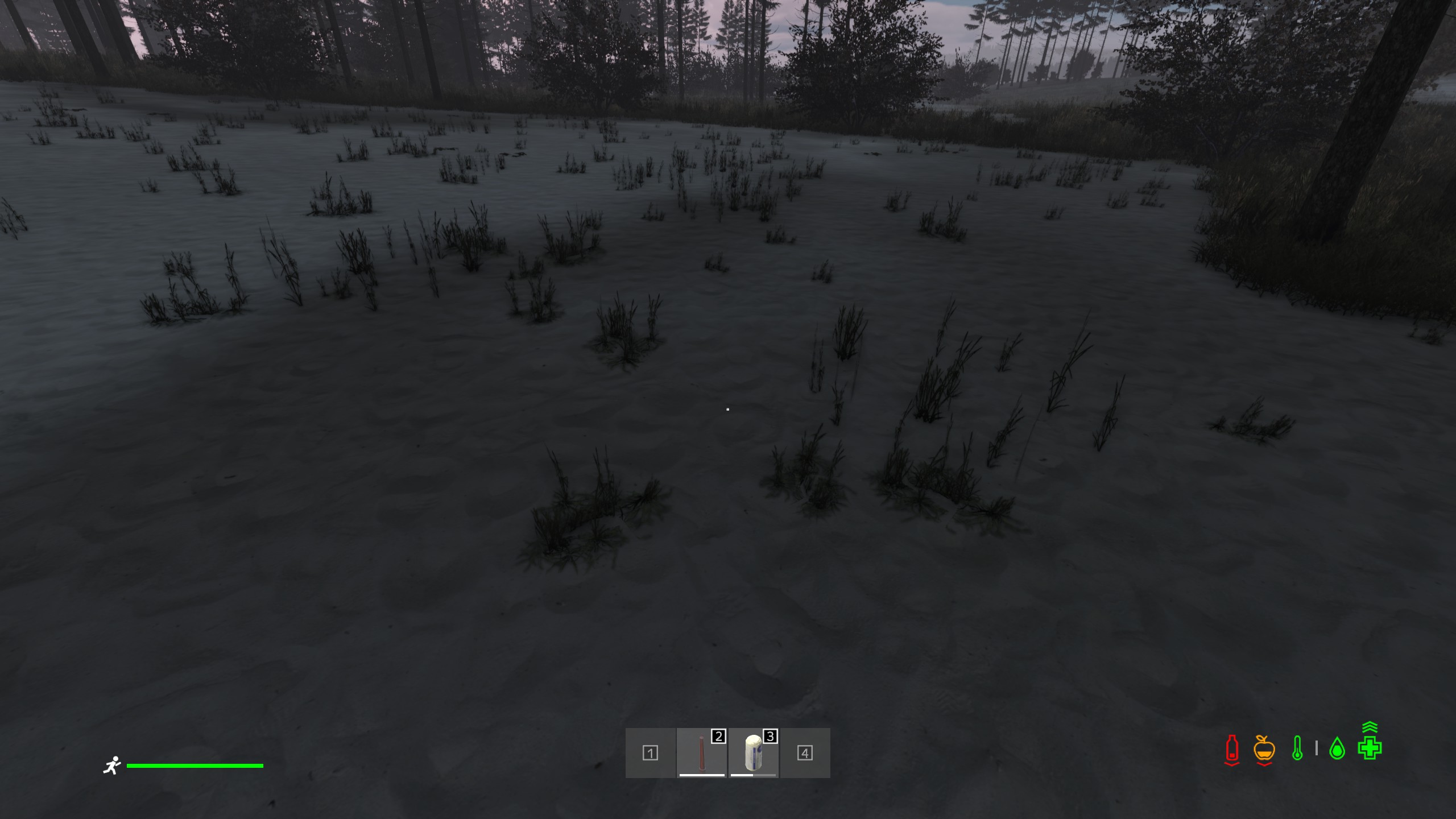
This lightweight mod refines the vanilla DayZ HUD for a cleaner, more intuitive experience. It improves visibility by replacing the default color scheme with brighter, high-contrast, color-coded elements — making vital information like health, hydration, and stamina easier to read at a glance. There are no added items, no gameplay alterations, and no unnecessary clutter. It’s the same DayZ you know — just with a sharper, more accessible HUD that helps you stay focused and informed in the heat of survival.
[hr]
🎥 HUD Preview

[hr]
🎯 Features
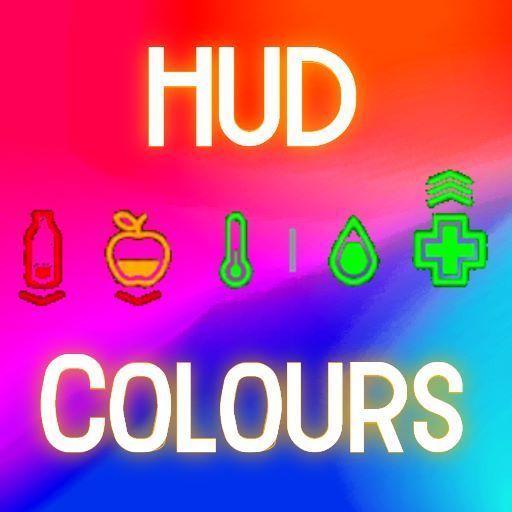
- ✙ Tendency icons (hunger, thirst, health, etc.) are now:
- [list]
- 🟢 Green – Safe
- 🟠 Orange – Warning
- 🔴 Red – Critical
[*]㐃 Tendency arrows now match direction:
- 🟢 Green – Value increasing
- 🔴 Red – Value decreasing
[*]🌡️ Temperature icons are color-coded by condition:
- 🟢 Green – Normal body temp
- 🟠 Orange – Getting hot
- 🔴 Red – Overheating or burning
- 🌐 Light Blue – Cold
- 🔵 Blue – Very cold or freezing
- ⚠️ Blinking red/blue – Critical temperature danger
[*]🏃♂️ Stamina bar uses dynamic color based on stamina:
- 🟢 Green – High stamina (66%+)
- 🟠 Orange – Medium stamina (33–66%)
- 🔴 Red – Low stamina (under 33%)
[/list]
[hr]
🧠 Why?
Vanilla HUD icons are all white, hard to read and easy to miss in some situations eg winter maps. This mod fixes that with high-contrast visuals, while keeping the layout 100% vanilla.
[hr]
✅ Safe to Use
- 🧩 Client-side only
- ☠️ No gameplay changes
- 🔧 Compatible with most HUD/QoL mods (unless they also override IngameHud)
[hr]
⚠️ Note on Expansion
If you're using DayZ Expansion, you don’t need this mod. Expansion already includes HUD color customization in its settings.
[hr]
⚠️ Created entirely by AI.
This mod was developed using a custom-trained version of ChatGPT. It has been thoroughly tested, but if you encounter any issues, please don’t hesitate to report them—I’d really appreciate your feedback!
[hr]
⚠️ Repack Permissions
You're free to repack this mod as long as you give proper credit, like, and favorite it on the Workshop. That said, the mod is only 3KB in size and I’m still actively updating it — so repacking it now means you’ll likely miss future updates and improvements. For such a small mod, it’s easier (and better) to just use the original and stay up to date. For anything else please join my Discord 
Highlights
From source dataFootprint
Rated a light load on a server.
Last update
Its author last shipped an update 15 mo ago.
HUD Colours on Nxeon
From our catalogue- One-click install
- Not available. One-click install isn't available for this game's mods yet. Download it and upload it to your server in Files.
- Server load
- light
- Smallest plan we suggest
- DayZ — 6 GB (6 GB RAM). This follows our own load rating above, not a benchmark.
- Latest build
- 2025-07-25, released 2025-07-25
Game versions by loader
| Loader | Game versions | Newest |
|---|---|---|
| Workshop |
From 1 recorded build of HUD Colours.
Run HUD Colours on a DayZ server
Deploy a server above, then upload the file in Files.
What kind of mod it is
From the catalogQuality of life & UI
Small conveniences, tweaks and interface improvements players notice straight away.
Compatibility
- Game
- DayZ
Verified at the source
- ✓Steam WorkshopOfficial listing, checked 2026-10-10Open ↗
- ✓AuthorTommy Pockets, as published on Steam Workshop
- ✓LicenseNot published by the sourceFree














