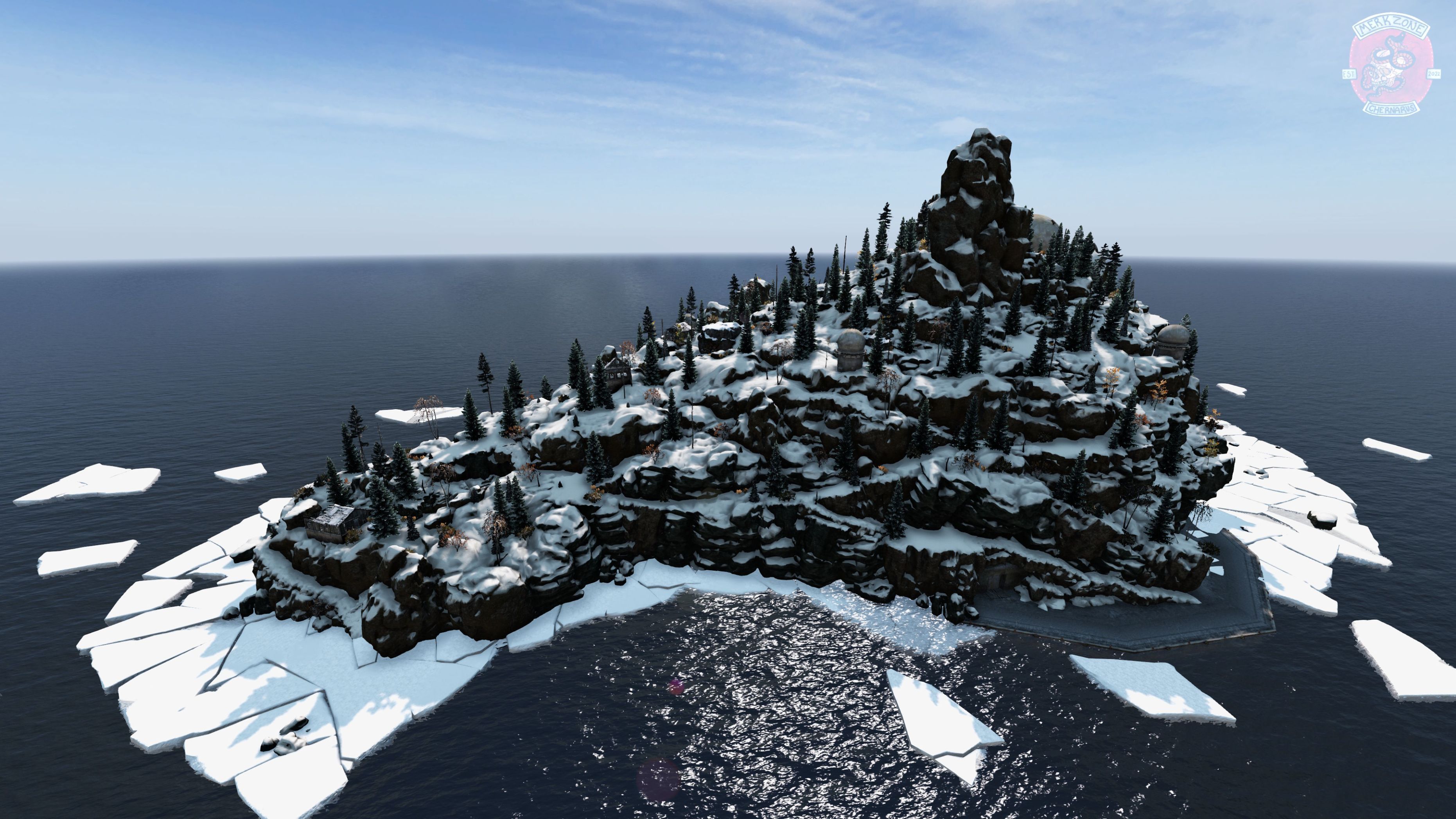
About MZ Map Loader
From Steam WorkshopMerkZone Map Loader Config Location: DayZServer/Profiles/MZMapLoader/ How To Use: Copy your existing DZE files or mzmap files into their respective folders! Config: For config parameters and…
MerkZone Map Loader
Config Location: [code]DayZServer/Profiles/MZMapLoader/[/code] How To Use: Copy your existing DZE files or mzmap files into their respective folders!
Config:
For config parameters and instructions, refer to the config.cfg within the MZMapLoader folder! The default config settings should work well for most use cases. Any problematic objects can be whitelisted in the config!
IMPORTANT:
Requires Dabs Framework for Object Suppression and DZE file support. For optimal loading / unloading of mapping and to prevent pop-in you need to save your map edits per area. I.E: One DZE for Balota, one DZE for NEAF, you might need two or three DZE files for a larger area like NWAF or Tisy. If any two objects in a map file are more than 1km apart, the whole file is treated as global and every object gets updated constantly. Split your mapping by area so locations outside the client's render distance can be skipped!
Why use this?
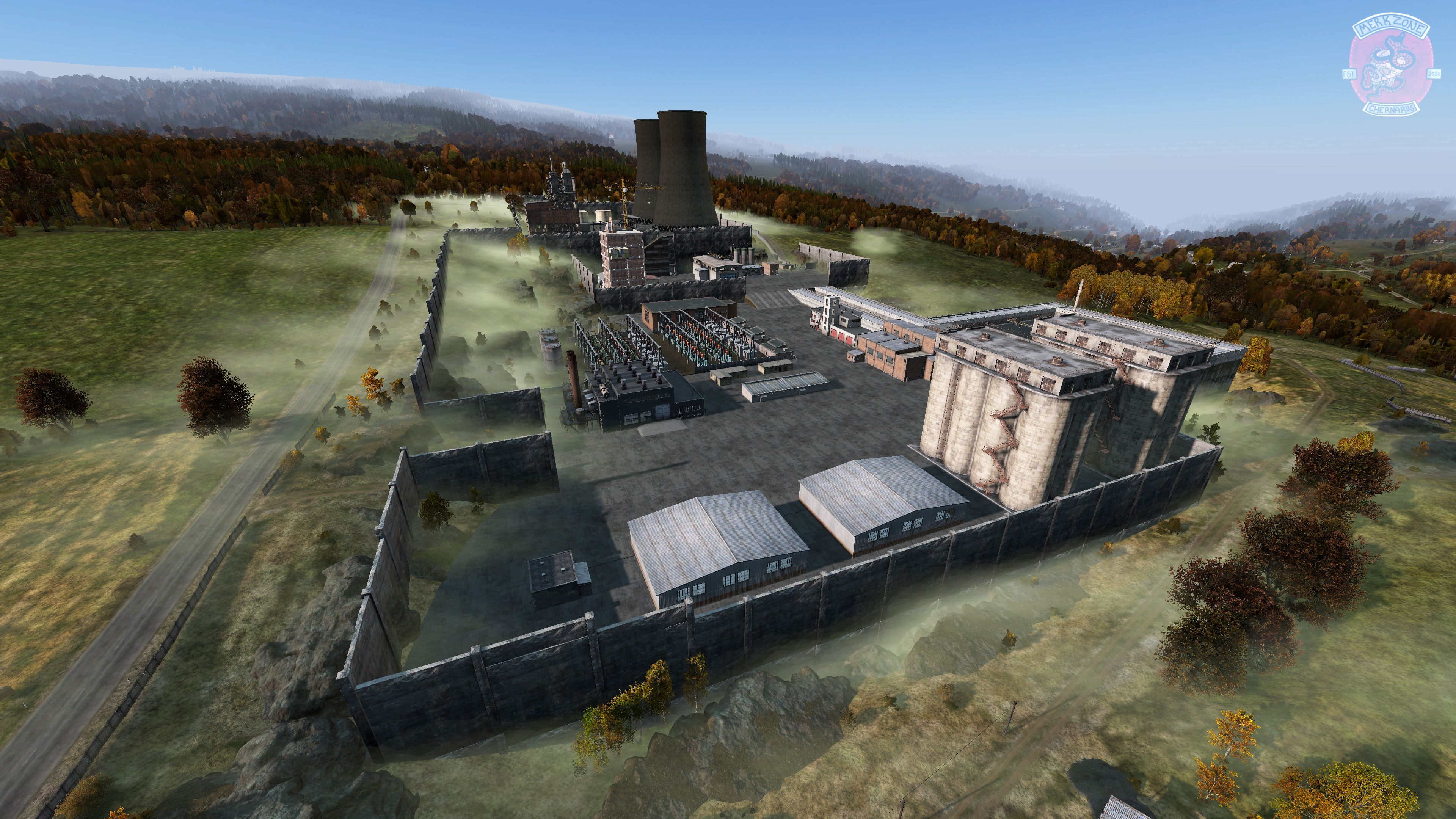
The traditional way of loading custom mapping is to spawn it as networked objects. That means every single object you place down is like a piece of loot. If those object(s) are within a player's network bubble, the server has to keep it in synch. AKA - 'Base Lag', pop-in, or helicopters freezing mid air before plummeting into the ocean. We've all been there! This mod instead tries to imitate how vanilla baked objects work. When a player joins, all your mapping is downloaded + cached in memory and loaded/unloaded on the fly, client side. The server will only have to synchronize certain objects. You can now map to your hearts' content!
Repacks/Re-Uploads: I'd prefer you stay subscribed to this mod so everyone can see it! If you repack, it might not be seen on the workshop. If you must repack please only do so within your own server mod and keep it up to date.
Highlights
From source dataFootprint
Rated a light load on a server.
Last update
Its author last shipped an update 19d ago.
MZ Map Loader on Nxeon
From our catalogue- One-click install
- Not available. One-click install isn't available for this game's mods yet. Download it and upload it to your server in Files.
- Server load
- light
- Smallest plan we suggest
- DayZ — 6 GB (6 GB RAM). This follows our own load rating above, not a benchmark.
- Latest build
- 2026-10-15, released 2026-10-15
Game versions by loader
| Loader | Game versions | Newest |
|---|---|---|
| Workshop |
From 2 recorded builds of MZ Map Loader.
Recent builds
| Build | Released | Game versions | Loaders |
|---|---|---|---|
| 2026-10-15 | 2026-10-15 | n/a | Workshop |
| 2026-04-27 | 2026-04-27 | n/a | Workshop |
Dependencies
- Required: Dabs Framework
- Required: CF
Declared by the newest build that lists any. Required ones are installed with it on one-click installs.
Run MZ Map Loader on a DayZ server
Deploy a server above, then upload the file in Files.
What kind of mod it is
From the catalogMaps & scenarios
Custom maps, arenas and scenarios to play on.
Compatibility
- Game
- DayZ
Verified at the source
- ✓Steam WorkshopOfficial listing, checked 2026-11-01Open ↗
- ✓Authorxplosiff - discord.gg/merkzone, as published on Steam Workshop
- ✓LicenseNot published by the sourceFree