






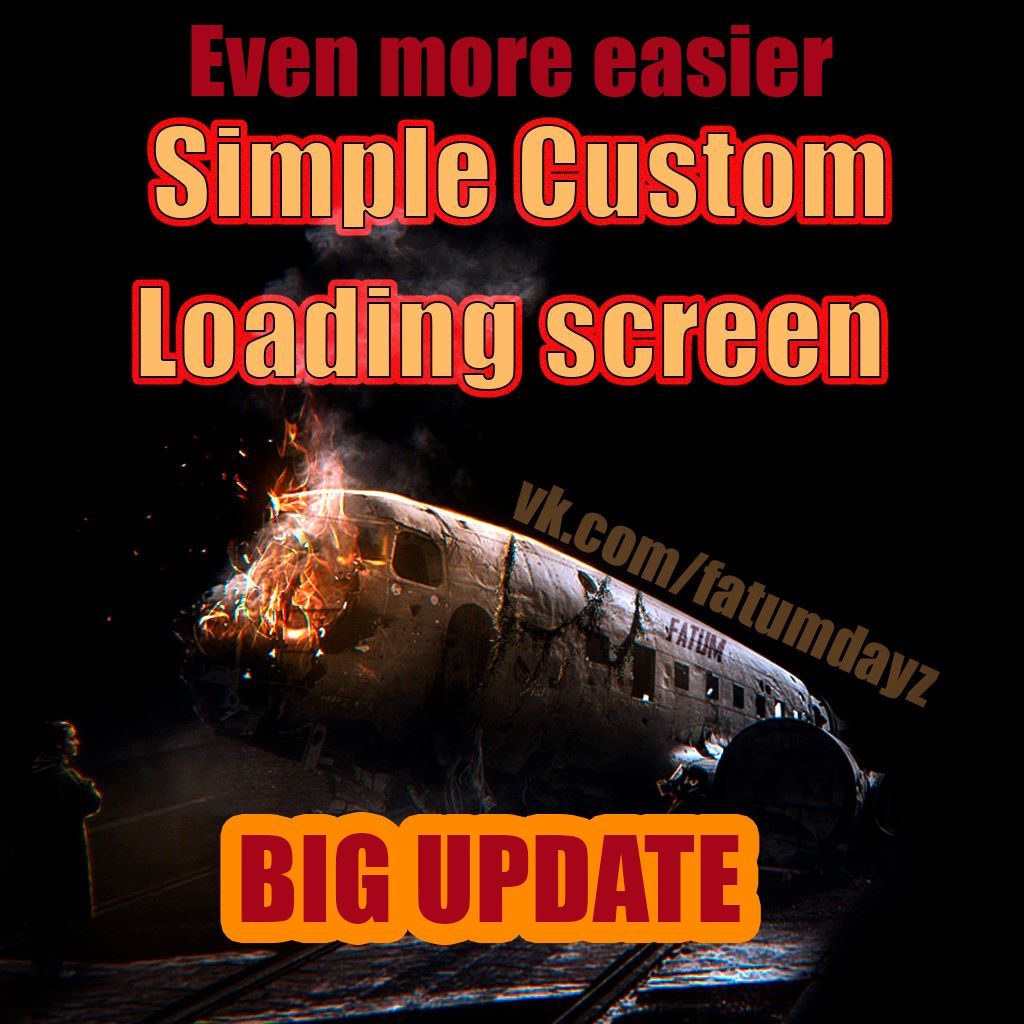
About SimpleCustomLoadingScreen
From Steam WorkshopEVEN MORE EASIER way to add custom loading screen to your server modpack which replaces every vanilla loading pictures on Login Queue, Login Time count and general loading before and after main menu…
EVEN MORE EASIER way to add custom loading screen to your server modpack which replaces every vanilla loading pictures on Login Queue, Login Time count and general loading before and after main menu
1. Make a pretty picture. You can place a picture with any resolution. It scales fullscreen depending on your settings. BUT better to use 16*sсales resolusions like 2048*1024 etc 2. Convert it in .edds file using TexView in DayZTools and name your file loadingscreen.edds (save as > all files > type manually loadingscreen.edds ) 3. Open mod contains folder, open Loadingscreen folder and replace loadingscreen.edds file 4. pack into .pbo file with addon builder or pbo manager 5. Start the game with new .pbo file included in your modpack
Advanced Tutorial thanks to @ratt https://github.com/mxratt/simplecustomloadingscreentutorial/blob/main/simplecustomloadingscreen.txt
Feel free to use or repack the content in your mods however you want The mod is required to customize before using. If you include this mod in your collection - you will get my custom picture and kick on connecting
Highlights
From source dataFootprint
Rated a light load on a server.
Last update
Its author last shipped an update 7 yr ago.
SimpleCustomLoadingScreen on Nxeon
From our catalogue- One-click install
- Not available. One-click install isn't available for this game's mods yet. Download it and upload it to your server in Files.
- Server load
- light
- Smallest plan we suggest
- DayZ — 6 GB (6 GB RAM). This follows our own load rating above, not a benchmark.
- Latest build
- 2020-01-04, released 2020-01-04
Game versions by loader
| Loader | Game versions | Newest |
|---|---|---|
| Workshop |
From 1 recorded build of SimpleCustomLoadingScreen.
Run SimpleCustomLoadingScreen on a DayZ server
Deploy a server above, then upload the file in Files.
What kind of mod it is
From the catalogQuality of life & UI
Small conveniences, tweaks and interface improvements players notice straight away.
Compatibility
- Game
- DayZ
Verified at the source
- ✓Steam WorkshopOfficial listing, checked 2026-10-10Open ↗
- ✓AuthorKaboom, as published on Steam Workshop
- ✓LicenseNot published by the sourceFree














