About TeleportTerminal
From Steam WorkshopTeleport Terminal This mod adds highly customizable teleport terminals and trigger zones to your map, entirely based on easy-to-use JSON settings. Whether you want to build fast-travel networks,…
Teleport Terminal [JSON-Setting]
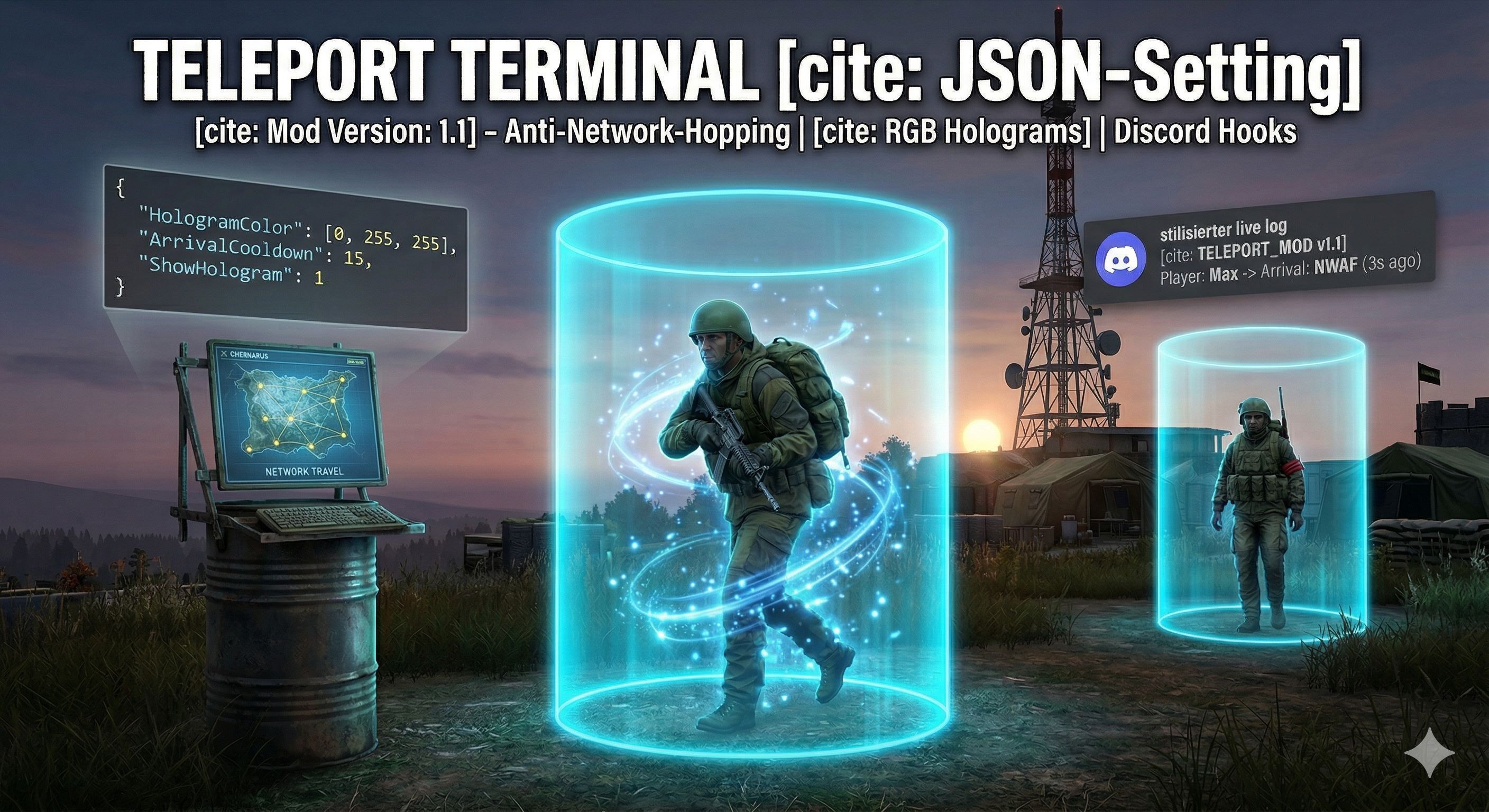
This mod adds highly customizable teleport terminals and trigger zones to your map, entirely based on easy-to-use JSON settings. Whether you want to build fast-travel networks, hidden bunker entrances, or VIP areas – this mod gives server admins full control.
Mod Version: 1.3.1
✨ Key Features
- Two Systems in One: Place physical Terminal objects for network travel (e.g., North Route, South Route) OR use invisible triggers / glowing 3D holograms for seamless portal zones.
- Native UI Feedback (Player-Only): No annoying global chat spam! The mod uses DayZ's native Notification System to display clean, immersive on-screen info boxes. These notifications are ONLY visible to the player who is teleporting, keeping the immersion intact for everyone else on the server. Fully customizable texts!
- Anti-Network-Hopping: Prevent teleport chain-spam! The new Arrival Cooldown ensures players must wait a set amount of time after arriving at a destination before they can use another terminal.
- Dynamic Cooldowns: Full control over teleport spam! Set cooldowns globally for the whole server, per network, or individually per location. You can even choose if a cooldown locks the terminal for EVERYONE, or just for the specific player who used it.
- Customizable Holograms: Hologram markers are no longer just red! You can now define custom glowing RGB colors for every single trigger zone directly in your JSON config.
- Discord Webhooks: Automatically send real-time teleport logs to your Discord server! The mod generates easy-to-read setup guides (English & German) in your profile folder.
- Smart Height Detection: Leave the Y-coordinate at 0.0 to automatically and safely snap players to the ground, or input exact height values to teleport them onto skyscraper roofs or deep into custom bunkers.
- Admin Logs: Perfectly structured local logs using 2D distance calculation to precisely show where a player teleported from and where they arrived.
- Auto-Backup System: Mod updates will never break your configs. The system automatically detects old versions, creates a cleanly timestamped backup, and safely generates the newest files.
⚙️ Configuration & Setup
The mod automatically generates a clean folder structure at $profile:\TB_TeleportMod.
(⚠️ NOTE: Real JSON does not support comments. The "//" comments below are for documentation purposes only. Do not copy them directly into your live server files!)
// --- TeleportConfig.json (Terminal Networks) ---
{
    "ConfigVersion": "1.3.1", // Auto-backup system version (Do not change manually!)

    "IsCooldownGlobal": 0,  // 1 = Cooldown applies to the entire network, 0 = Each terminal has its own timer
    "GlobalCooldownTime": 60, // Time in seconds for the global cooldown
    "SharedCooldown": 0,    // 1 = Teleport locks the terminal for ALL players, 0 = Player specific cooldown
    "ArrivalCooldown": 15,  // Prevents Network-Hopping! Time in seconds a player must wait after arriving

    // --- Custom UI Notifications (Supports %LOCATION% and %TIME% variables) ---
    "NotificationTitle_Success": "TELEPORT SUCCESSFUL",
    "NotificationText_Success": "You have arrived at '%LOCATION%'.",
    "NotificationTitle_TerminalCooldown": "TELEPORT SYSTEM",
    "NotificationText_TerminalCooldown": "Action aborted! System is cooling down (%TIME%s).",
    "NotificationTitle_ArrivalCooldown": "TELEPORT SYSTEM",
    "NotificationText_ArrivalCooldown": "System recharging! Please wait %TIME%s.",

    "Networks": [
        {
            "NetworkName": "North-Network", // Category name displayed in the UI menu

            "Locations": [
                {
                    "Name": "North-West Airfield", // Destination name (displayed in logs & UI)
                    "ObjectClass": "Terminal", // Chose ur Item for the Teleport

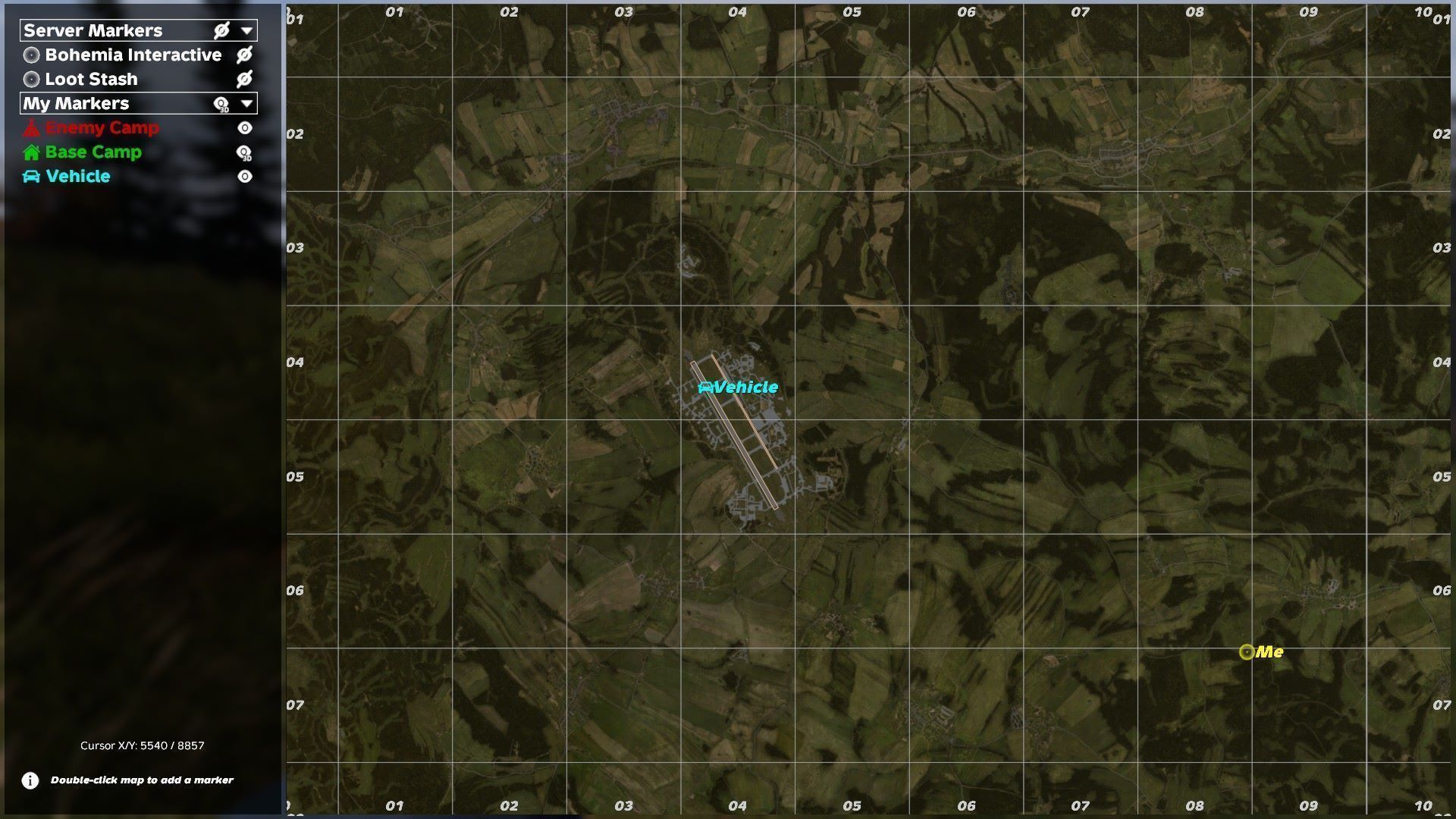
                    "Position": [ 4500.0, 0.0, 10300.0 ], // X, Y, Z (Tip: Leave Y at 0.0 to auto-snap to ground!)
                    "Orientation": [ 0.0, 0.0, 0.0 ], // Facing direction after teleport
                    "DestinationPoints": [], // Set your arrival points

                    "IsActive": 1, // 1 = Terminal active, 0 = Disabled (invisible)
                    "IsOneWay": 0, // 1 = Arrival only, cannot teleport FROM here

                    "Godmode": 0, // 0 = Allow player damage while Teleport, 1 = player damage is disabled
                    "GodmodeTime": 0, // How much seconds the "Godemode" lasts

                    "HasCooldown": 1, // 1 = Terminal uses individual cooldown
                    "CooldownTime": 120 // Individual wait time in seconds

                    "Requirement": "", // Requirement for the Teleport. Keep empty for free Teleport
                    "Count": 0 // Count of Requirement. 0 > Deactivated
                }
            ]
        }

    ]

}
// --- TeleportTriggerConfig.json (Zones & Holograms) ---
{
    "ConfigVersion": "1.1.2",

    "Triggers": [
        {
            "Name": "Bunker Entrance", // Internal name for logs & UI messages

            "TriggerPosition": [ 3738.0, 0.0, 5990.0 ], // Position of the invisible trigger zone
            "TriggerRadius": 2.0, // Radius of the trigger zone
            "TriggerHeight": 3.0, // Height of the trigger zone

            "TargetPosition": [ 3738.0, 0.0, 6010.0 ], // Destination coordinates
            "TargetOrientation": [ 0.0, 0.0, 0.0 ], // Facing direction upon arrival

            "IsActive": 1, // 1 = Trigger is active, 0 = Disabled
"ShowHologram": 1, // 1 = Displays a glowing 3D cylinder to mark the zoneHighlights
From source dataFootprint
Rated a light load on a server.
Last update
Its author last shipped an update 12d ago.
TeleportTerminal on Nxeon
From our catalogue- One-click install
- Not available. One-click install isn't available for this game's mods yet. Download it and upload it to your server in Files.
- Server load
- light
- Smallest plan we suggest
- DayZ — 6 GB (6 GB RAM). This follows our own load rating above, not a benchmark.
- Latest build
- 2026-10-23, released 2026-10-23
Game versions by loader
| Loader | Game versions | Newest |
|---|---|---|
| Workshop |
From 3 recorded builds of TeleportTerminal.
Recent builds
| Build | Released | Game versions | Loaders |
|---|---|---|---|
| 2026-10-23 | 2026-10-23 | n/a | Workshop |
| 2026-10-16 | 2026-10-16 | n/a | Workshop |
| 2026-08-20 | 2026-08-20 | n/a | Workshop |
Run TeleportTerminal on a DayZ server
Deploy a server above, then upload the file in Files.
What kind of mod it is
From the catalogMaps & scenarios
Custom maps, arenas and scenarios to play on.
Compatibility
- Game
- DayZ
Verified at the source
- ✓Steam WorkshopOfficial listing, checked 2026-11-01Open ↗
- ✓AuthorThunderBird, as published on Steam Workshop
- ✓LicenseNot published by the sourceFree