






About TerritoryLimits
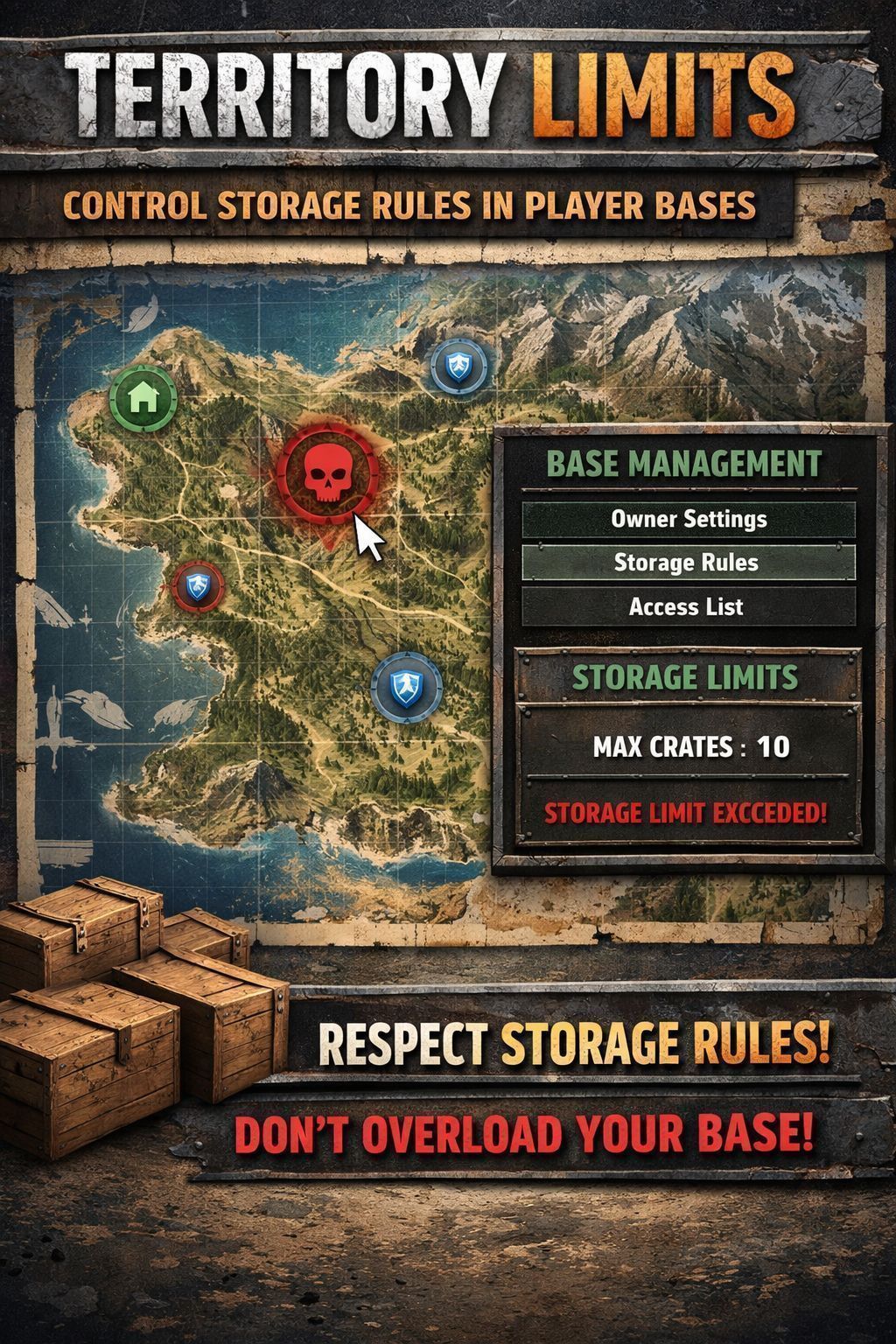
From Steam WorkshopTerritoryLimits Restrict item placement within territory zones around flag poles. The mod is still in development,expect bugs Overview TerritoryLimits gives server admins full control over what and…
TerritoryLimits
Restrict item placement within territory zones around flag poles. The mod is still in development,expect bugs [hr][/hr]
Overview
TerritoryLimits gives server admins full control over what and how many items players can place inside territory flag zones.
[hr][/hr]
Features
- [b] No wipe needed,just on BASElog will be the Owner name Unknown if you have already bases on the map,but if is not a problem for you,you can run like that.
- Custom Rules — Create rules for any item class (Barrels, Sea Chests, Watchtowers, Walls, etc.) with configurable placement limits
- Zone Configuration — Define territory zones with custom radius, supports both sphere and cylinder shapes
- Automatic Enforcement — When a player exceeds a rule limit, the item gets a deletion timer with persistent on-screen notifications
- Configurable Deletion Timer — Set how long players have to pick up an over-limit item before it gets deleted (default: 5 minutes)
- Player Notifications — Vanilla-style notification popups warn players when they exceed a limit, with a reminder 2 minutes before deletion
- Zone Panel — Players can check current zone limits by interacting with a territory flag, shows item counts vs limits with color-coded status
- Interactive Map — Zone panel includes an optional map overlay showing the flag position and nearby items
- Full Admin GUI — In-game admin panel to manage rules, zones, settings, and monitor all bases on the server
- Admin Base Monitor — View all territory flags on the server with owner info, rule status, and one-click teleport
- Admin Bypass — Admins with bypass permission can place items without restrictions
- Persistent Logging — Detailed log file written to server profile for debugging and monitoring
[hr][/hr]
Installation
Server Setup: [olist]
[*] CLIENT AND SERVERSIDE [*] Subscribe to the mod on Steam Workshop [*] Add @TerritoryLimits to your server's mod list (startup parameters) [*] Start the server — config files will be auto-generated in $profile/TerritoryLimits/ [*] Stop the server and edit Admins.json to add your Steam64 UID (see Admin Setup below) [*] Restart the server [/olist]
[hr][/hr]
Admin Setup
After first launch, edit the file: $profile/TerritoryLimits/Admins.json
Add your Steam64 UID as a superadmin or with specific permissions:
Permissions:
- tl.edit — Can open and edit the admin panel (rules, zones, settings)
- tl.bypass — Can place items without any restrictions
[hr][/hr]
How to Use
Admin Panel
- Press Ctrl+X to open the admin panel (requires tl.edit permission)
- Rules Tab — Add or remove rules, set item classes and limits
- Settings Tab — Configure display options, territory zones, and the deletion timer
- Bases Tab — View all territory flags on the server with owner info and rule status. Double-click a base to teleport to it
Player Zone Check
- Walk up to a territory flag and use the "Check Zone Limits" action
- A panel will show all active rules with current item counts vs limits
- Green = within limit, Red = limit reached or exceeded
Placement Enforcement
- When a player places or drops an item that exceeds a rule limit, the item stays on the ground but a deletion timer starts
- The player receives a notification showing how much time they have to pick it up
- A warning notification appears again 2 minutes before deletion
- If the player picks up the item before the timer expires, the timer is cancelled
- If the timer expires, the item is automatically deleted
[hr][/hr]
Config Files
All config files are located in $profile/TerritoryLimits/:
- Admins.json — Admin UIDs and permissions
- ZoneConfig.json — Rules and zone definitions
- GeneralConfig.json — Display options and deletion timer setting
- BasesLog.json — Auto-generated log of all territory flags (owner, position, date)
- TerritoryLimits.log — Detailed mod log file (cleared on each server restart)
[hr][/hr]
Compatibility
- Works with vanilla DayZ territory flags
- Compatible with other mods that use territory flags
- No dependency on Expansion or any other mod
[hr][/hr]
Changelog
v1.0
- Initial release
- Custom rules with item class restrictions and level-based limits
- Territory zone configuration (sphere and cylinder shapes)
- Full admin GUI with rules, settings, and base monitoring
- Player zone panel with interactive map
- Deletion timer with persistent vanilla-style notifications
- Configurable deletion timer in admin settings
- Admin bypass permission
- Server-side logging system
- Base monitoring with teleport functionality
[hr][/hr]
All rights reserved to Razvan. [i]You may NOT repack, reupload, or redistribute this mod, in whole or in part, without explicit written permission from the author. [*] Contact: https://discord.gg/vXsJUhdWhD [*] Inclusion in mod packs, server packs, or monetized projects is not allowed without prior permission. [*] Mod files and configuration are readable for learning/reference purposes only. Redistribution, reuse, modification for release, or reupload is not permitted.
[*]Unauthorized redistribution or monetized use without permission may be reported.[/i]
Highlights
From source dataFootprint
Rated a light load on a server.
Last update
Its author last shipped an update 6 mo ago.
TerritoryLimits on Nxeon
From our catalogue- One-click install
- Not available. One-click install isn't available for this game's mods yet. Download it and upload it to your server in Files.
- Server load
- light
- Smallest plan we suggest
- DayZ — 6 GB (6 GB RAM). This follows our own load rating above, not a benchmark.
- Latest build
- 2026-04-22, released 2026-04-22
Game versions by loader
| Loader | Game versions | Newest |
|---|---|---|
| Workshop |
From 1 recorded build of TerritoryLimits.
Run TerritoryLimits on a DayZ server
Deploy a server above, then upload the file in Files.
What kind of mod it is
From the catalogAdmin & protection
Permissions, moderation, anti-cheat and land protection for the people running the server.
Compatibility
- Game
- DayZ
Verified at the source
- ✓Steam WorkshopOfficial listing, checked 2026-10-10Open ↗
- ✓AuthorRZ, as published on Steam Workshop
- ✓LicenseNot published by the sourceFree














