







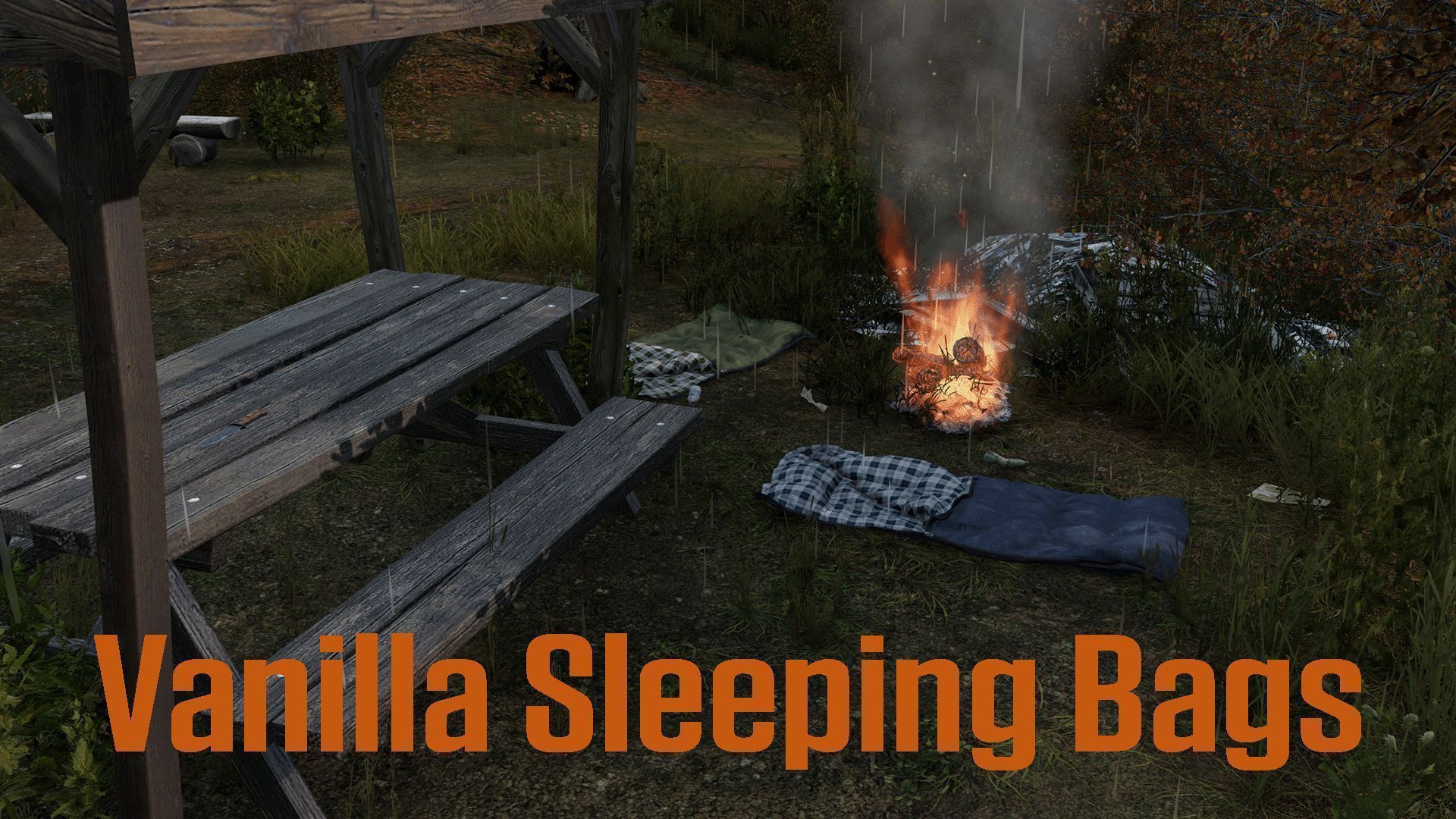
About Vanilla Sleeping Bags
From Steam WorkshopVanilla Sleeping bags DOES NOT WORK WITH EXPANSION SPAWN SELECTION. Vanilla Sleeping Bags Sleeping bags that work as spawn points. Place one down, claim it, and when you die you can choose to spawn…
Vanilla Sleeping bags DOES NOT WORK WITH EXPANSION SPAWN SELECTION.
Vanilla Sleeping Bags
Sleeping bags that work as spawn points. Place one down, claim it, and when you die you can choose to spawn there instead of the coast.
How It Works
Find a sleeping bag, place it on the ground, and claim it. That's it. When you die, a menu pops up showing your bags - pick one or hit random spawn for the coast.
Bags stay where you put them through restarts. You can rename them, gift them to friends, or pack up unclaimed ones.
Servers can enable usage limits - bags only have so many spawns before they need repairing with a sewing kit or duct tape. If you run out of uses and don't repair, you're stuck until you do (or the server can ruin bags entirely when uses run out).
There's also a name filter to keep bag names clean, configurable health on respawn, and multiple cooldown systems to stop spawn abuse.
Cooldowns
There's a few cooldown systems to stop people abusing spawns:
- Bag Cooldown - 30 min after spawning on a bag before you can use it again
- Claim Cooldown - 30 min wait after claiming a new bag
- Gift Cooldown - 30 min wait after someone gifts you a bag
- Proximity Cooldown - Your other bags within 500m get a 5 min cooldown when you spawn
- Global Cooldown - Puts ALL your bags on cooldown when you use any of them
Note: Use either Proximity or Global, not both. Global overrides Proximity since it hits all bags first.
All of these can be turned on/off and the timers changed in the config.
What Players Can Do
- Place and claim bags
- Rename bags for easy identification
- Gift bags to online players
- Clear ownership from any bag
- Pack up unclaimed bags
- Repair bags to restore uses
Server Config
Config auto-generates at: Profiles\VanillaSleepingbags\SleepingBagSettings.json
Player bag data saves to: Profiles\VanillaSleepingbags\PlayerData\<SteamID>.json
{
    "EnableLogger": true,                     // Enable/disable logging
    "MaxBagsPerPlayer": 5,                    // Max sleeping bags a player can own (1-15)
    "SpawnDelaySeconds": 1,                   // Delay before spawn position set (1-10, for laggy servers)

    "BagRespawnCooldownEnabled": true,        // Cooldown on the bag you just spawned on
    "BagRespawnCooldownSeconds": 1800,        // 1800 = 30 minutes

    "ClaimCooldownEnabled": true,             // Cooldown after claiming an unclaimed bag
    "ClaimCooldownSeconds": 1800,             // Time before you can spawn on a newly claimed bag

    "GiftCooldownEnabled": true,              // Cooldown when someone gifts you a bag
    "GiftCooldownSeconds": 1800,              // Time before recipient can use gifted bag

    "GlobalPlayerCooldownEnabled": false,     // When you spawn on ANY bag, ALL your bags go on cooldown
    "GlobalPlayerCooldownSeconds": 1200,      // Use this OR Proximity, not both

    "ProximityCooldownEnabled": true,         // Your other bags near spawn location get cooldown
    "ProximityCooldownRadius": 500,           // Radius in meters to check for nearby bags
    "ProximityCooldownSeconds": 300,          // Cooldown for nearby bags (300 = 5 min)

    "AllowGifting": true,                     // Allow players to gift bags to others
    "AllowRenaming": true,                    // Allow players to rename their bags
    "RespawnHealthPercentage": 85,            // Health % when spawning at a bag (25-100)
    "BagListSortOrder": 3,                    // Spawn menu sort: 1=Oldest, 2=Newest, 3=Alphabetical
    "EnableBagNameFilter": true,              // Filter bag names against blacklist
    "BagNameBlacklist": ["badword","badword2"], // Blocked words for bag names

    "BagUseLimitEnabled": false,              // Enable limited uses per bag
    "BagMaxUses": 5,                          // Number of spawns before bag needs repair (1-50)
    "BagRuinOnMaxUse": false,                 // Ruin bag when uses run out instead of requiring repair

    "RepairRestoreUsesEnabled": true,         // Repairing bag restores its uses
    "RepairCostSewingKit": 35,                // % of sewing kit used to repair (1-100)
    "RepairCostLeatherSewingKit": 25,         // % of leather sewing kit used (1-100)
    "RepairCostDuctTape": 65                  // % of duct tape used to repair (1-100)
}
If this mod is useful for your server, consider leaving a thumbs up and favourite. Thanks for the support!
This mod and all its content remain the exclusive property of jaydon383. Redistribution, repackaging, unpacking or use of any content in this mod is prohibited without the express written permission of the mod owner. Discord : jaydon383 Steam : jaydon383. https://steamcommunity.com/profiles/76561198129470382
🔹 Need Support or Custom Modding? Join Our Discord! 🔹 Looking for custom DayZ mods, scripts, retextures, or server support? We offer professional modding services tailored to your needs!
💬 Join our Discord for support, commissions, and community discussions! 🔗 https://discord.gg/DFE3ht38Pj
DDTB Developments – Bringing Your DayZ Vision to Life!
Tags
Sleeping Bag Respawn Spawn Point Bed Respawning Multiple Bags Gift Cooldown Spawn Selection Base Respawn Home Spawn Personal Spawn Respawn Menu Proximity Rename Vanilla
Highlights
From source dataFootprint
Rated a light load on a server.
Last update
Its author last shipped an update 6 mo ago.
Vanilla Sleeping Bags on Nxeon
From our catalogue- One-click install
- Not available. One-click install isn't available for this game's mods yet. Download it and upload it to your server in Files.
- Server load
- light
- Smallest plan we suggest
- DayZ — 6 GB (6 GB RAM). This follows our own load rating above, not a benchmark.
- Latest build
- 2026-04-07, released 2026-04-07
Game versions by loader
| Loader | Game versions | Newest |
|---|---|---|
| Workshop |
From 1 recorded build of Vanilla Sleeping Bags.
Dependencies
- Required: CF
Declared by the newest build that lists any. Required ones are installed with it on one-click installs.
Run Vanilla Sleeping Bags on a DayZ server
Deploy a server above, then upload the file in Files.
What kind of mod it is
From the catalogAdmin & protection
Permissions, moderation, anti-cheat and land protection for the people running the server.
Compatibility
- Game
- DayZ
Verified at the source
- ✓Steam WorkshopOfficial listing, checked 2026-10-10Open ↗
- ✓AuthorJaydon383, as published on Steam Workshop
- ✓LicenseNot published by the sourceFree














