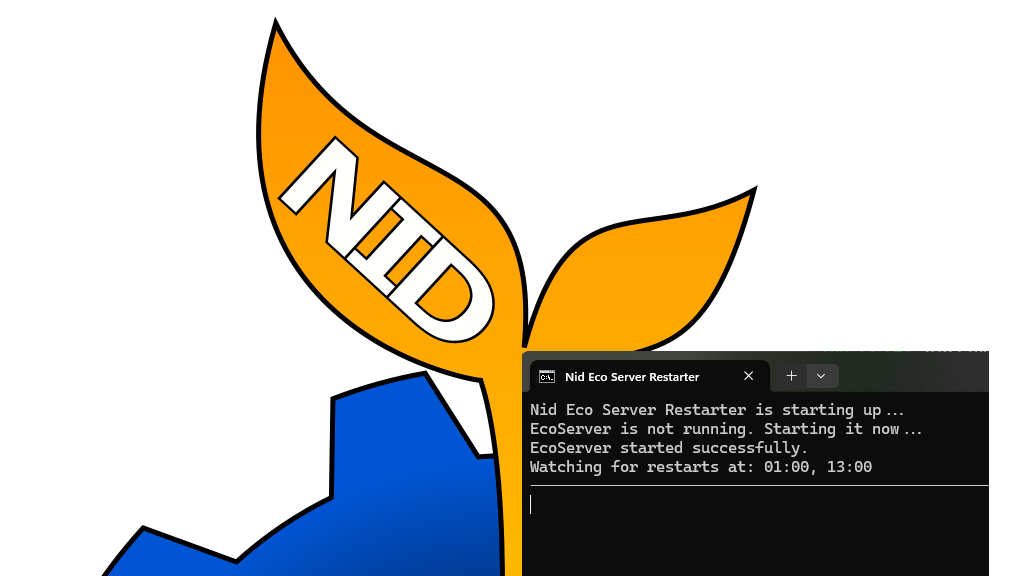

About Eco Server Restarter Script
From mod.ioThis is a PowerShell script will restart Eco Server at the specifed hours. It is designed to work on Windows hosts.
Eco Server Restarter Script
This is a PowerShell script will restart Eco Server at the specifed hours. It is designed to work on Windows hosts.
Source code available at my Github
Features
- It can run without admin priviledges on the host system.
- Terminates
EcoServerproperly viaSIGINTsignal. - Allows
EcoServerto save before exiting. - Supports multiple restart hours - only two defined, but additional may be added too.
- Detects EcoServer crashes and restarts it if needed.
How to use the script
-
Download the script files from the releases section.
-
Unpack files to where
EcoServer.exefile sits. -
Generate Eco User Token on https://play.eco/account in Server Authentication section.
-
Edit file
NidEcoRestarter.jsonand:- Paste your token from
step 3into"YOUR_ECO_TOKEN_HERE"section. Make sure you preserve quotations around it. - Edit Restart Times in
RestartTimessection. Only two hours are defined by default, but you can add more if needed.
- Paste your token from
-
Right click on both
NidEcoRestarterLauncher.cmd,NidEcoServerRestarter.ps1as well aswk.exelocated inNidEcoServerRestarterfolder and selectUnblockthenApply. Files downloaded from internet are by default blocked on some systems. -
Run
NidEcoRestarterLauncher.cmdto run the script - it will run on accounts without administrative priviledges. It also ensures that script can be executed even on hosting systems with restrictive group policy. Do not run .ps1 script file directly. -
If any errors occur or window closes imidiatelly, check log file for errors.
File logger
File logger will be placed in the same directory as the script, its name can be changed in the Configuration section of the script. It saves the time of the events within the script.
Removal
-
Manual: Delete the unpacked files.
-
Automatic: Download
NidRestarterRemover.cmdavailable in Releases on GitHub. Drop it to the folder containingEcoServer.exeand run.
Important notes
Regular users DO NOT NEED to edit the .ps1 script file directly. Eco token and restart times can be defined in NidEcoRestarter.json. This ensures that when script is updated none of your settings are lost.
Script files MUST be placed to where EcoServer.exe file resides.
It operates at 24 hour format so 9:00PM should be defined as 21:00 and so on.
If EcoServer crashes for whatever reason it will also be automatically restarted. This check is made every 10 seconds.
Please DO NOT define exact midnight 00:00 as restart hour as at this time script resets its flags. If you want restart at midnight use 00:01 for example.
Attributions
Uses wk.exe for proper signal sending. Use is under MIT license and original project page as well as source code is located at https://github.com/ElyDotDev/windows-kill
Highlights
From source dataFootprint
Rated a light load on a server.
Last update
Its author last shipped an update 17 mo ago.
Eco Server Restarter Script on Nxeon
From our catalogue- One-click install
- Not available. One-click install isn't available for this game's mods yet. Download it and upload it to your server in Files.
- Server load
- light
- Smallest plan we suggest
- Eco — 8 GB (8 GB RAM). This follows our own load rating above, not a benchmark.
- Latest build
- 1.3, released 2025-05-30
Run Eco Server Restarter Script on a Eco server
Deploy a server above, then upload the file in Files.
What kind of mod it is
From the catalogTechnology & automation
Machines, power, logistics and automation.
Compatibility
- Game
- Eco
Verified at the source
- ✓mod.ioOfficial listing, checked 2026-10-16Open ↗
- ✓Authornid, as published on mod.io
- ✓LicenseNot published by the sourceFree