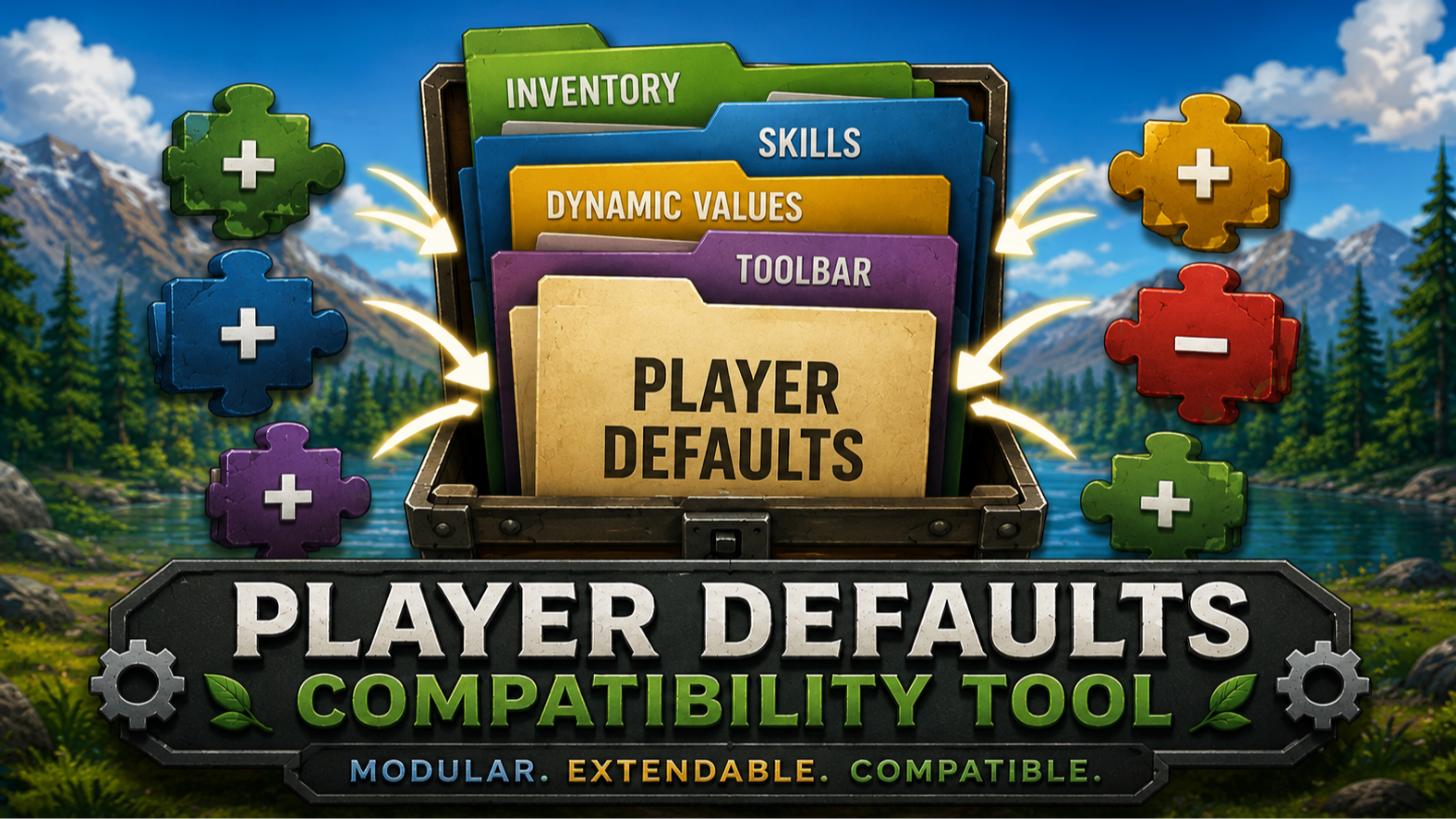

About Player Defaults Compatibility Tool
From mod.ioReplaces Eco's hardcoded PlayerDefaults configuration with a modular, extensible system designed for maximum mod compatibility.
Player Defaults Compatibility Tool
Player Defaults Compatibility Tool replaces Eco's hardcoded PlayerDefaults configuration with a modular, extensible system designed for maximum mod compatibility.
Instead of forcing every mod to override the entire PlayerDefaults file, this tool separates player defaults into independent data collections and automatically merges contributions from other mods at startup.
Supported data includes:
-
Starting inventory items
-
Starting campsite inventory items
-
Starting toolbar items
-
Default skills
-
Forced level-up skills
-
Dynamic player stat values
Mods can add, remove, or modify entries without replacing the base PlayerDefaults implementation. Multiple mods can contribute changes simultaneously, allowing them to coexist without conflicting overrides.
Examples:
-
Add new starting items
-
Remove default starting tools
-
Add or remove default skills
-
Adjust player stat modifiers
-
Customize new player progression
To support a mod, simply include a Player Defaults patch that follows the compatibility API. The compatibility tool automatically discovers and applies all registered patches during initialization.
This allows server owners and modpack creators to combine multiple gameplay mods that modify player defaults without needing manual compatibility patches between them.
Features:
-
Modular player default configuration
-
Automatic patch discovery
-
Additive and subtractive modifications
-
No direct PlayerDefaults file replacement required by dependent mods
-
Reduced mod conflicts
-
Improved modpack compatibility
-
Designed for future expansion
If your mod currently overrides PlayerDefaults, migrating to this API allows it to work alongside other Player Defaults-compatible mods instead of competing for the same override.
Highlights
From source dataFootprint
Rated a light load on a server.
Last update
Its author last shipped an update 4 mo ago.
Player Defaults Compatibility Tool on Nxeon
From our catalogue- One-click install
- Not available. One-click install isn't available for this game's mods yet. Download it and upload it to your server in Files.
- Server load
- light
- Smallest plan we suggest
- Eco — 8 GB (8 GB RAM). This follows our own load rating above, not a benchmark.
- Latest build
- 1.1.1, released 2026-06-16
Run Player Defaults Compatibility Tool on a Eco server
Deploy a server above, then upload the file in Files.
What kind of mod it is
From the catalogTechnology & automation
Machines, power, logistics and automation.
Compatibility
- Game
- Eco
Verified at the source
- ✓mod.ioOfficial listing, checked 2026-10-16Open ↗
- ✓AuthorMaxVexis, as published on mod.io
- ✓LicenseNot published by the sourceFree