






About Mag System - CW 2.0
From Steam WorkshopIf you're having issues with this - I suggest turning off community-made CW 2.0 weapons one by one to see which one causes issues. Once you find out which one is doing that, take it up with the…
If you're having issues with this - I suggest turning off community-made CW 2.0 weapons one by one to see which one causes issues. Once you find out which one is doing that, take it up with the creator of said weapon. They are copy-pasting the CW 2.0 weapon base files which completely screws over any new features and/or bug fixes most CW 2.0 updates bring.
If you're looking for something that would add more realism, tension during gunfights and roleplaying value to your server - this is just for you.
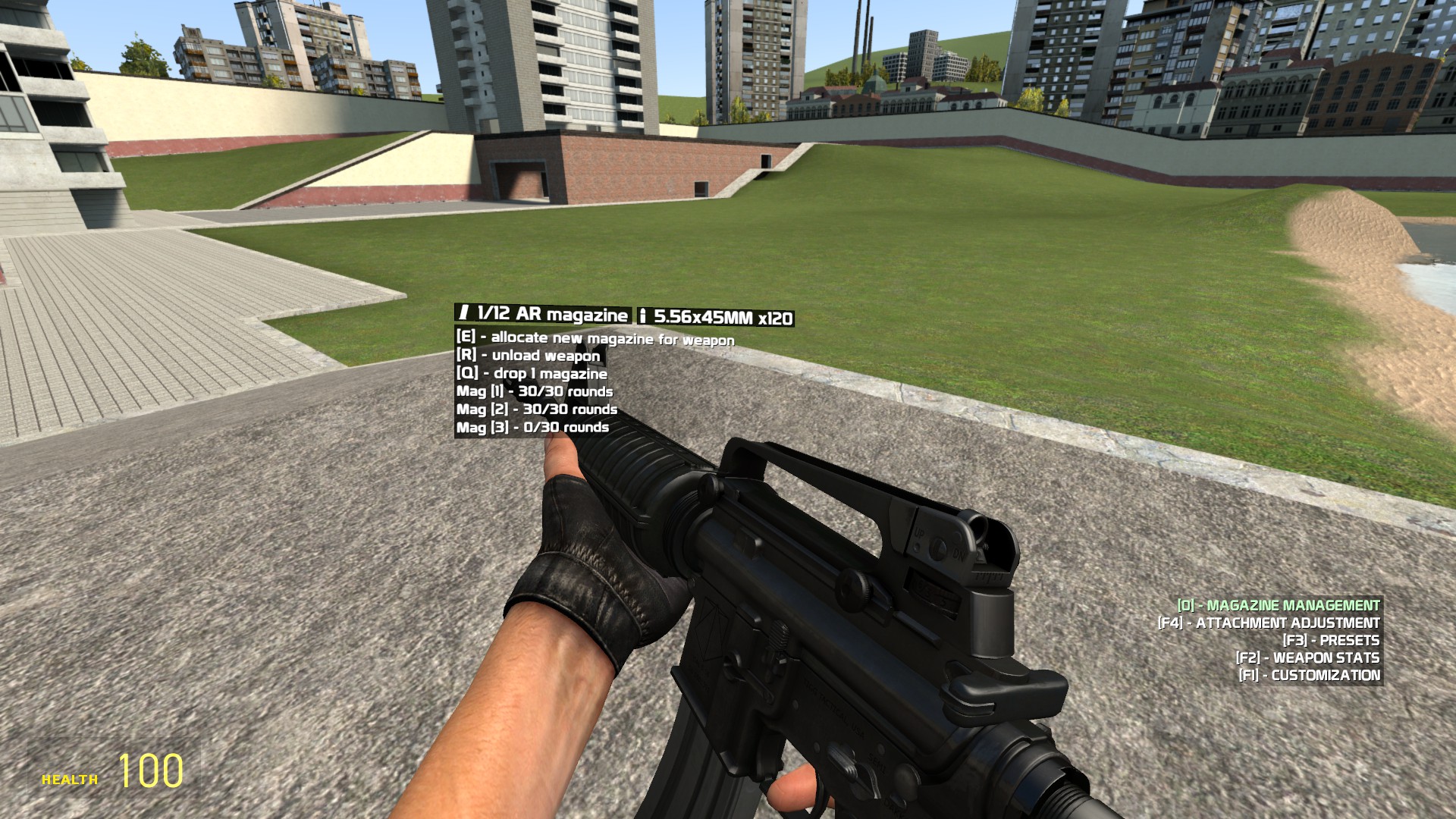
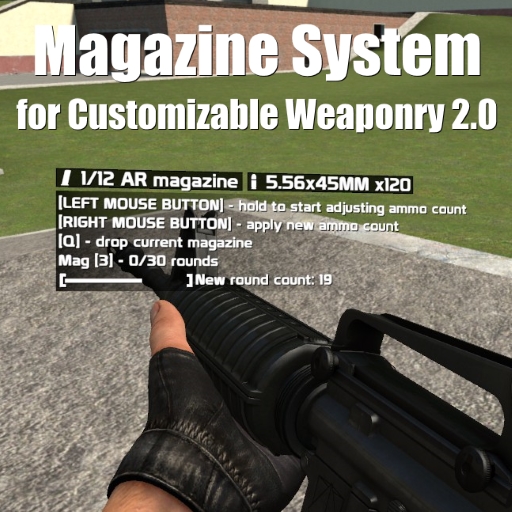
The following addon adds a magazine system for Customizable Weaponry 2.0, which is also easy to build upon and add your own magazine types. This system is a completely separate plugin and is unusable outside of CW 2.0.
Weapons that do not have a magazine type specified (AKA most of the community-made weapons) will simply use any magazine (meaning you'll be able to use a pistol magazine for an M4A1, etc.) there is.
FAQ
Q: I have no magazines, how do I get some? A: Open your spawn menu, head over to the 'Entities' tab and find the 'CW 2.0 Magazines' category. From there on, spawn magazines that is used by the weapon and pick them up by holding your use key while looking at them.
Q: How do I allocate magazines? A: wow it's like you don't read what's in front of you at all
[b]Q: How do I select a magazine that I wish to change the round count in? A: The number in the brackets next to "Mag" (ie Mag [1]) corresponds to the key which you need to press to select the magazine.
Q: How do I fill up a magazine with rounds? A: Hold down the button which the menu tells you to do and move your mouse horizontally to adjust the new round amount you wish the magazine to have.[/b]
Q: I can't switch to the "magazine management" tab. A: Enter 'bind 0 slot0' into the console.
Q: I can't select individual magazines to refill/unload ammo. A: Reset your key bindings. Bind 1 to slot1, bind 2 to slot2, and so on.
Q: How come the magazines are categorized instead of being based on a caliber/magazine model? A: Because the latter would result in a shitton of models (which I do not have), textures and micro-management hell for the player.
FOR COMMUNITY MODDERS: defining magType on the weapon object (ie. SWEP.magType = "arMag") will make the weapon use the magazine system.
FULL LIST OF MAGAZINE TYPES: pistolMag smgMag arMag brMag srMag
SHARED MAG SYSTEM FUNCTIONS: CustomizableWeaponry.magSystem:registerMagType(magType, displayText, magCount) - by calling this function, you can register a new magazine type magType is the magazine type name, refer to 'magsystem_core.lua' found in cw/shared/ displayText is the text you'll be seeing on the magazine management tab magCount is how many magazines the player should start out with, additionally, it creates console variables, so you can adjust the amount of mags players start with on the fly
CustomizableWeaponry.magSystem:assignMagToWeaponClass(wepClassName, magType) - you can call this function to assign a mag type to a specific weapon this is mostly used as a way of adding mag types to weapons you don't want to change the files of so for example calling CustomizableWeaponry.magSystem:assignMagToWeaponClass("cw_ar15", "arMag") will make the AR-15 that comes with CW 2.0 use the AR magazines
I probably left out a lot of them here, decompile the .gma file and take a look at how the entire system works if you wish to find out more.
Credits: Baddog - for his CS:S magazine models
Highlights
From source dataFootprint
Rated a light load on a server.
Last update
Its author last shipped an update 11 yr ago.
Mag System - CW 2.0 on Nxeon
From our catalogue- One-click install
- Supported on Nxeon Garry's Mod servers. We download it from Steam Workshop, place it, and restart the server.
- Server load
- light
- Smallest plan we suggest
- Garry's Mod — 2 GB (2 GB RAM). This follows our own load rating above, not a benchmark.
- Latest build
- 2016-02-16, released 2016-02-16
Game versions by loader
| Loader | Game versions | Newest |
|---|---|---|
| Workshop |
From 1 recorded build of Mag System - CW 2.0.
Dependencies
- Required: Chuck's Weaponry 2.0
Declared by the newest build that lists any. Required ones are installed with it on one-click installs.
Run Mag System - CW 2.0 on a Garry's Mod server
Pick a server or deploy a new one above; it is installed in one click.
What kind of mod it is
From the catalogWeapons, items & crafting
New weapons, gear, items and the recipes to make them.
Compatibility
- Game
- Garry's Mod
Verified at the source
- ✓Steam WorkshopOfficial listing, checked 2026-10-10Open ↗
- ✓Authorsрy, as published on Steam Workshop
- ✓LicenseNot published by the sourceFree














