About KF-Zedternal_Holdout
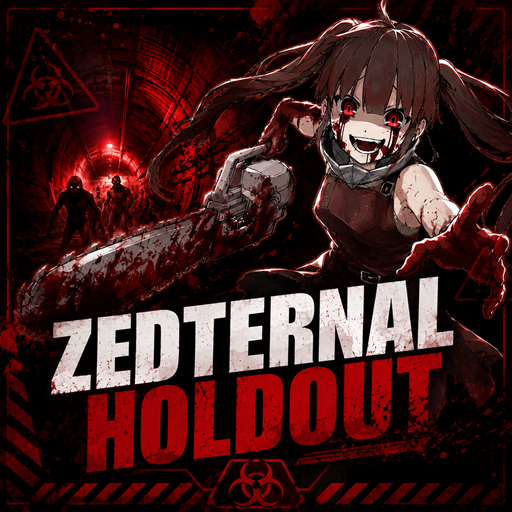
From Steam WorkshopMap Overview This map was created to provide a dedicated holdout experience tailored for the Zedternal Unlimited mutator. The play zones within this map consist of various segments from my own custom…
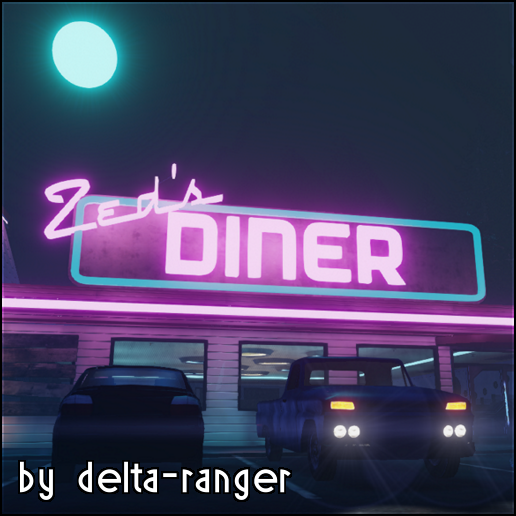
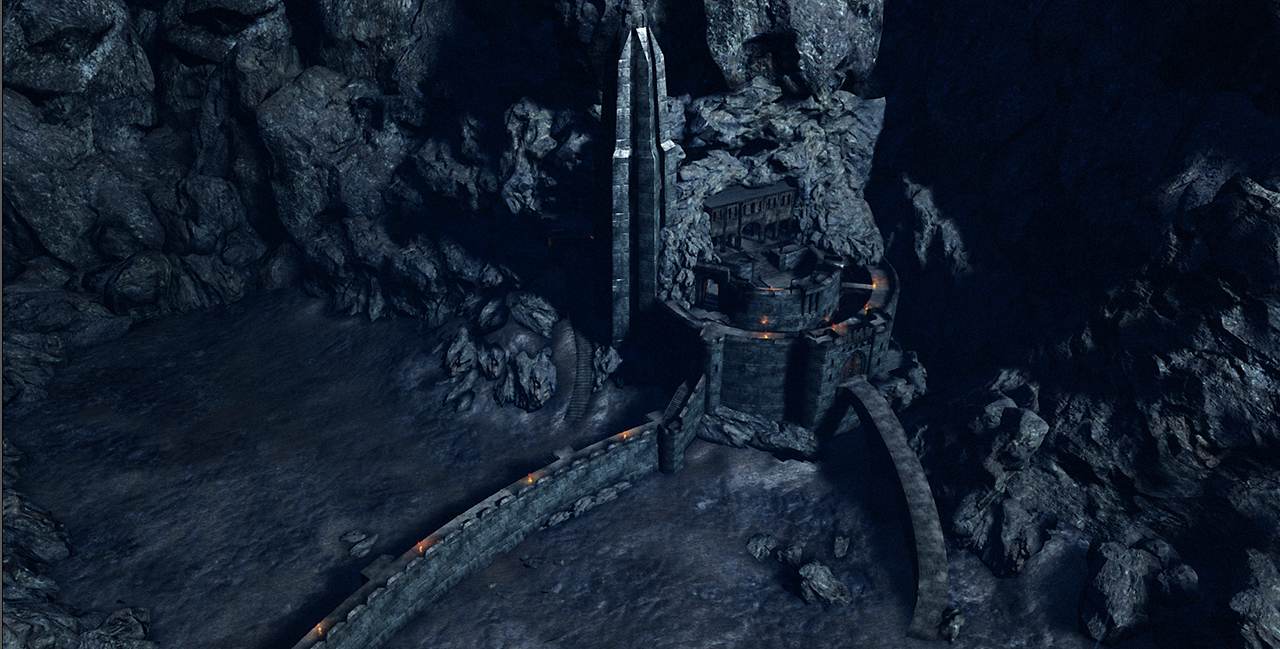
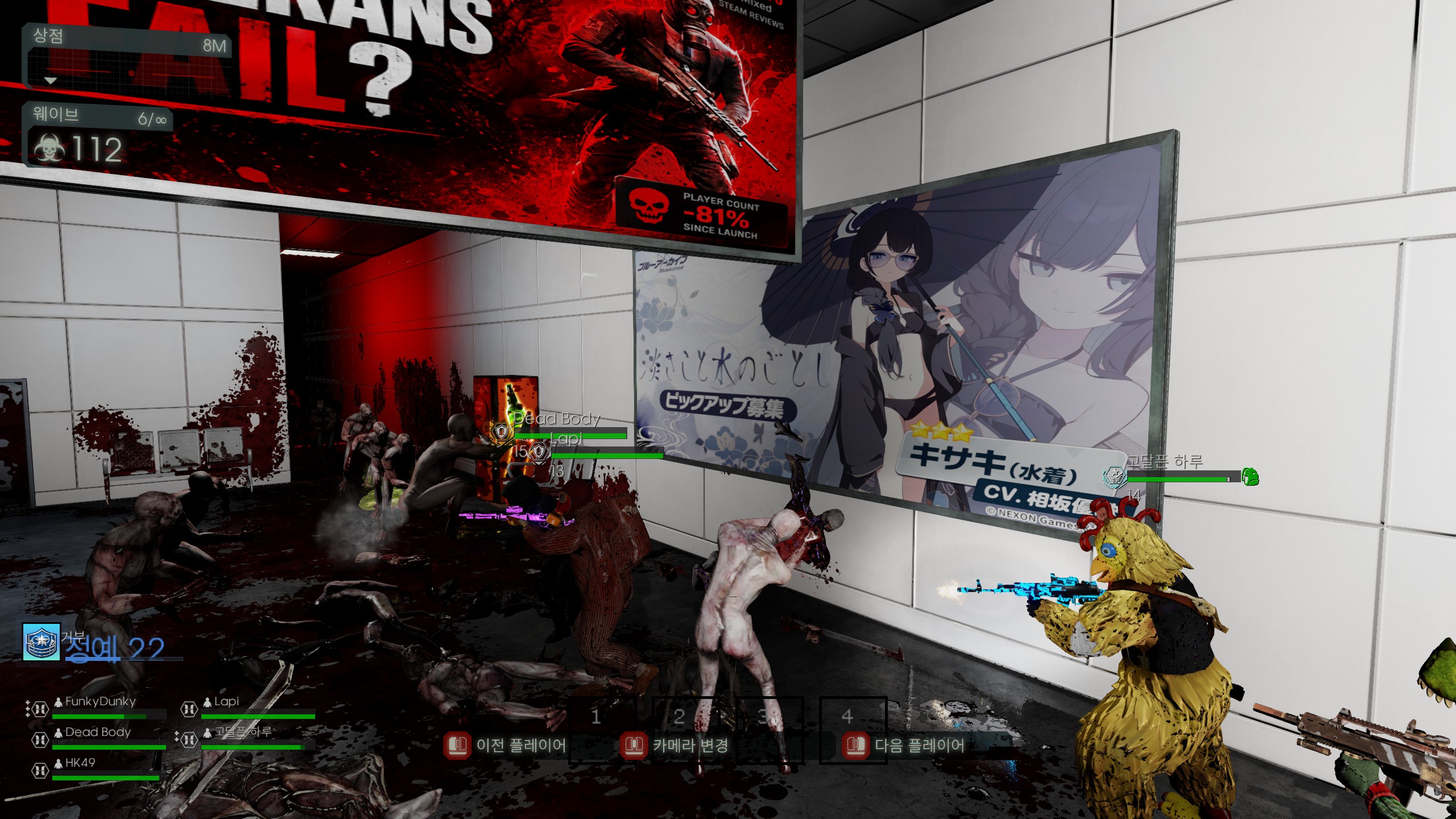
Map Overview This map was created to provide a dedicated holdout experience tailored for the Zedternal Unlimited mutator. The play zones within this map consist of various segments from my own custom maps as well as others (based on Random Holdout and Simple Holdout).
Key Features:
- Balanced Difficulty: I have excluded extremely difficult segments that tend to end a Zedternal run prematurely. While most sections are designed for a fair and enjoyable flow, I have kept some challenging areas to maintain intensity—because camping in one spot forever gets boring!
- Work in Progress: As this map is currently a work in progress, more segments will be added in future updates.
- Perk Optimization: This map was designed for my server and my friends' playstyles. It is optimized for ballistic-based perks rather than explosive-heavy gameplay (Demolitionist/Firebug), allowing for more tactical shooting environments.
Note: The difficulty of Zedternal Holdout may vary significantly depending on your specific Zedternal settings.
---
IMPORTANT: Connection & Stability Fix To ensure you can connect to Zedternal and other custom servers without crashes or errors, you must modify your configuration file as follows:
1. Navigate to:
\Documents\My Games\KillingFloor2\KFGame\Config[/code]
2. Open [b]KFEngine.ini[/b] with a text editor.
3. Locate the [b][Core.System][/b] section and change the following two values to [b]0[/b]:

[code]
[Core.System]
MaxObjectsNotConsideredByGC=0
SizeOfPermanentObjectPool=0
4. Save the file and restart your game.
Highlights
From source dataFootprint
Rated a light load on a server.
Last update
Its author last shipped an update 9d ago.
KF-Zedternal_Holdout on Nxeon
From our catalogue- One-click install
- Supported on Nxeon Killing Floor 2 servers. We download it from Steam Workshop, place it, and restart the server.
- Server load
- light
- Smallest plan we suggest
- Killing Floor 2 — 2 GB (2 GB RAM). This follows our own load rating above, not a benchmark.
- Latest build
- 2026-10-07, released 2026-10-07
Game versions by loader
| Loader | Game versions | Newest |
|---|---|---|
| Workshop |
From 2 recorded builds of KF-Zedternal_Holdout.
Recent builds
| Build | Released | Game versions | Loaders |
|---|---|---|---|
| 2026-10-07 | 2026-10-07 | n/a | Workshop |
| 2026-10-04 | 2026-10-04 | n/a | Workshop |
Dependencies
- Required: Zedternal Unlimited
Declared by the newest build that lists any. Required ones are installed with it on one-click installs.
Run KF-Zedternal_Holdout on a Killing Floor 2 server
Pick a server or deploy a new one above; it is installed in one click.
What kind of mod it is
From the catalogMaps & scenarios
Custom maps, arenas and scenarios to play on.
Compatibility
- Game
- Killing Floor 2
Verified at the source
- ✓Steam WorkshopOfficial listing, checked 2026-10-16Open ↗
- ✓Authorremi, as published on Steam Workshop
- ✓LicenseNot published by the sourceFree