
About GravityChanger
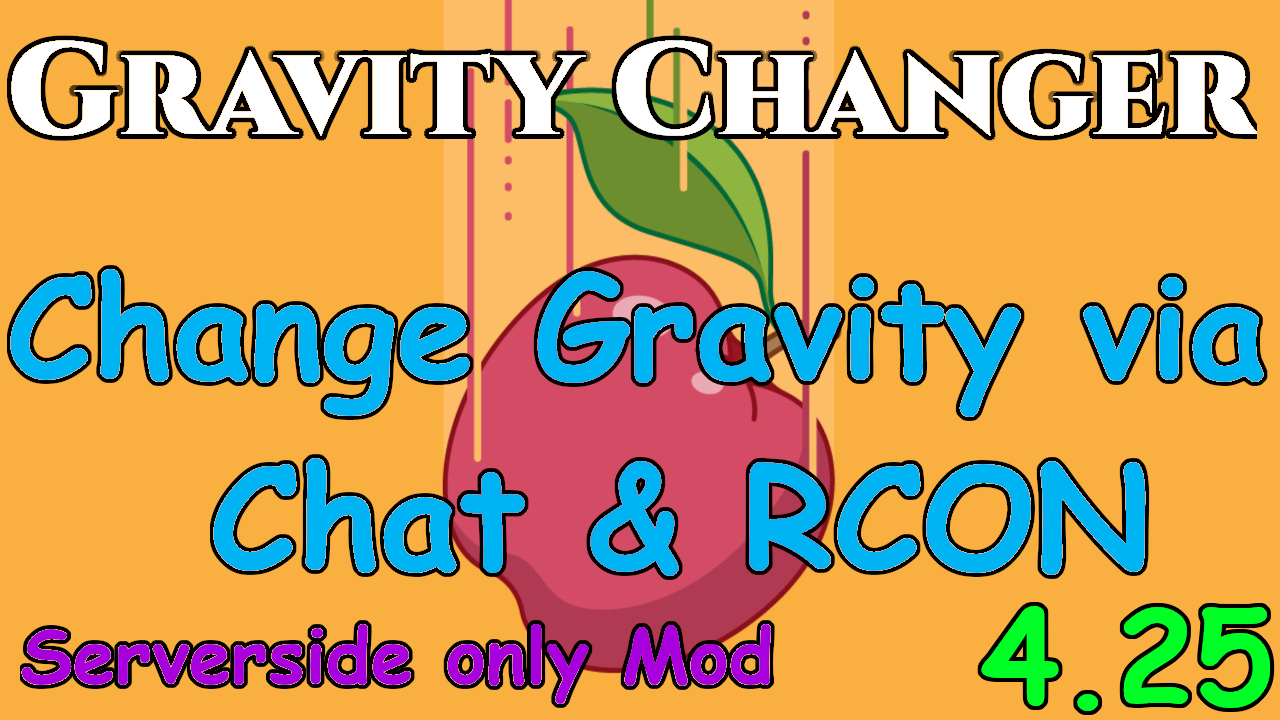
From mod.ioAllows Admins to change the Gravity (Gravity-Scale) via Chat-Command or RCON
Changelog:
1.1.0:
-| Fixed every non-Admin get's a "You're no Admin" Message on every message they send
1.0.0:
-| Init
This Mod allows Admins to change the Gravity (Gravity-Scale) via Chat-Command or RCON
Also working for vanilla maps, players don't need to download anything.
DOWNLOAD, DON'T SUBSCRIBE - IT'S SERVER SIDE ONLY!
[ You can use ModList now aswell, users would download the few kilobytes then, but only do that if you want to keep it auto-updated or if you want to help this mod getting more attention. The current auto-download implementation seems to cause alot of issues, so you should not do it if you don't need to, or if you don't use the ModList for other mods already. I suggest the MANUAL INSTALLATION AS IF YOU HAVE ONLY SERVER ACTORS INSTALLED, IT WILL NOT MARK YOUR SERVER AS MODDED IN THE SERVER BROWSER ]
How to use?
- Stop your server!
- (Skip to 3. if you install via ModList) Move the "GravityChanger.pak" into "...\Mordhau\Content\CustomPaks\" on your server, where all the pakchunk files are.
- Now in the "Game.ini" of your server, in the already existing Section "[/Script/Mordhau.MordhauGameMode]" add following line:
<pre>SpawnServerActorsOnMapLoad=/Game/Mordhau/Maps/Taki7o7/ServerActors/GravityChanger/GravityChanger.GravityChanger_C</pre> - Save the ini
- Start the server
- Now in Chat type for example "grav 0.5" to set the gravity to 50%. For RCON you would need to use "string grav 0.5"
There are also 2 optional settings. One to define a default gravity scale & one to make the output messages be sent to admins only.
In Order to use them, put following into your "Game.ini":
<pre>[GravityChanger] NotifyAdminsOnly=true DefaultGravityScale=1.0</pre> If they are not defined, NotifyAdminsOnly will be FALSE & DefaultGravityScale will be 1.0
Checkout my RCON-Client:
Check my other Serverside-Only Mods:
Highlights
From source dataFootprint
Rated a light load on a server.
Last update
Its author last shipped an update 3 yr ago.
GravityChanger on Nxeon
From our catalogue- One-click install
- Not available. One-click install isn't available for this game's mods yet. Download it and upload it to your server in Files.
- Server load
- light
- Smallest plan we suggest
- Mordhau — 4 GB (4 GB RAM). This follows our own load rating above, not a benchmark.
- Latest build
- 1.1.1, released 2021-09-17
Run GravityChanger on a Mordhau server
Deploy a server above, then upload the file in Files.
What kind of mod it is
From the catalogAdmin & protection
Permissions, moderation, anti-cheat and land protection for the people running the server.
Compatibility
- Game
- Mordhau
Verified at the source
- ✓mod.ioOfficial listing, checked 2026-10-30Open ↗
- ✓AuthorTaki7o7, as published on mod.io
- ✓LicenseNot published by the sourceFree