
About Server Watchdog
From mod.ioA server moderation tool for blacklisting spoofing players, logging join/leave events, and tracking daily player activity.
This server moderation mod provides essential tools for managing player activity and maintaining control.
Features
-
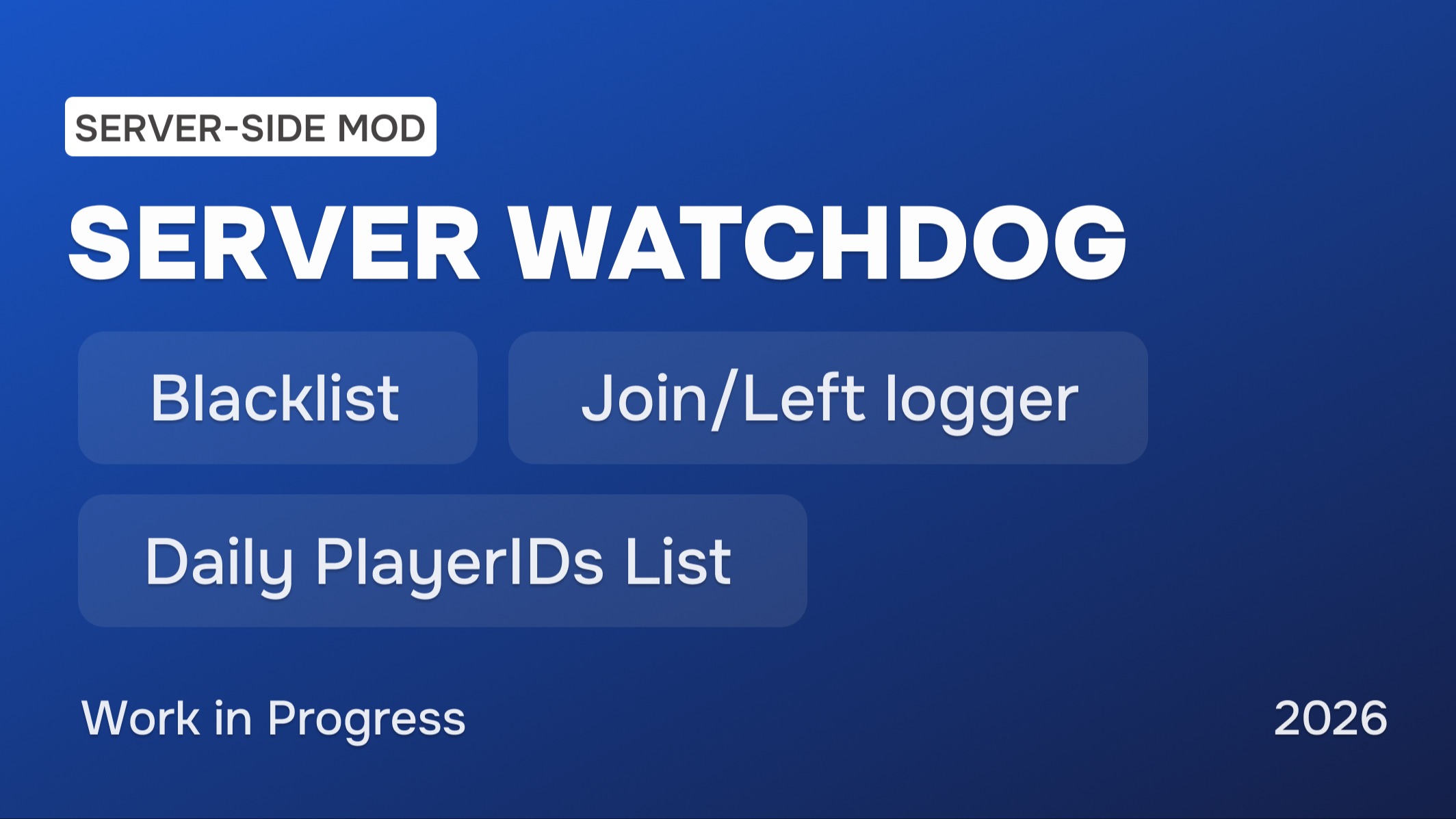
Blacklist system to prevent spoofed PlayFabIDs players from joining (when someone fakes their ID and can’t be banned by standard methods)
-
Log player join/leave events to Discord using a webhook (Joined/Left | ID - Nickname (Acc platform) | Kill/Death stats | Server Name | Date)
-
Daily logging to a text file of all unique players who joined the server within 24 hours (UTC)
In-game chat commands
- .blacklistadd <id> — adds the specified PlayFabID to the Blacklist
- .blacklistremove <id> — removes the specified PlayFabID from the Blacklist
- .watchdoginfo — installed mod version information
BlackList.txt and JoinedPlayerIDs_Date.txt are now stored in their own dedicated ServerWatchdog folder inside the PlayerFiles directory.
Installation Instructions
🏷 Fully server-side, no client installation is required.
1. Installing the Mod
- Choose the manual installation option to download the file and unzip it.
- Go to /Mordhau/Content and open the CustomPaks folder (If the folder does not exist, create it manually).
- Copy the .pak file into /Mordhau/Content/CustomPaks, like any other server-side mod.
2. Configuring Game.ini
- Open the file: /Config/WindowsClient/Game.ini
2.1. To activate the mod, spawn the actor
Under the [/Script/Mordhau.MordhauGameMode] section
add line SpawnServerActorsOnMapLoad=/ServerWatchdog/BP_ServerWatchdog.BP_ServerWatchdog_C
2.2. Mod configuration[ServerWatchdog] # Enter the PlayFabID that will have access to Blacklist commands
OwnerID=
JoinLeaveWebhookURL=" "bJoinLeaveDisableServerName= # When True, the server name in the Joined/Left webhook is hiddenbJoinLeaveDisableTimestamp= # When True, timestamps in the Joined/Left webhook are disabled.
2.3. Under the [/Script/Mordhau.MordhauGameSession] section, change: bAllowHttpRequests=False to bAllowHttpRequests=True
3. Start the server
Special Thanks
Thanks to @forddog_mordhau for implementing the core Blacklist functionality.
Feedback
I would be glad to receive your feedback and ideas for future updates.
Don’t forget to check out my other mods
- Client-side Mod | Better Face Randomizer
- Client-side Mod | Steal His Look Plus
- Client-side Mod | Visual Filter Switcher
- Client-side Mod | Moderation Assist
- Map | Adamantium: FFA and Duels
Highlights
From source dataFootprint
Rated a light load on a server.
Last update
Its author last shipped an update 8 mo ago.
Server Watchdog on Nxeon
From our catalogue- One-click install
- Not available. One-click install isn't available for this game's mods yet. Download it and upload it to your server in Files.
- Server load
- light
- Smallest plan we suggest
- Mordhau — 4 GB (4 GB RAM). This follows our own load rating above, not a benchmark.
- Latest build
- 0.7.2, released 2026-03-03
Run Server Watchdog on a Mordhau server
Deploy a server above, then upload the file in Files.
What kind of mod it is
From the catalogAdmin & protection
Permissions, moderation, anti-cheat and land protection for the people running the server.
Compatibility
- Game
- Mordhau
Verified at the source
- ✓mod.ioOfficial listing, checked 2026-11-05Open ↗
- ✓AuthorUMBERIUM, as published on mod.io
- ✓LicenseNot published by the sourceFree