
About TV Mod
From mod.ioA TV Mod that can play YouTube videos
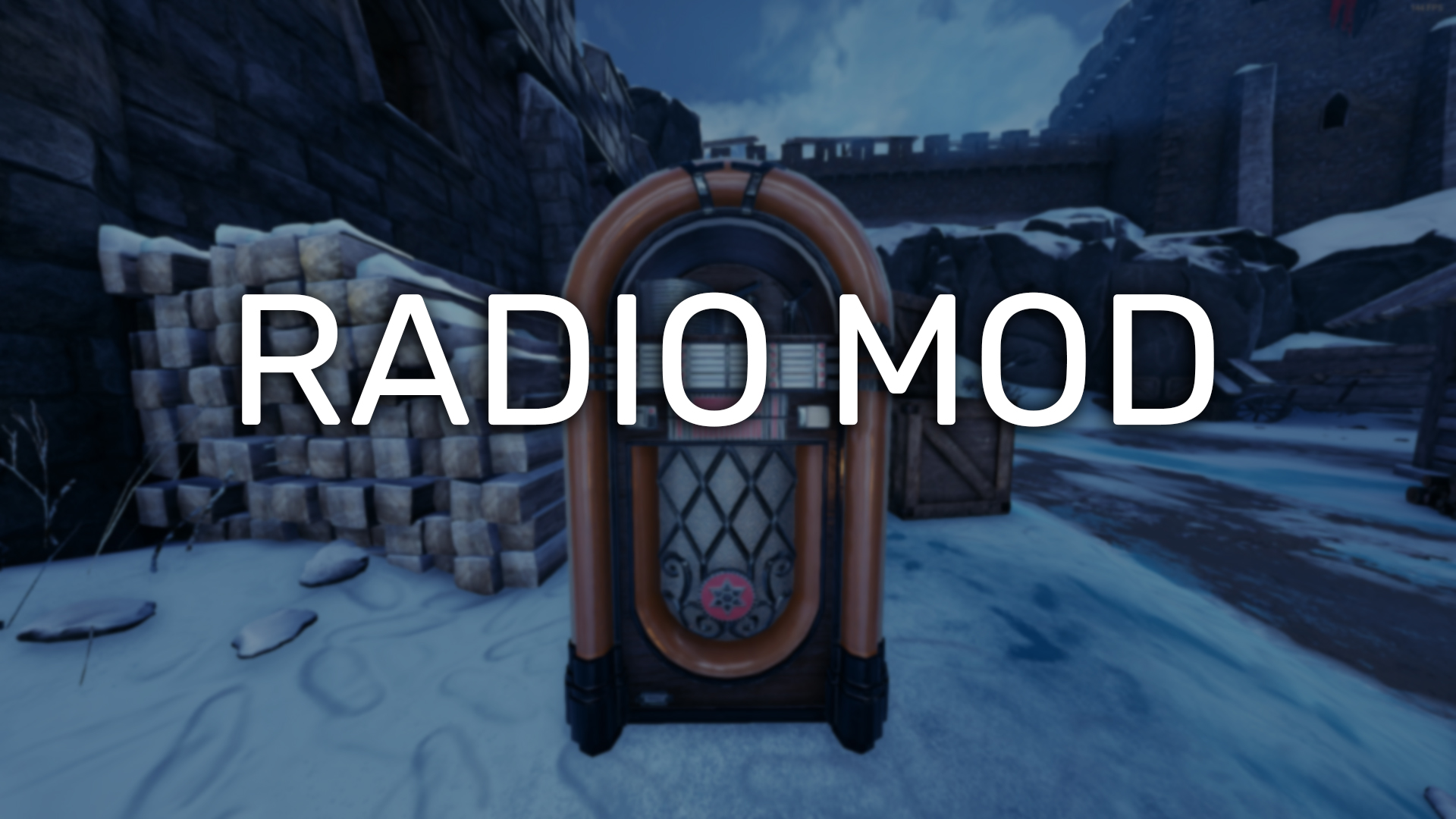
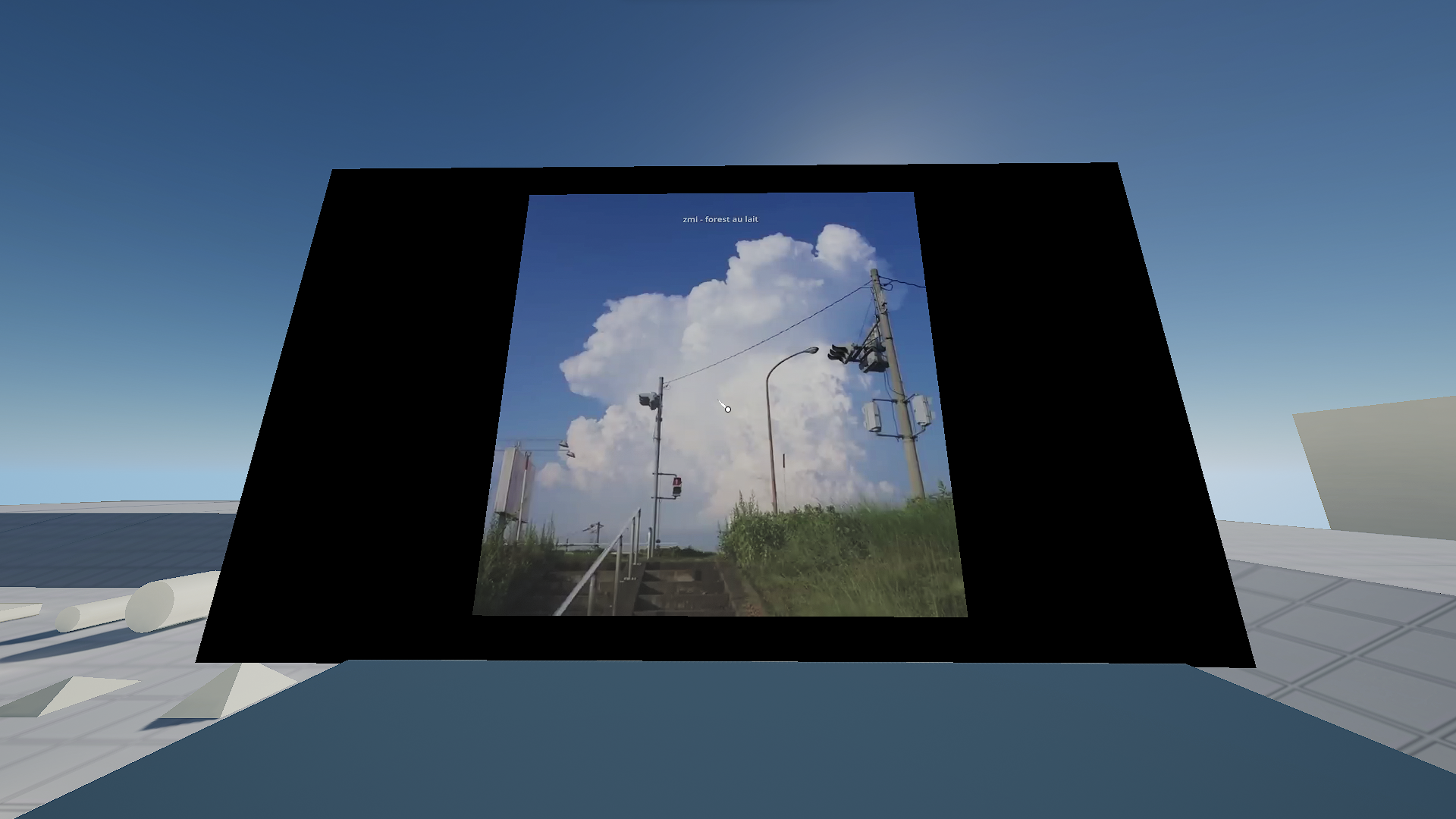
A TV Mod that can play YouTube videos, heavily inspired by the Radio Mod created by TheSaltySeaCow.
This is my first attempt at modding, so expect some bugs.
Installation
- Open your server's game.ini file
- Under the
[/Script/Mordhau.MordhauGameSession]section, change:bAllowHttpRequests=FalsetobAllowHttpRequests=True - Under the
[/Script/Mordhau.MordhauGameSession]section, add:Mods=3814665 - Under the
[/Script/Mordhau.MordhauGameMode]section, add:SpawnServerActorsOnMapLoad=/tv_mod/BP_TV.BP_TV_C
Commands
.tv help - show list of commands
.tv play yt_link - play YouTube link
.tv volume 0-1 - change the volume of the tv, 0 means 0% and 1 means 100% (local)
.tv disable - disable the TV (local)
.tv enable - enable the TV (local)
.tv sync - sync the TV with server (try this if the video doesn't play on your end)
.tv skip - vote skip playing video
.tv queue - display queue list
Admin commands
.tv setpos current - sets and saves the tv's position to your character's current position in the map
.tv setpos x,y,z - sets and saves the tv's position to the x,y,z values
.tv setrot current - sets and saves the tv's rotation to your character's current rotation
.tv setrot x - sets and saves the tv's rotation to the x value
.tv scale 0-1- sets and saves the tv's scale from its container (the black box)
.tv resize size- sets and saves the container's size based on the current size (.tv resize 2 - resizes the container to be 2 times bigger).
.tv admin_skip- skip immediately playing video
.tv distance number- change radius of the audio (default is 500)
.tv radius number- change distance of the audio (default is 1000)
.tv ui- open TV UI
Config (optional)
In Game.ini file, paste in:
[KatouTV] ServerRegion=sg
VideosPerPlayer=1
</pre> ServerRegion- TV server region, pick one that closest to your Mordhau server. Supported:sgandusVideosPerPlayer- Videos limit per player. Default is 1
Planned
- [X] - UI instead of commands
- [ ] - More customizable stuff
Thank you
- TheSaltySeaCow for helping me make this mod. This mod probably wouldn't exist without your help.
- Other modders in Mordhau Modding Discord server.
- Duke Of York admins and members for helping me test the mod.
Join the Discord: https://smolkatou.dev/discord
Highlights
From source dataFootprint
Rated a light load on a server.
Last update
Its author last shipped an update 2 yr ago.
TV Mod on Nxeon
From our catalogue- One-click install
- Not available. One-click install isn't available for this game's mods yet. Download it and upload it to your server in Files.
- Server load
- light
- Smallest plan we suggest
- Mordhau — 4 GB (4 GB RAM). This follows our own load rating above, not a benchmark.
- Latest build
- 1.4.0, released 2024-06-14
Run TV Mod on a Mordhau server
Deploy a server above, then upload the file in Files.
What kind of mod it is
From the catalogCosmetics, visuals & audio
Skins, textures, shaders, models and sound — how the game looks and sounds.
Compatibility
- Game
- Mordhau
Verified at the source
- ✓mod.ioOfficial listing, checked 2026-10-30Open ↗
- ✓Authorkatou_dev, as published on mod.io
- ✓LicenseNot published by the sourceFree