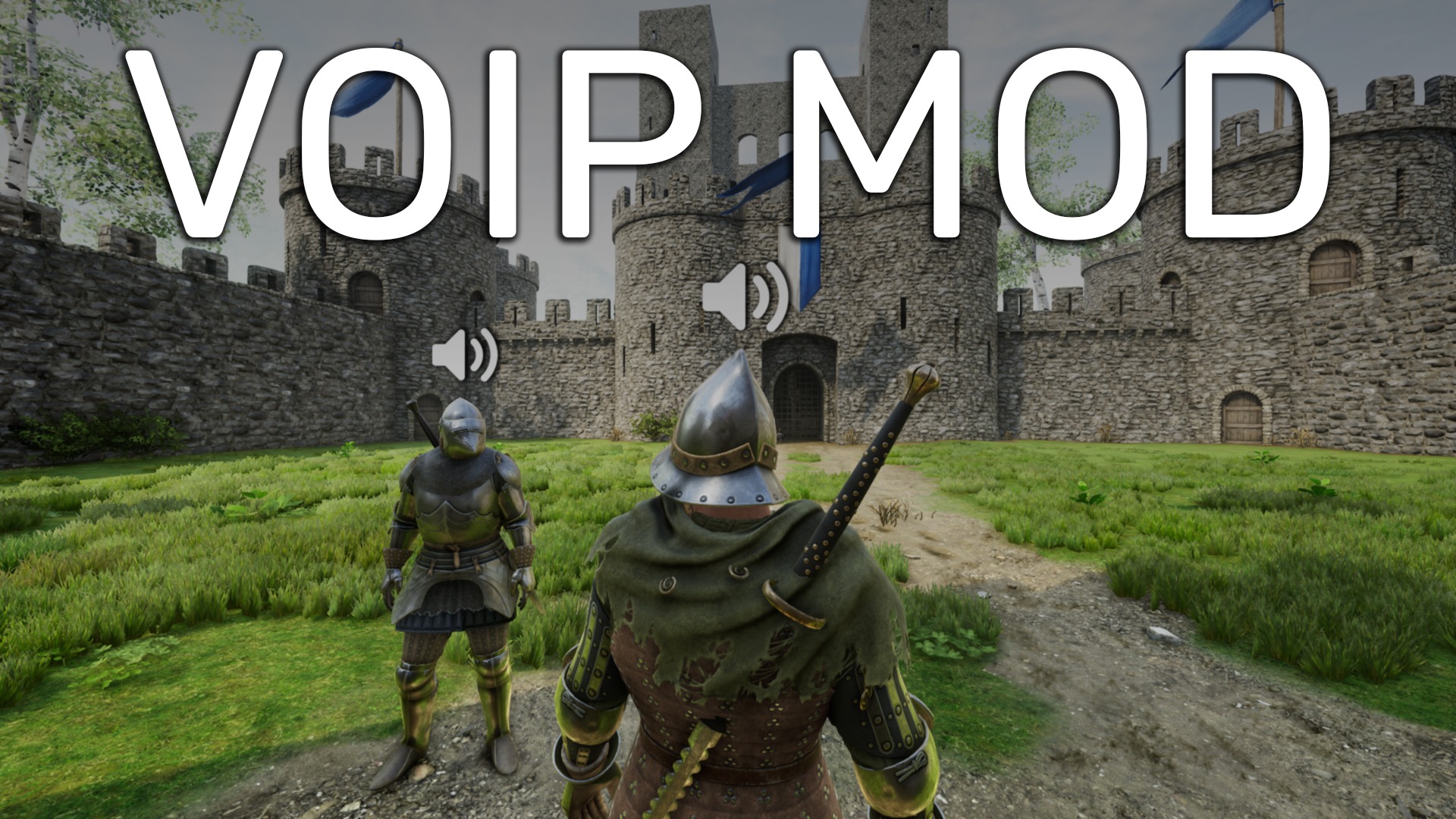

About VoIP Mod
From mod.ioAdds voice chat to Mordhau! Easy to use, fully featured, and completely in-game.
🎤 VoIP Mod - Proximity Voice Chat 💬
by TheSaltySeaCow
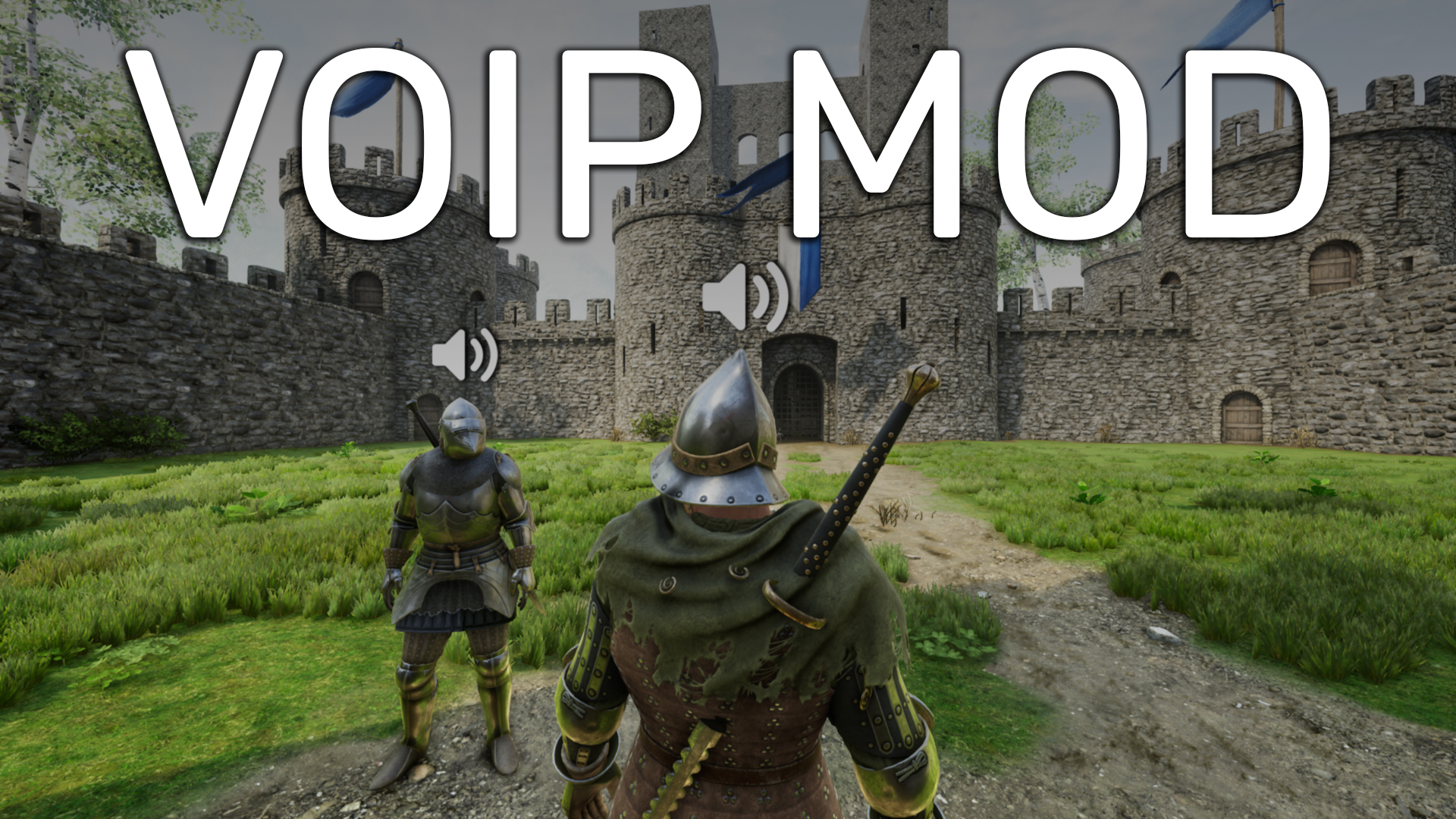
SUMMARY 📜
Add voice chat to your Mordhau server!
VoIP Mod works completely in-game with no additional setup required by players.
Voice data is sent directly from clients to the VoIP server to ensure server performance does not suffer.
Note: Due to modding limitations, voice chat is not fully real-time.
Audio is played back after the player has released their push-to-talk key.
FEATURES ⚔️
Proximity and Directional Audio
Local & Admin Player Muting
Configurable Push-to-Talk Key
Voice Chat Volume Slider
UI Customization Options
Per-Server Audio Settings
Admin Configuration Commands
INSTALLATION 🛠️
1. Shut down and open your server's Game.ini file.
2. Under the [/Script/Mordhau.MordhauGameSession] section,
change bAllowHttpRequests=True
3. Under the [/Script/Mordhau.MordhauGameSession] section,
add Mods=4398616
4. Under the [/Script/Mordhau.MordhauGameMode] section,
add SpawnServerActorsOnMapLoad=/VoIP/BP_VoIP.BP_VoIP_C
5. Save your Game.ini file and boot up your server!
ADDITIONAL INFO 📝
Voice chat settings can be found in the in-game audio settings menu, as seen here.
Muting carries over automatically from Mordhau's built-in muting system.
Admin mute will mute them across the whole server. Local mute will mute them just for yourself.
Since local muting is broken in the current version of Mordhau, this mod adds two console commands:MuteLocal and UnmuteLocal
The mod will use whichever microphone is set as your default in Windows.
Change it by opening Control Panel > Hardware and Sound > Sound > Recording
Voice chat distance can be changed via the following admin chat command:.voip range 3000
The default value is 3000
ASSISTANCE & SUPPORT 💕
Join the Discord for any bug reports, help, or feature requests!
Highlights
From source dataFootprint
Rated a light load on a server.
Last update
Its author last shipped an update 2 yr ago.
VoIP Mod on Nxeon
From our catalogue- One-click install
- Not available. One-click install isn't available for this game's mods yet. Download it and upload it to your server in Files.
- Server load
- light
- Smallest plan we suggest
- Mordhau — 4 GB (4 GB RAM). This follows our own load rating above, not a benchmark.
- Latest build
- 0.4.0, released 2024-10-19
Run VoIP Mod on a Mordhau server
Deploy a server above, then upload the file in Files.
What kind of mod it is
From the catalogCosmetics, visuals & audio
Skins, textures, shaders, models and sound — how the game looks and sounds.
Compatibility
- Game
- Mordhau
Verified at the source
- ✓mod.ioOfficial listing, checked 2026-10-30Open ↗
- ✓AuthorTheSaltySeaCow, as published on mod.io
- ✓LicenseNot published by the sourceFree