






About Hover Ranges
From Steam WorkshopHover a chest and the mod outlines every tile a crafting station could reach it from. Hover a workstation, forge, anvil, alchemy table or upgrade station and it outlines what that station pulls from.…
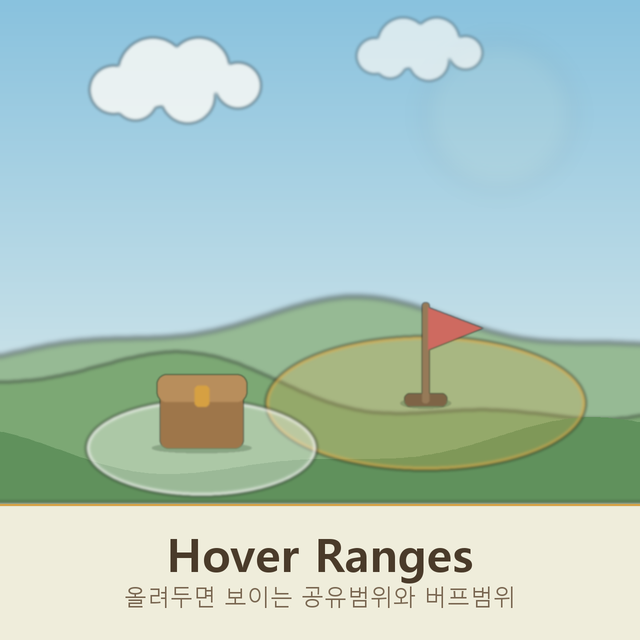
Hover a chest and the mod outlines every tile a crafting station could reach it from. Hover a workstation, forge, anvil, alchemy table or upgrade station and it outlines what that station pulls from. Hover a Banner Stand holding a Banner of Speed, Damage, Defense or Summon Speed and it outlines the circle that banner buffs, Banner of Peace included. No clicking, no menus, no placement mode.
Both overlays use the game's own range renderer, the same one the crafting menu shows behind its Use nearby inventories checkbox, and both are built from the numbers the game itself tests against, so the shape you see is the shape that applies. Switchable in Settings > Interface. Client side only, so nobody else needs it.
Hover Ranges on Nxeon
From our catalogue- One-click install
- Supported on Nxeon Necesse servers. We download it from Steam Workshop, place it, and restart the server.
- Server load
- light
- Smallest plan we suggest
- Necesse — 1 GB (1 GB RAM). This follows our own load rating above, not a benchmark.
Run Hover Ranges on a Necesse server
Pick a server or deploy a new one above; it is installed in one click.
What kind of mod it is
From the catalogWeapons, items & crafting
New weapons, gear, items and the recipes to make them.
Compatibility
- Game
- Necesse
- File size
- 225 KB
Verified at the source
- ✓Steam WorkshopOfficial listing, checked 2026-09-24Open ↗
- ✓AuthorUniRamen, as published on Steam Workshop
- ✓LicenseNot published by the sourceFree









