






About Light Overlay
From Steam WorkshopUpdated for game version 1.0.2 Adds an overlay to show where hostile mobs can spawn. The overlay can be toggled either with the command `/lightoverlay` or using a configurable keybind (F8 by…
Updated for game version 1.0.2
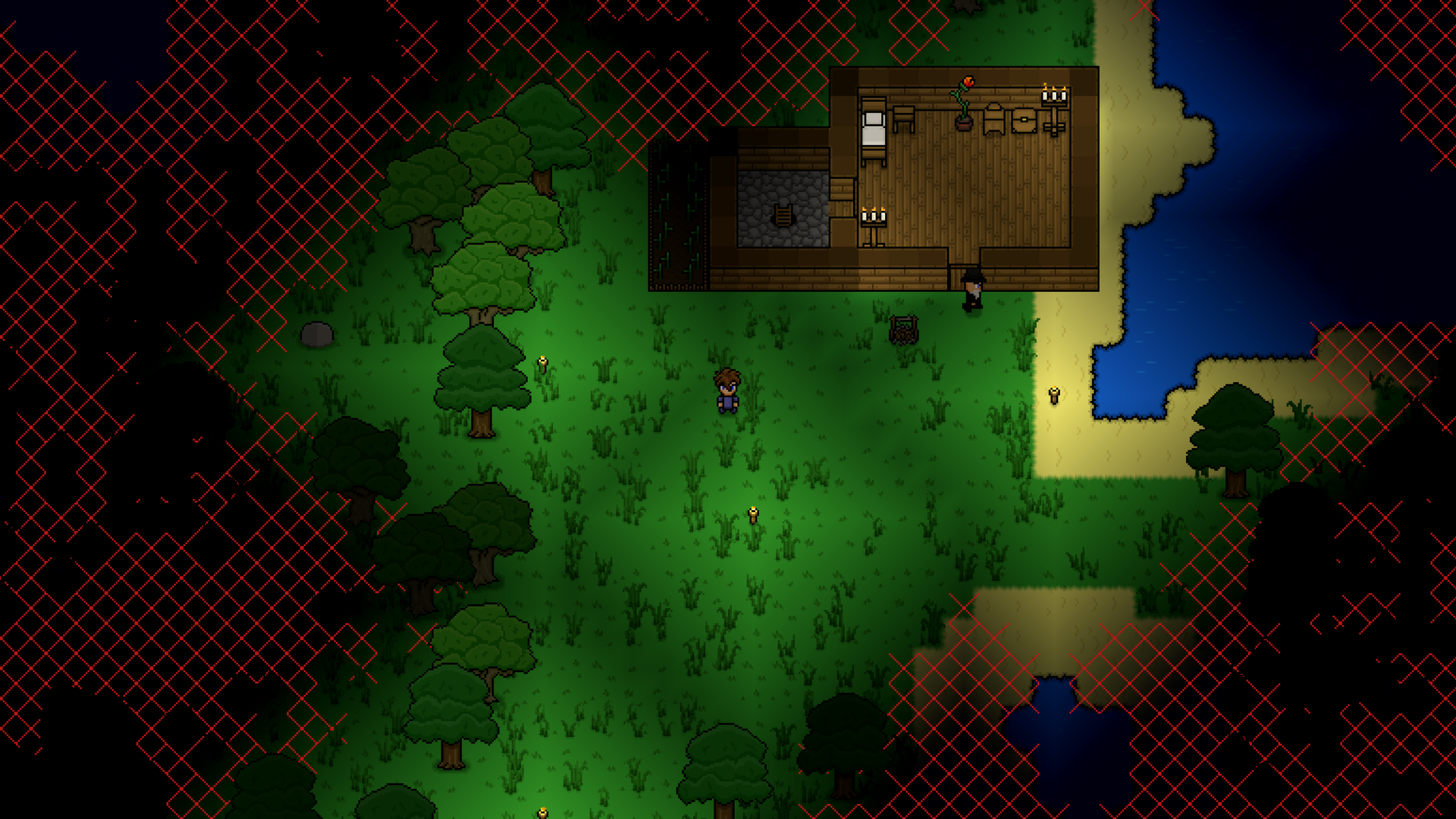
Adds an overlay to show where hostile mobs can spawn.
The overlay can be toggled either with the command `/lightoverlay` or using a configurable keybind (F8 by default). Additionally, the `/lightoverlayalpha` command can be used to change the opacity of the overlay (1 is fully opaque, 0 is fully transparent).
Source code can be found on GitHub here: snoobinoob/lightOverlay
Highlights
From source dataFootprint
A 41 KB download, rated a light load on a server.
Last update
Its author last shipped an update 11 mo ago.
Light Overlay on Nxeon
From our catalogue- One-click install
- Supported on Nxeon Necesse servers. We download it from Steam Workshop, place it, and restart the server.
- Server load
- light
- Smallest plan we suggest
- Necesse — 1 GB (1 GB RAM). This follows our own load rating above, not a benchmark.
- Latest build
- 2025-11-09, released 2025-11-09, 41 KB
Game versions by loader
| Loader | Game versions | Newest |
|---|---|---|
| Workshop |
From 1 recorded build of Light Overlay.
Run Light Overlay on a Necesse server
Pick a server or deploy a new one above; it is installed in one click.
What kind of mod it is
From the catalogCreatures & NPCs
Adds or changes creatures, NPCs and how they behave.
Compatibility
- Game
- Necesse
- File size
- 41 KB
Verified at the source
- ✓Steam WorkshopOfficial listing, checked 2026-10-16Open ↗
- ✓AuthorSnoobinoob, as published on Steam Workshop
- ✓LicenseNot published by the sourceFree









