






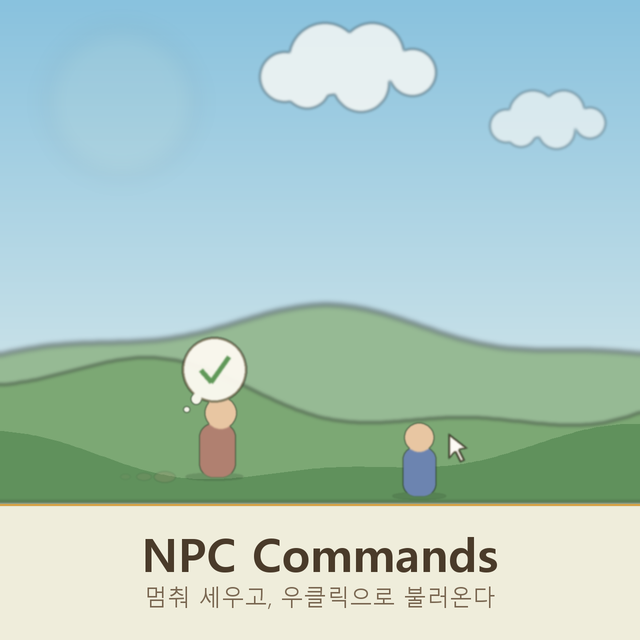
About NPC Commands
From Steam WorkshopHold Alt and point at one of your settlers to stop them where they stand, exactly the way they stop when you talk to them. They face you while you hold the cursor there and go back to work about two…
Hold Alt and point at one of your settlers to stop them where they stand, exactly the way they stop when you talk to them. They face you while you hold the cursor there and go back to work about two seconds after you look away.
Right click a settler who is too far away to talk to and they walk to where you called them from, wait a moment, then carry on with their day. They do not trail after you: this is a summon, not a follow order. Right click again to point them at wherever you have moved to. No modifier key is needed, a plain right click is enough. A tick above their head means they are on their way, a cross means no path reaches that spot, and a line of text means the game will not let that settler be called right now. Settlers already within talking range are left alone so the normal right click still opens their menu.
Settlers who like flowers, gems or coins no longer hide their fetching toggle in a dialogue option. Each one is a row in the work priorities table instead, so every settler has the same command numbers and you can see at a glance who is set to help themselves from storage.
Settlers with a favourite dish can now go and make one. Turn on the cooking row and they head for a workstation before hunger sets in, cook their dish and eat it on the spot. They only ever cook what your diet filter already allows.
The settlement diet screen gains one button above the settler list: paste the copied diet to every settler at once, instead of pasting into each row by hand.
Nothing is stored on the settler by the hold and call effects. Their job, their orders and their adventure party are untouched, so both end by themselves if you disconnect or remove the mod.
Only your own settlers respond. Anyone away on a mission, on strike, leaving, or visiting from elsewhere is skipped.
SERVER AND CLIENTS BOTH NEED THIS MOD It registers network packets and job types, so every player on a server must have the same version installed and so must the server itself. Singleplayer just works, since the client hosts its own server. Switchable in Settings > Interface.
NPC Commands on Nxeon
From our catalogue- One-click install
- Supported on Nxeon Necesse servers. We download it from Steam Workshop, place it, and restart the server.
- Server load
- light
- Smallest plan we suggest
- Necesse — 1 GB (1 GB RAM). This follows our own load rating above, not a benchmark.
Run NPC Commands on a Necesse server
Pick a server or deploy a new one above; it is installed in one click.
What kind of mod it is
From the catalogCreatures & NPCs
Adds or changes creatures, NPCs and how they behave.
Compatibility
- Game
- Necesse
- File size
- 222 KB
Verified at the source
- ✓Steam WorkshopOfficial listing, checked 2026-09-24Open ↗
- ✓AuthorUniRamen, as published on Steam Workshop
- ✓LicenseNot published by the sourceFree









