






About Orbit HUD | 캐릭터 상태 HUD
From Steam WorkshopOrbit HUD | 캐릭터 상태 HUD 캐릭터 근처에 극복력·체력·마나·허기와 버프·디버프를 표시하는 Necesse 클라이언트 전용 모드입니다. WoW IceHUD의 배치에서 영감을 받아 세로형과 가로형 중 원하는 형태로 사용할 수 있습니다. 기능 세로형: 체력 왼쪽 바깥에 극복력, 왼쪽 체력, 오른쪽 마나, 아래쪽 허기 가로형: 극복력 → 체력 →…
Orbit HUD | 캐릭터 상태 HUD
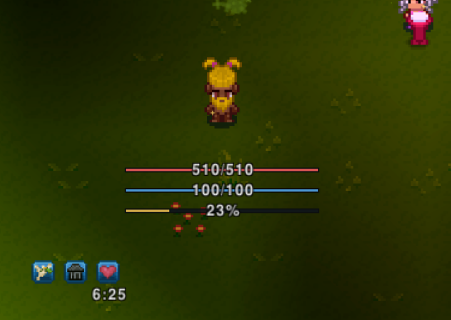
캐릭터 근처에 극복력·체력·마나·허기와 버프·디버프를 표시하는 Necesse 클라이언트 전용 모드입니다. WoW IceHUD의 배치에서 영감을 받아 세로형과 가로형 중 원하는 형태로 사용할 수 있습니다.
기능
- 세로형: 체력 왼쪽 바깥에 극복력, 왼쪽 체력, 오른쪽 마나, 아래쪽 허기
- 가로형: 극복력 → 체력 → 마나 → 허기 순으로 캐릭터 아래 표시. 극복력 최대치가 있을 때만 추가
- 곡률 조절: 직선부터 곡선까지 선택
- 자원별 표시, 두께, RGB 색상, 개별 가로·세로 위치 조절
- 허기 바 길이 조절, 형태별 설정 저장
- 수치 위치: 세로형은 내부 상단·중앙·하단 / 외부 상단·하단, 가로형은 좌측·중앙·우측 정렬
- 1픽셀 외곽선과 평상시·활성 불투명도 조절. 평상시 0에서는 바·외곽선·숫자 숨김
- 버프·디버프를 분리해 표시. 각각 개수·크기·간격·위치와 마우스 툴팁 ON/OFF 설정
- 취소 가능한 소환·버프는 아이콘 우클릭으로 해제. 배고픔·굶주림·음식 패널티는 디버프에 표시
- 기본 HUD를 끄면 기본 극복력·체력·마나·허기도 함께 숨김. 기본 버프는 별도로 ON/OFF 설정하고, 기본 HUD를 숨기면 상단 중앙 정렬
- 오른쪽 설정창: 일반·배치·불투명도·버프·디버프·자원별 메뉴, 전체 초기화
사용 방법
구독 후 게임을 재시작하고 모드 메뉴에서 Orbit HUD를 활성화하세요. 월드에서 / 키로 설정창을 엽니다. 설정창 키는 게임 조작 설정에서 변경 가능합니다. HUD 표시 여부는 설정창에서 선택합니다. 변경은 즉시 적용되며 ‘저장 후 닫기’로 저장합니다. ‘전체 초기화’는 선택한 형태를 유지하면서 개인 HUD 설정을 기본값으로 되돌립니다. 슬라이더는 설정에 맞춰 개수, 픽셀, 초 또는 비율로 표시합니다. 서버·호스트 설치 없이 사용할 수 있습니다. 구독본 사용 전에 같은 모드의 로컬 JAR를 mods 폴더 밖으로 옮겨 중복을 방지하세요.
버전과 참고 사항
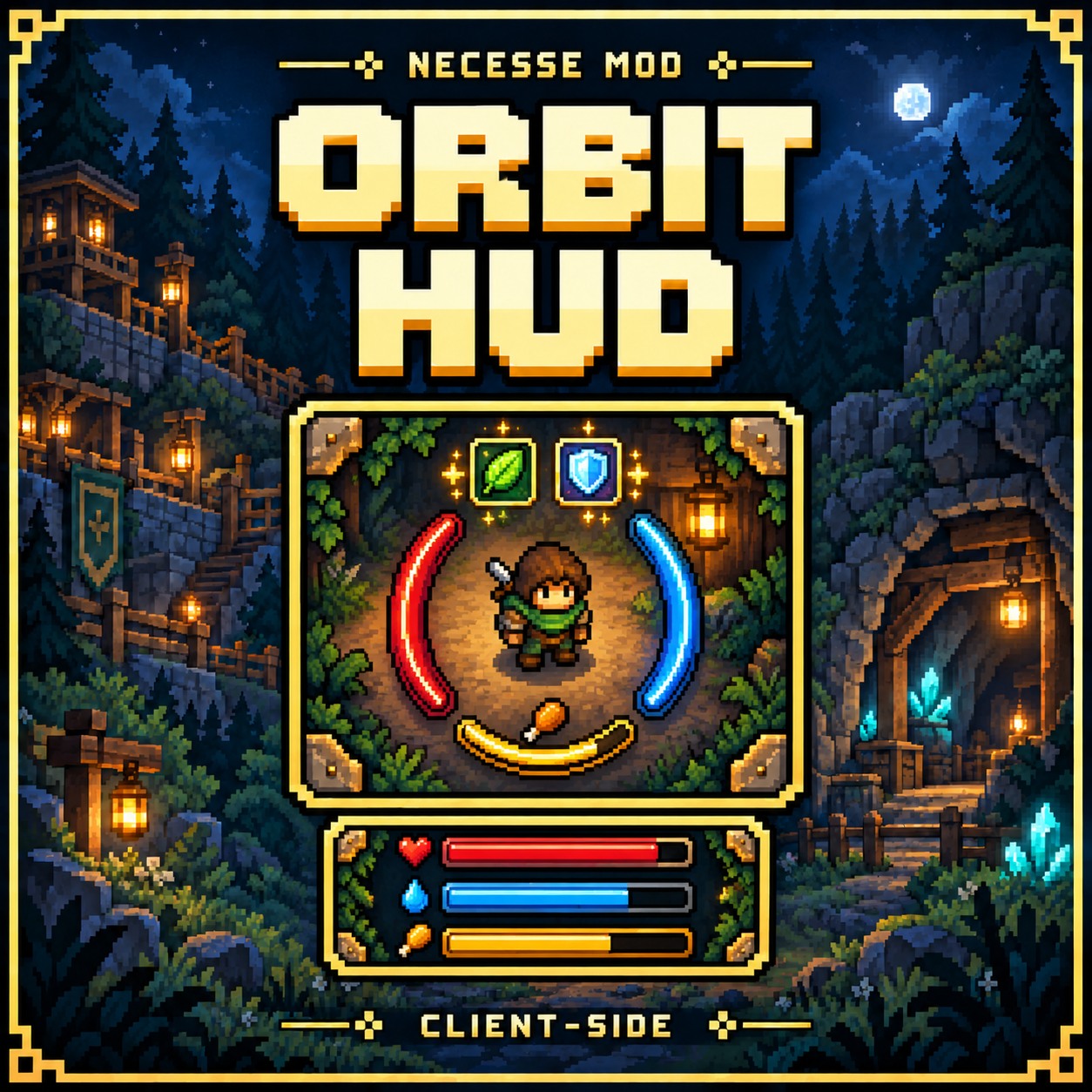
v0.7.3 / Necesse 1.3.3. 알파 버전입니다. HUD와 설정창은 실제 게임 화면을 확인하며 개선했습니다. 이번 버전은 빌드·로컬 설치 검증을 완료했으며 다양한 해상도·배율과 설정 조합은 추가 확인이 필요합니다. 가로형은 마나 또는 허기 기능이 없는 경우 해당 줄을 빈 바로 표시합니다. 세로형은 해당 자원을 숨깁니다. 자원별로 표시를 끌 수 있습니다. 기본 두께는 개별 두께를 지정하지 않은 자원에 적용됩니다. 설정창은 한국어 중심입니다. 제작: vfrai (AI 보조 사용). 표지는 AI 생성 일러스트로 실제 게임 화면이 아닙니다.
[hr][/hr]
Orbit HUD
Character-centered resilience, health, mana, hunger, buffs and debuffs. Client-side only. Inspired by WoW IceHUD. Vertical mode places resilience outside the health bar on the left, mana on the right and hunger below. Horizontal mode orders resilience, health, mana and hunger; resilience appears only when maximum resilience is available. Adjust curvature, individual visibility, thickness, RGB colors and positions, hunger width, and number placement: vertical inside (top/center/bottom) or outside (top/bottom); horizontal left/center/right alignment. Includes 1px outlines, idle/active opacity, separate configurable buff/debuff icons with independent hover tooltip toggles. Right-click cancellable buffs/summons to dismiss them; hunger, starvation and food penalties appear as debuffs and layout-specific preferences. Subscribe, restart Necesse, enable the mod and press / in a world. The right-hand settings panel groups General, Layout, Opacity, Buffs, Debuffs and Resources. Changes preview immediately; save and close to persist. Sliders display appropriate counts, pixels, seconds or percentages. Settings labels are primarily Korean. Disabling the default HUD hides default resilience, health, mana and hunger and centers default buffs at the top. Default buff visibility is independently configurable. Remove duplicate local copies before using Workshop. Version 0.7.3 for Necesse 1.3.3, alpha. HUD and settings were reviewed in-game during development; this release has build/install validation, with further display-scale testing needed. By vfrai with AI assistance. Cover is AI-generated illustrative artwork.
Highlights
From source dataFootprint
Rated a light load on a server.
Last update
Its author last shipped an update 10d ago.
Orbit HUD | 캐릭터 상태 HUD on Nxeon
From our catalogue- One-click install
- Supported on Nxeon Necesse servers. We download it from Steam Workshop, place it, and restart the server.
- Server load
- light
- Smallest plan we suggest
- Necesse — 1 GB (1 GB RAM). This follows our own load rating above, not a benchmark.
- Latest build
- 2026-10-05, released 2026-10-05
Game versions by loader
| Loader | Game versions | Newest |
|---|---|---|
| Workshop |
From 2 recorded builds of Orbit HUD | 캐릭터 상태 HUD.
Recent builds
| Build | Released | Game versions | Loaders |
|---|---|---|---|
| 2026-10-05 | 2026-10-05 | n/a | Workshop |
| 2026-10-05 | 2026-10-05 | n/a | Workshop |
Run Orbit HUD | 캐릭터 상태 HUD on a Necesse server
Pick a server or deploy a new one above; it is installed in one click.
What kind of mod it is
From the catalogQuality of life & UI
Small conveniences, tweaks and interface improvements players notice straight away.
Compatibility
- Game
- Necesse
Verified at the source
- ✓Steam WorkshopOfficial listing, checked 2026-10-16Open ↗
- ✓AuthorP3CKO Lim, as published on Steam Workshop
- ✓LicenseNot published by the sourceFree









