






About Pings
From Steam WorkshopPing locations for everyone on the server. Middle-click the map or minimap, or press the rebindable ping key (default P). Can be changed in the regular control rebind menu. Pings appear in the world…
Ping locations for everyone on the server.
Middle-click the map or minimap, or press the rebindable ping key (default P). Can be changed in the regular control rebind menu.
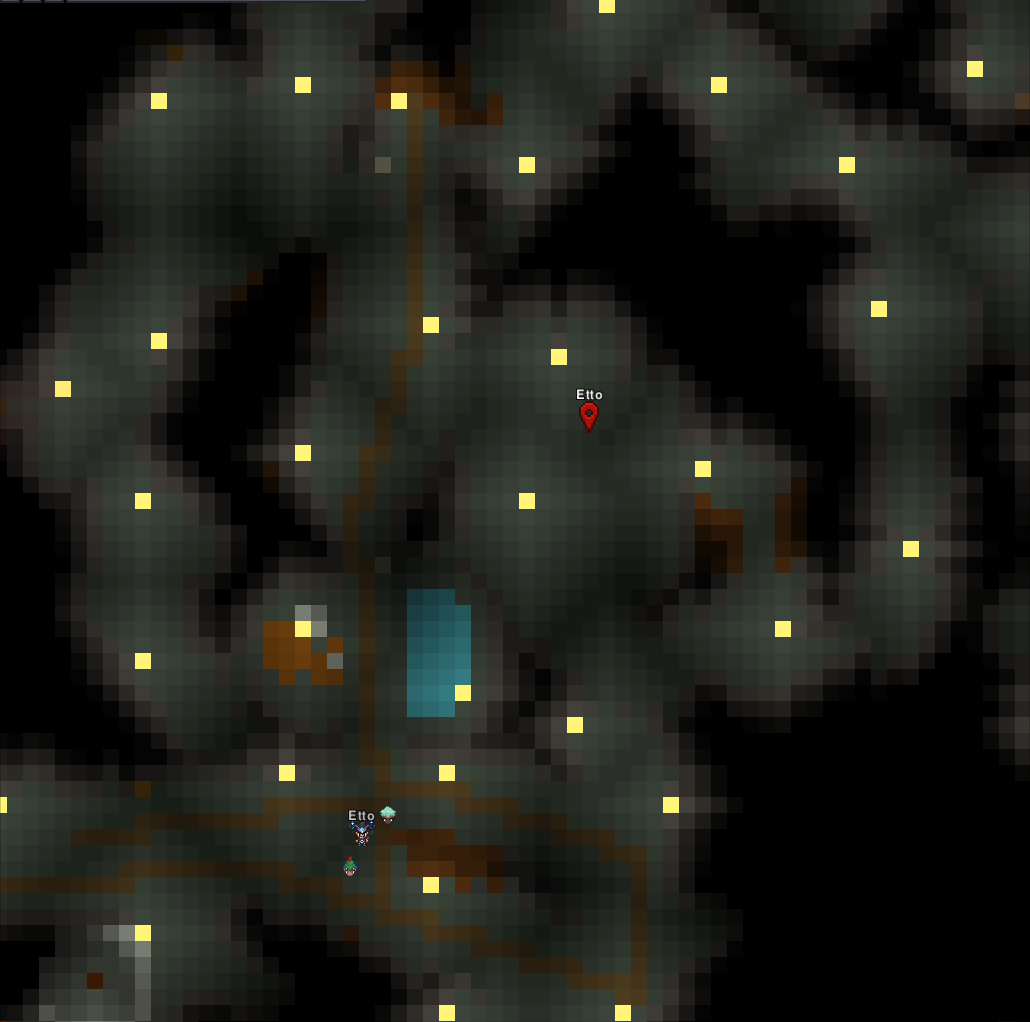
Pings appear in the world and on the map with a bouncing marker colored per player with their name.
Pings on Nxeon
From our catalogue- One-click install
- Supported on Nxeon Necesse servers. We download it from Steam Workshop, place it, and restart the server.
- Server load
- light
- Smallest plan we suggest
- Necesse — 1 GB (1 GB RAM). This follows our own load rating above, not a benchmark.
Pick a server or deploy a new one above; it is installed in one click.
What kind of mod it is
From the catalogListed on Steam Workshop as “Workshop”
Maps & scenarios
Custom maps, arenas and scenarios to play on.
Compatibility
- Game
- Necesse
- File size
- 83 KB
Verified at the source
- ✓Steam WorkshopOfficial listing, checked 2026-09-24Open ↗
- ✓AuthorEtto, as published on Steam Workshop
- ✓LicenseNot published by the sourceFree









