






About Scale Limits
From Steam WorkshopLets the interface size and the zoom go down to 50 percent instead of stopping at 100. Nothing new to learn: both are the settings the game already has, in Settings > Interface. They simply offer…
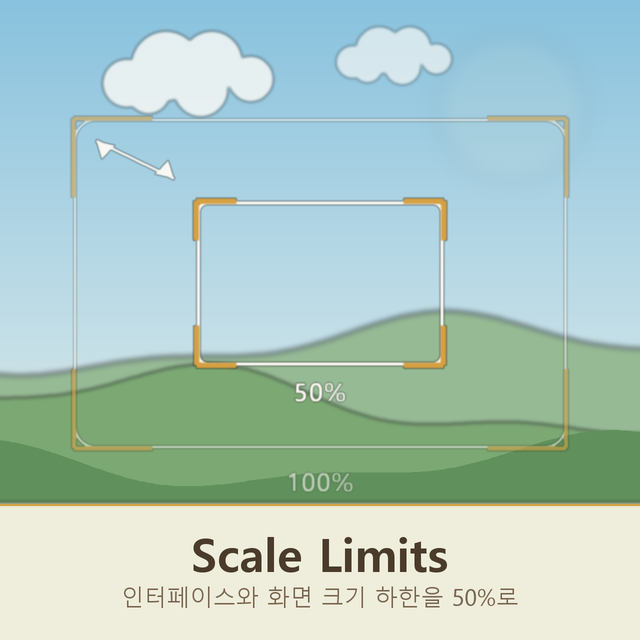
Lets the interface size and the zoom go down to 50 percent instead of stopping at 100.
Nothing new to learn: both are the settings the game already has, in Settings > Interface. They simply offer smaller steps than before, and the choice now survives a restart.
It also fixes the blurry text that appeared under 100 percent. The game feeds its sharpening shader a strength taken from the interface size, and below 100 that strength goes negative, which turns the sharpen into a blur. At exactly 50 percent it was discarding the pixel being drawn entirely. The strength is now held at zero instead, so small sizes are simply unsharpened.
Useful on a high resolution screen, where the game already enlarges everything on its own and it all ends up bigger than you want.
Client side only, so nobody else needs it.
Scale Limits on Nxeon
From our catalogue- One-click install
- Supported on Nxeon Necesse servers. We download it from Steam Workshop, place it, and restart the server.
- Server load
- light
- Smallest plan we suggest
- Necesse — 1 GB (1 GB RAM). This follows our own load rating above, not a benchmark.
Run Scale Limits on a Necesse server
Pick a server or deploy a new one above; it is installed in one click.
What kind of mod it is
From the catalogQuality of life & UI
Small conveniences, tweaks and interface improvements players notice straight away.
Compatibility
- Game
- Necesse
- File size
- 191 KB
Verified at the source
- ✓Steam WorkshopOfficial listing, checked 2026-09-24Open ↗
- ✓AuthorUniRamen, as published on Steam Workshop
- ✓LicenseNot published by the sourceFree









