






About Team Map Sync
From Steam WorkshopTeam Map Sync Players on the same team share one map: what anyone explores shows up for everyone, plus shared map markers. Works with Host World and dedicated servers. No other mods required.…
Team Map Sync
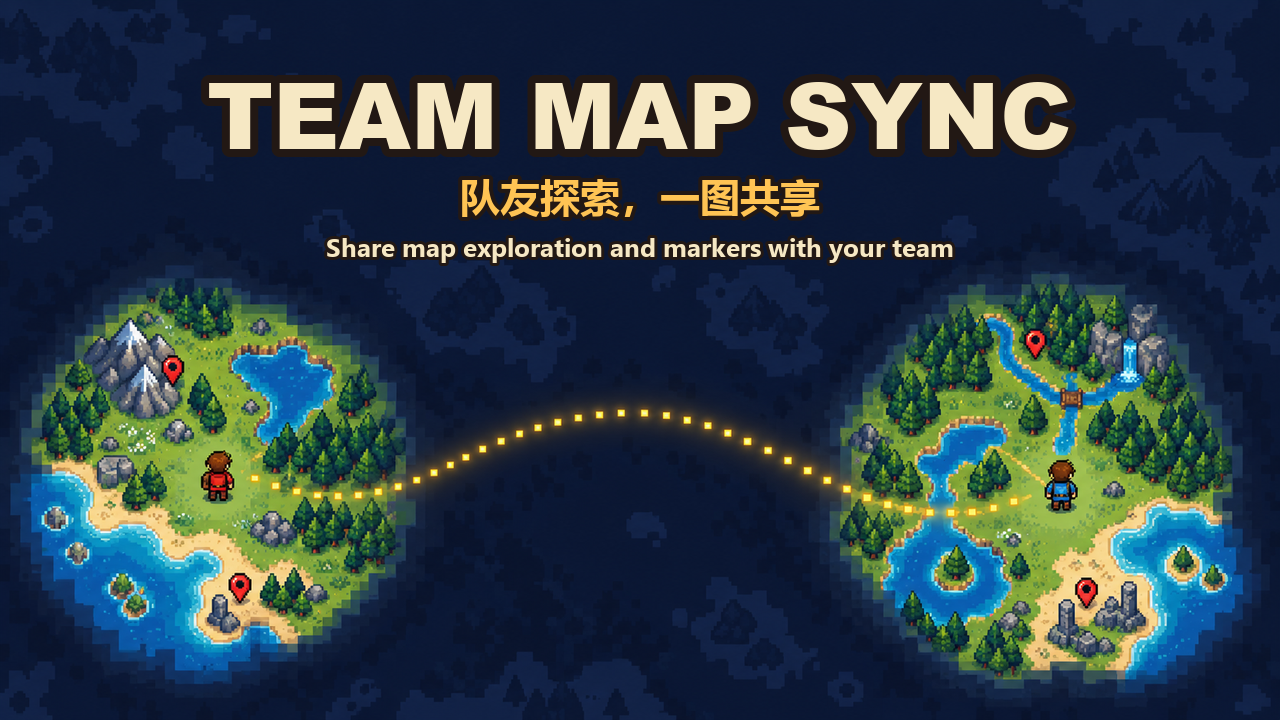
Players on the same team share one map: what anyone explores shows up for everyone, plus shared map markers. Works with Host World and dedicated servers. No other mods required.
Features
- Live shared exploration: what a teammate uncovers appears on your map within a few seconds, wherever you are. Terrain changes they see (mined walls, new buildings) are synced too.
- Catch up after being away: the server keeps one merged map per team. When you join, it fills in everything your team explored while you were offline.
- Your earlier exploration counts: when you join a team (or install the mod into an existing world), the map you had already explored is shared with the team.
- Team markers: tick Share with team when editing a map marker. Teammates see it within seconds, and edits and deletions sync. Unticked markers stay personal.
- Built to stay out of the way: the server only relays already-compressed data; decompression, merging and saving run on background threads, and transfers are bandwidth-capped.
How to use
- Everyone (server and every player) installs the mod.
- Create or join a team in game. Sharing is per team; players without a team are not affected.
- Explore. To share a marker, open the marker editor on the map and tick Share with team. New markers remember your last choice.
Notes
- Leaving or switching teams keeps the map you already have; the old team's shared markers are removed and the new team's map is sent to you.
- A team can have up to 500 shared markers.
- The team map is stored by the server in its data folder (teammapsync/<world ID>); your personal map files only receive the shared tiles.
- Pure black map tiles count as unexplored, the same as in the base game's own map files.
Highlights
From source dataFootprint
Rated a light load on a server.
Last update
Its author last shipped an update today.
Team Map Sync on Nxeon
From our catalogue- One-click install
- Supported on Nxeon Necesse servers. We download it from Steam Workshop, place it, and restart the server.
- Server load
- light
- Smallest plan we suggest
- Necesse — 1 GB (1 GB RAM). This follows our own load rating above, not a benchmark.
- Latest build
- 2026-10-15, released 2026-10-15
Game versions by loader
| Loader | Game versions | Newest |
|---|---|---|
| Workshop |
From 1 recorded build of Team Map Sync.
Dependencies
- Required: Mod Settings Lib
Declared by the newest build that lists any. Required ones are installed with it on one-click installs.
Run Team Map Sync on a Necesse server
Pick a server or deploy a new one above; it is installed in one click.
What kind of mod it is
From the catalogListed on Steam Workshop as “Workshop”
Maps & scenarios
Custom maps, arenas and scenarios to play on.
Compatibility
- Game
- Necesse
Verified at the source
- ✓Steam WorkshopOfficial listing, checked 2026-10-16Open ↗
- ✓Authora632079, as published on Steam Workshop
- ✓LicenseNot published by the sourceFree









