






About Terraformer Fix
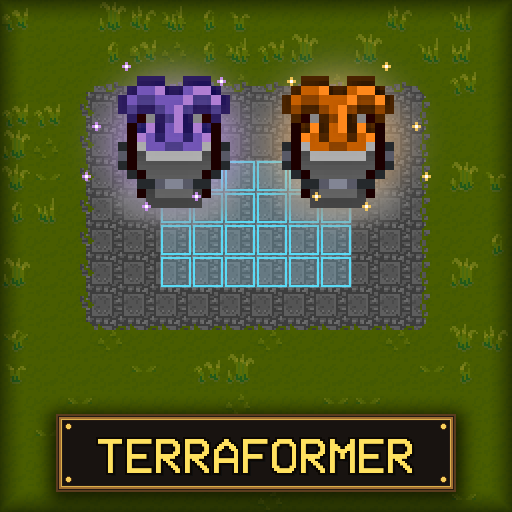
From Steam WorkshopA landscaping and construction tool for Necesse that allows bulk placement and removal of tiles, objects, and liquids. Overview Adds two tools purchased from the Elder (5,000 coins each): Terraformer…
A landscaping and construction tool for Necesse that allows bulk placement and removal of tiles, objects, and liquids.
Overview
Adds two tools purchased from the Elder (5,000 coins each):
- Terraformer: Place and remove tiles (dirt, stone, grass, wood, etc.) and liquids (water, lava).
- Builder: Place and remove objects, walls, and furniture.
Features
Shapes and Sizes
Choose from Square, Checkerboard, Line, Circle, Ring, or Line Box shapes. Open the settings menu by right-clicking the item in your inventory.
You can also adjust the shape size dynamically with in-game hotkeys:
- . (Period): Increase shape size
- , (Comma): Decrease shape size
Bulk Placement & Removal
Bulk build, dig, pave roads, clear forests, and terraform landscapes effortlessly.
Scoop and Place Liquids
Easily collect water or lava and relocate it across your settlement.
How It Works
- Left-Click: Place stored tiles/objects in the selected shape.
- Right-Click: Scoop/remove matching tiles, liquids, or objects.
- Right-Click (in inventory): Open settings configuration menu.
- When scooping, only the tile/object type currently stored in the tool will be collected. If the tool is empty, the first tile targeted (marked in orange) is selected.
- Any collected items that exceed the tool's capacity go to your inventory.
- Line direction is based on the character's facing direction.
- Both items can be upgraded at the Upgrade Station for increased range and shape size.
Credits
- Maintained and updated by Xeraphire
- Original Mod by FerrenFx: Terraformer Workshop Page
Terraformer Fix on Nxeon
From our catalogue- One-click install
- Supported on Nxeon Necesse servers. We download it from Steam Workshop, place it, and restart the server.
- Server load
- light
- Smallest plan we suggest
- Necesse — 1 GB (1 GB RAM). This follows our own load rating above, not a benchmark.
Run Terraformer Fix on a Necesse server
Pick a server or deploy a new one above; it is installed in one click.
What kind of mod it is
From the catalogWeapons, items & crafting
New weapons, gear, items and the recipes to make them.
Compatibility
- Game
- Necesse
- File size
- 287 KB
Verified at the source
- ✓Steam WorkshopOfficial listing, checked 2026-09-24Open ↗
- ✓AuthorXeraphire, as published on Steam Workshop
- ✓LicenseNot published by the sourceFree









