






About [B41/42] Minimal Sidebar (Auto Hide)
From Steam WorkshopCurrently working on: Stable 42.20.4, Unstable 42.19.2, and Legacy 41.78.21. Updates Update 1.4.1 Compatibility fixed after the hotfix Update 1.4 Fixed Safety button white background when sidebar is…
Currently working on: Stable 42.20.4, Unstable 42.19.2, and Legacy 41.78.21.
Updates
Update 1.4.1[list][*] Compatibility fixed after the hotfix [/list]
Update 1.4[list][*] Fixed Safety button white background when sidebar is hidden [*] Safety button now shows when toggling PVP (G key) in multiplayer [/list]
Update 1.3[list][*] Added animation speed option for sidebar transitions [*] Improved internal code for better stability and compatibility with other mods [/list]
Update 1.2[list][*] Added animation support for borders and text colors on non-vanilla custom buttons [*] Added option to enable or disable Minimal Sidebar in the options menu [*] Furniture button now remains visible and opaque while the tool is active (Pick Up, Place, etc.), even when the sidebar is hidden [/list]
Update 1.1[list][*] Mod added to B41 version [*] Added smooth fade-in/out animations for the sidebar and hand slots [*] Heart icon now briefly appears when taking damage (pulsating) and fades out smoothly afterwards [*] Added Show Heart on Pulse option in Mod Options (Default: Disabled) [/list]
[hr][/hr]
Mod Description
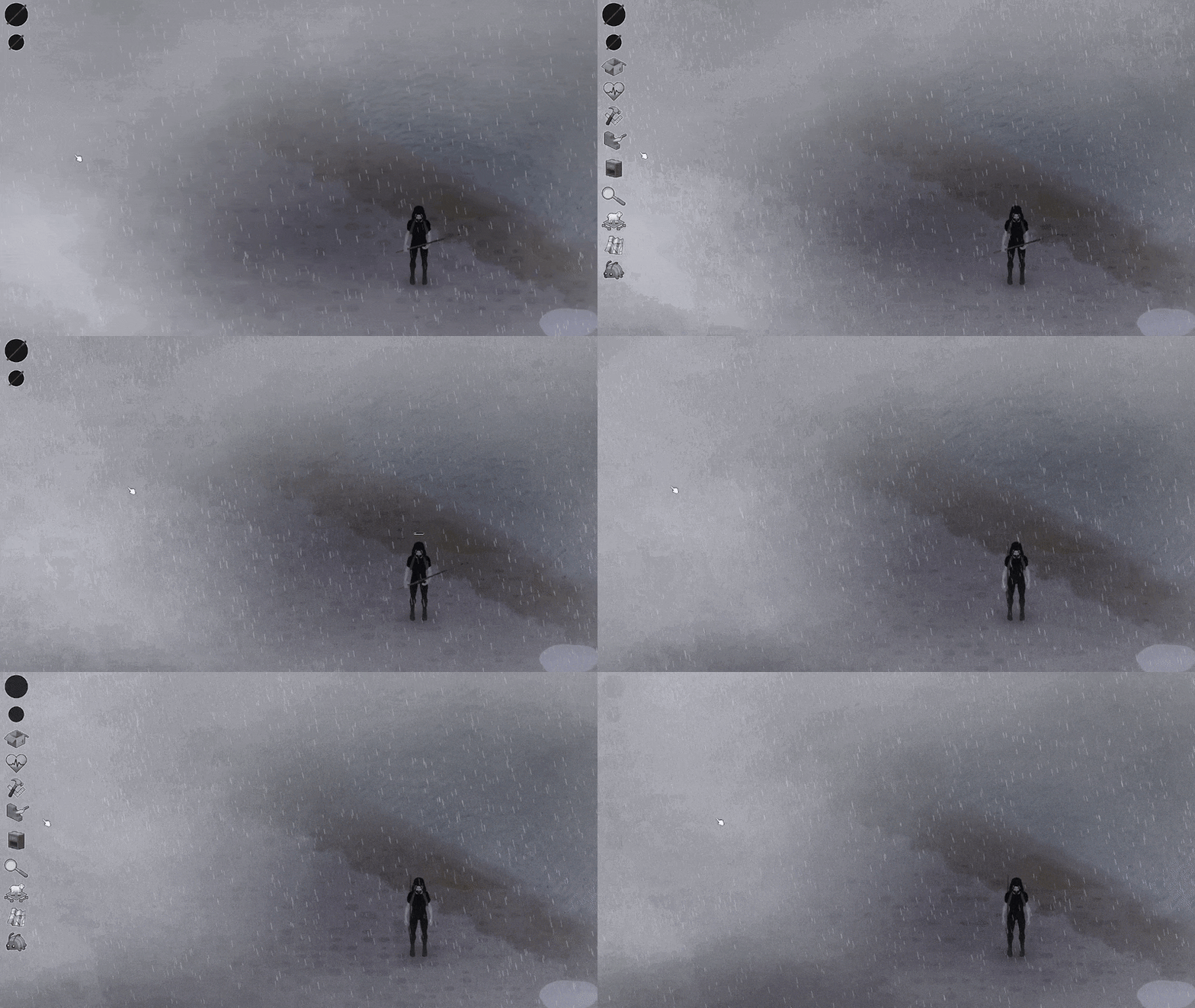
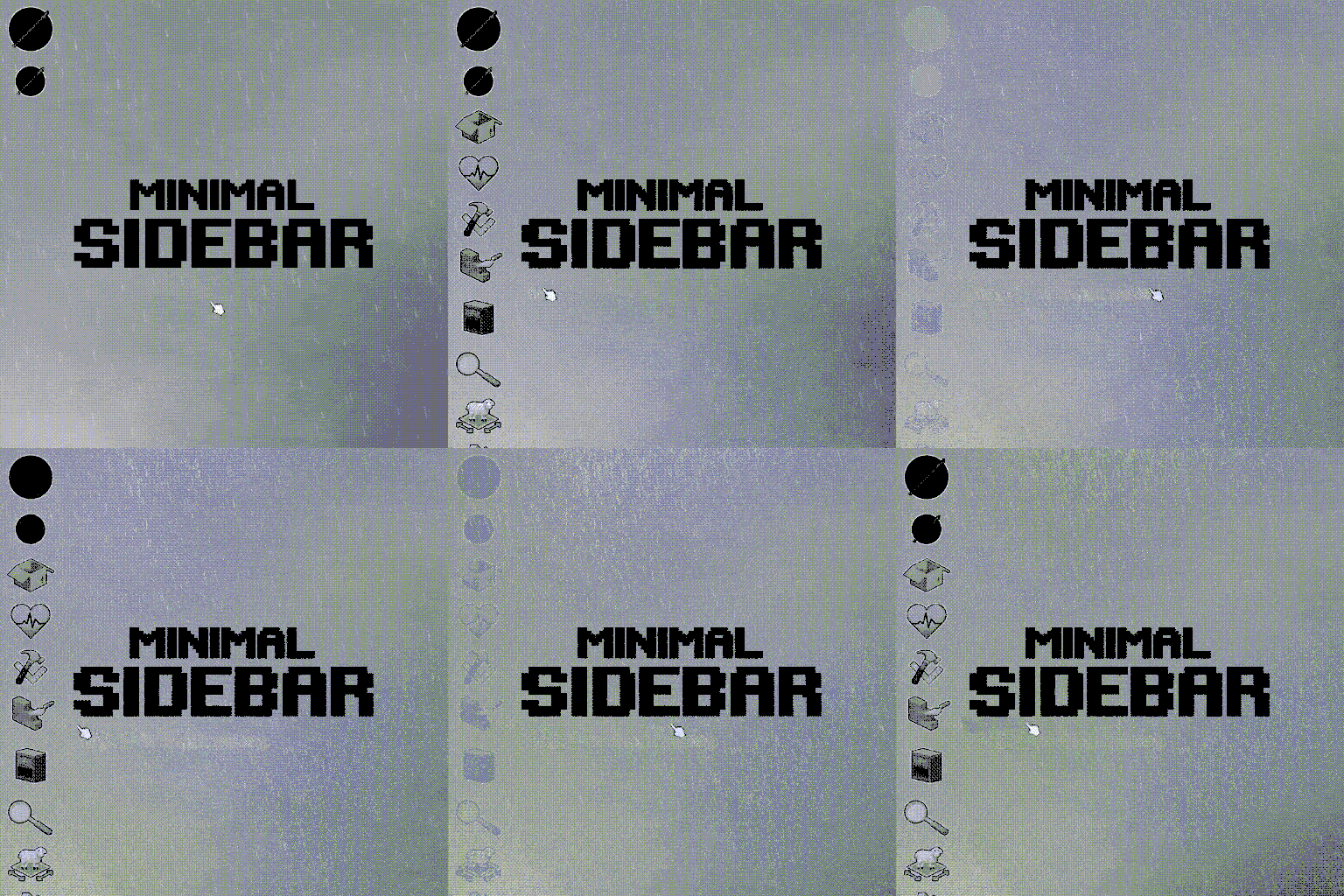
Minimal Sidebar keeps your interface clean and immersive by automatically hiding sidebar shortcuts when they are not in use. When hovering over the sidebar, all shortcuts become visible again. If an item is equipped, it remains visible as a floating icon, ensuring quick access without cluttering the screen.
[h3]Features[/h3][list][*] Automatically hides sidebar shortcuts when not hovering [*] Equipped item remains visible as a floating icon [*] Clean and minimalist UI [*] No gameplay impact [/list]
FAQ
The pulsing heart icon does not appear when taking damage. What can I do? A: By default, the animation stays invisible when the panel is not visible. However, you can enable it in the mod options tab. If you are using B41, Mod Options B41 is required to enable it.
The animation looks slow or laggy. What can I do? A: Increase the UI FPS. The higher the UI FPS, the smoother the animation will be.
It is not hiding automatically. What could be causing this? A: I recommend checking if there are other mods overriding the game side panel. Try changing the load order and, if it still does not work, it is likely an incompatibility with another mod that is overriding a crucial function used by this mod, which is ISEquippedItem.
For Modders
Minimal Sidebar hooks into ISEquippedItem and automatically applies fade-in/out and opacity logic to its child elements. Any UI element added as a child of ISEquippedItem will automatically follow the sidebar visibility state.
Supported UI types are ISButton and ISImage. No custom fade or visibility logic is required from other mods.
If you override a custom render function, you must respect the alpha values controlled by Minimal Sidebar, such as textureColor.a, backgroundColor.a, borderColor.a, and textColor.a.
This system is designed to be safe and compatible with other UI mods, as long as they do not override ISEquippedItem.
Example
require "ISUI/ISEquippedItem"

local original_createChildren = ISEquippedItem.createChildren

function ISEquippedItem:createChildren()
original_createChildren(self)

local myButton = ISButton:new(0, 50, 20, 20, "X", self, nil)
myButton:initialise()
myButton:instantiate()

-- Critical: ensure the Type is set
myButton.Type = "ISButton"

-- Add as child so Minimal Sidebar can control visibility
self:addChild(myButton)

end
Workshop ID: 3642084851
Mod ID: MinimalSidebar
Workshop ID: 3642084851 Mod ID: MinimalSidebar
Highlights
From source dataFootprint
Rated a light load on a server.
Last update
Its author last shipped an update 2 mo ago.
[B41/42] Minimal Sidebar (Auto Hide) on Nxeon
From our catalogue- One-click install
- Supported on Nxeon Project Zomboid servers. We download it from Steam Workshop, place it, and restart the server.
- Server load
- light
- Smallest plan we suggest
- Project Zomboid — 6 GB (6 GB RAM). This follows our own load rating above, not a benchmark.
- Latest build
- 2026-08-26, released 2026-08-26
Game versions by loader
| Loader | Game versions | Newest |
|---|---|---|
| Workshop |
From 1 recorded build of [B41/42] Minimal Sidebar (Auto Hide).
Run [B41/42] Minimal Sidebar (Auto Hide) on a Project Zomboid server
Pick a server or deploy a new one above; it is installed in one click.
What kind of mod it is
From the catalogQuality of life & UI
Small conveniences, tweaks and interface improvements players notice straight away.
Compatibility
- Game
- Project Zomboid
Verified at the source
- ✓Steam WorkshopOfficial listing, checked 2026-11-01Open ↗
- ✓Authordevilzcore, as published on Steam Workshop
- ✓LicenseNot published by the sourceFree















