






About Better Server Settings
From Steam WorkshopNote: There seems to be critical bug in the game. Sometime your local server can cache some information about server settings, which lead to termination on server start. Renaming server config should…
[h1]Note:[/h1] There seems to be critical bug in the game. Sometime your local server can cache some information about server settings, which lead to termination on server start. Renaming server config should help with the problem.
Description:
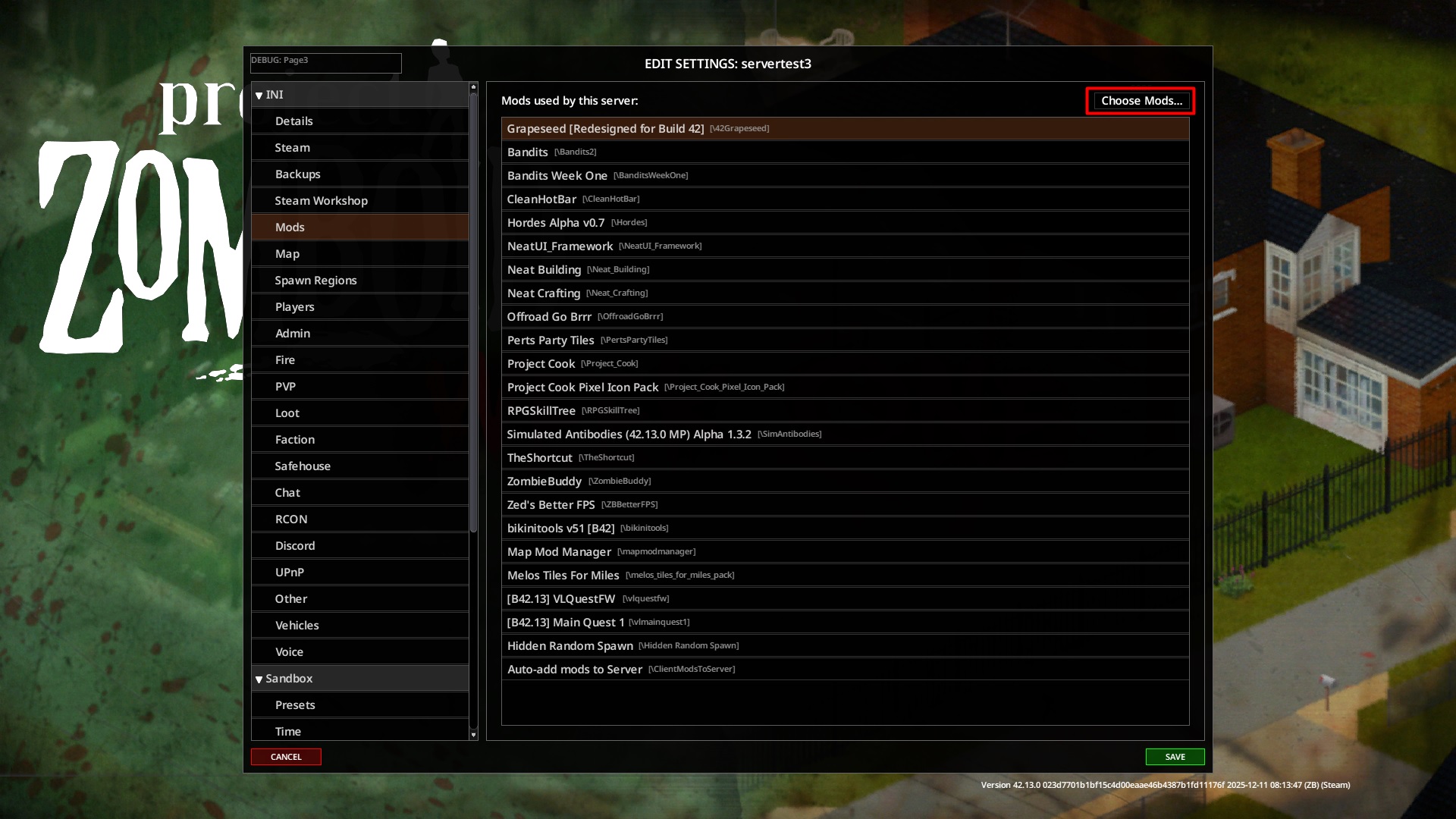
Better Server Settings change server setting: making it auto-polulate mod list, copying workshop ids and maps, enabling the use of Mod Manager inside server page and changing server window resizing behavior.
- Auto-add mods: Every time you create new server config, all your active mods, including their workshop ID and maps, will be automatically added according to current load order.
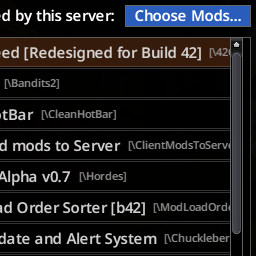
- Choose Mods: Instead of prompting to choose mods on every create/edit of setting file, the buttons inside "Mods" tab, which is hooked to vanilla Mod Selector, become new way to manage server mods. This will allow you to change active server Modlist, and after saving it, mods info will be copied to other tabs.
- Resizing: UI now scales with game window.
- Crucially, after you save changes, all lists will be reset and repopulated to follow order from Mod Manager for workshopitems, maps and spawnregions (if region does not follow standard path, like the one added manually, then it should not be reset)
- [h1]Compatibility:[/h1]
- Better Server Settings does not affect Mod Manager in any way, only hook it to server button. If another mod also alter server setting interface, then compatibility can break
- [B42] Mod Load Order Sorter - have it's own patches for server settings, but skip it if Better Server Setting enabled, so both mods work together.
- [B42] Mod Manager - after may 2026 version of manager they do not longer work with each other: author of MM add it's own redesign to server settings and mark better server settings as incompatible.
- [B41] Mod Manager - version of build 41 is recommended to be used alongside. All functionality supported.
- [h1]Credits:[/h1]
- All credits goes to The Indie Stone for creating this function and then commenting it.
- Workshop ID: 2756434288
- Mod ID: ClientModsToServer
Highlights
From source dataFootprint
Rated a light load on a server.
Last update
Its author last shipped an update 5 mo ago.
Better Server Settings on Nxeon
From our catalogue- One-click install
- Supported on Nxeon Project Zomboid servers. We download it from Steam Workshop, place it, and restart the server.
- Server load
- light
- Smallest plan we suggest
- Project Zomboid — 6 GB (6 GB RAM). This follows our own load rating above, not a benchmark.
- Latest build
- 2026-06-01, released 2026-06-01
Game versions by loader
| Loader | Game versions | Newest |
|---|---|---|
| Workshop |
From 1 recorded build of Better Server Settings.
Run Better Server Settings on a Project Zomboid server
Pick a server or deploy a new one above; it is installed in one click.
What kind of mod it is
From the catalogQuality of life & UI
Small conveniences, tweaks and interface improvements players notice straight away.
Compatibility
- Game
- Project Zomboid
Verified at the source
- ✓Steam WorkshopOfficial listing, checked 2026-11-01Open ↗
- ✓AuthorRevan, as published on Steam Workshop
- ✓LicenseNot published by the sourceFree















