About Build It!
From Steam WorkshopDo you enjoy building in games? I absolutely do! However, I feel that building in Project Zomboid isn't the game's strongest suit at the moment. In my survival experiences, I often found myself…
Do you enjoy building in games?
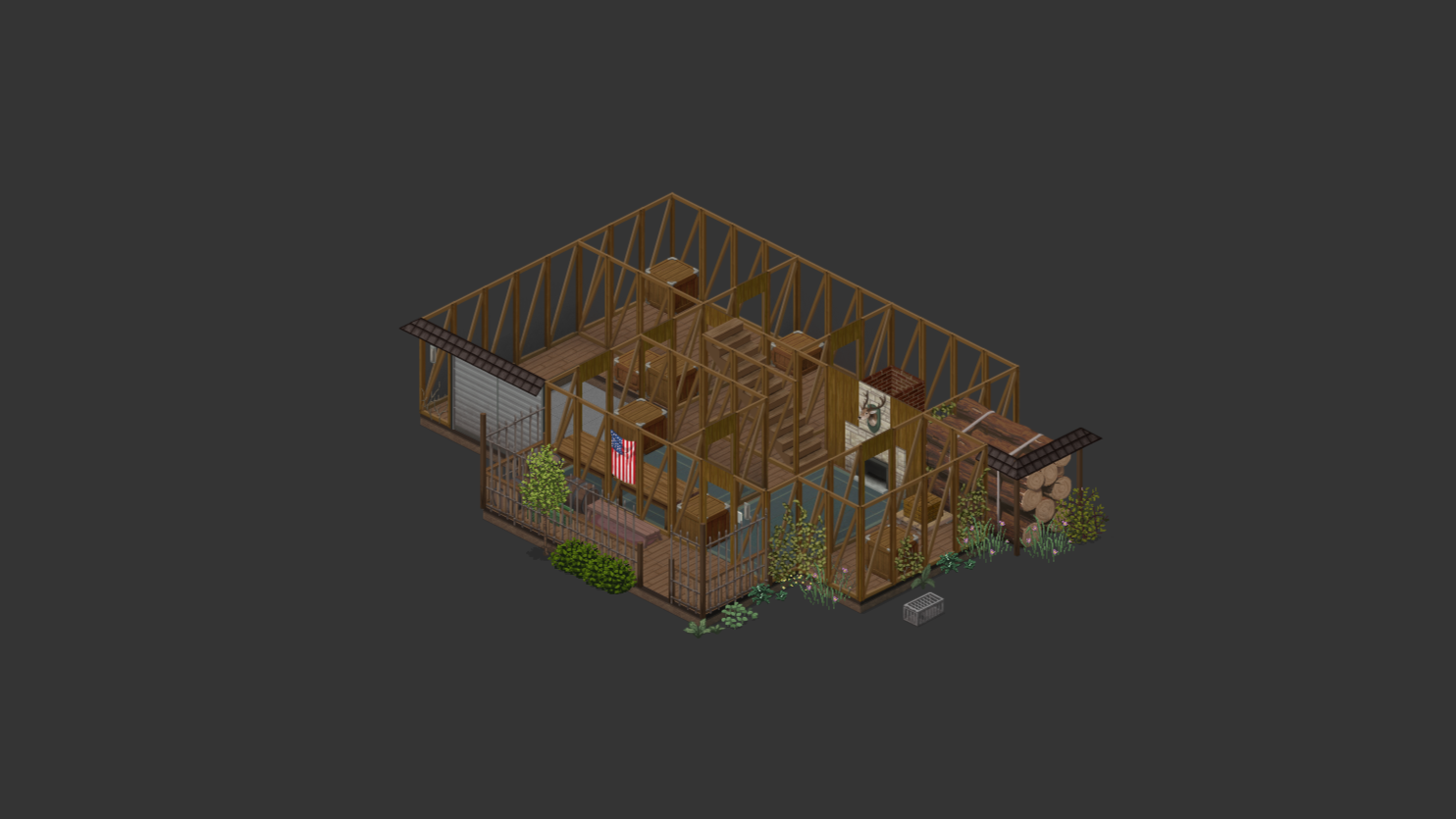
I absolutely do! However, I feel that building in Project Zomboid isn't the game's strongest suit at the moment. In my survival experiences, I often found myself constructing square-shaped houses with just one entrance and a few windows, which looked downright dreadful. Now that I've familiarized myself with the map editor, I can finally bring to life what I've longed to see on the Workshop – a small, modest cottage nestled in a convenient location, ready to be adorned to my heart's content. [hr][/hr]
What awaits you on the map?
Each of the houses comes equipped with light switches and rooms, but their final appearance is up to you.
Map Features
On the map, you'll find a convenient lake, perfect for fishing and replenishing water supplies. Surrounding forests provide protection against zombies and opportunities for gathering construction resources. Additionally, resource gathering zones are fully configured, making this place ideal for building a base and surviving.
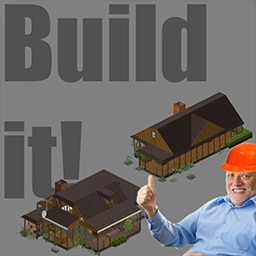
Build It!
This isn't just another dull house you subscribe to and forget about – it's a kind of mini base-building quest that adds purpose to your search for furniture and resources.
Build a base, Gather resources, Defend against zombies, Have fun! [hr][/hr] Coordinates: [spoiler] 25x36 | 25x37[/spoiler]
Resource Gathering Zones:

Map:
 [hr][/hr]
Frequently Asked Questions (FAQ)
q: Why do I see question marks on some tiles? a: They appear due to the "-debug" mode being enabled in the game's launch options. You can right-click on these tiles and press "Remove" if you don't want to disable debug mode.
q: Can I add the map to an existing world? a: Yes, you can, but only if you haven't visited this location in the game before installing the mod.
q: Why doesn't the map appear in my game world? a: You may not have configured the map order in the sandbox settings. Make sure the "Muldraugh, KY" map is at the bottom of the list.
q: Is this map compatible with ....? a: I'm not sure. If you know of any mods conflicting with this map, feel free to report it in the discussions below.
 If you liked the mod, you can buy me coffee here:


Workshop ID: 3159054833 Mod ID: BuildIt Map Folder: BuildItCell1 Map Folder: BuildItCell2
Highlights
From source dataFootprint
Rated a light load on a server.
Last update
Its author last shipped an update 3 yr ago.
Build It! on Nxeon
From our catalogue- One-click install
- Supported on Nxeon Project Zomboid servers. We download it from Steam Workshop, place it, and restart the server.
- Server load
- light
- Smallest plan we suggest
- Project Zomboid — 6 GB (6 GB RAM). This follows our own load rating above, not a benchmark.
- Latest build
- 2024-04-15, released 2024-04-15
Game versions by loader
| Loader | Game versions | Newest |
|---|---|---|
| Workshop |
From 1 recorded build of Build It!.
Run Build It! on a Project Zomboid server
Pick a server or deploy a new one above; it is installed in one click.
What kind of mod it is
From the catalogBuilding & decoration
Blocks, furniture, decorations and building tools.
Compatibility
- Game
- Project Zomboid
Verified at the source
- ✓Steam WorkshopOfficial listing, checked 2026-11-01Open ↗
- ✓Author, as published on Steam Workshop
- ✓LicenseNot published by the sourceFree