About Horizon Clock
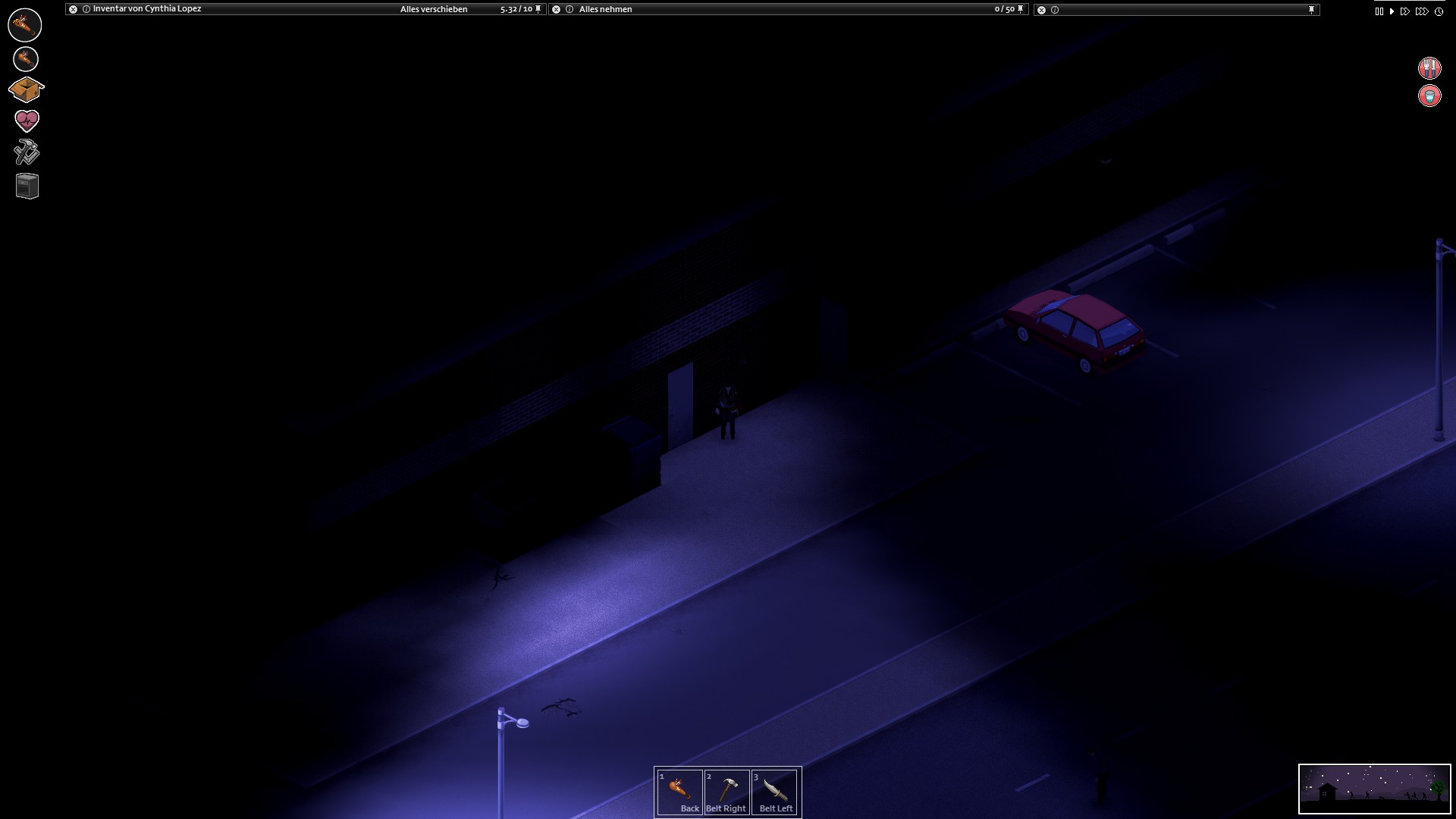
From Steam Workshop"Horizon Clock Mod" adds a natural looking clock in the right lower corner. Note: This mod wasn't tested in splitscreen. Update to Version 0.6 for Build 41 and probably lower: - complete overhaul (…
"Horizon Clock Mod" adds a natural looking clock in the right lower corner.
Note: This mod wasn't tested in splitscreen.
Update to Version 0.6 for Build 41 and probably lower:
- complete overhaul ( see Features )
Features of this version:
- You don't have found a watch, yet? ! Orient yourself at the level of the sun or the position of the stars!
- You have a watch, but you can't see the clock? ! Hold Right CTRL , if you move or whatever with the keyboard! ! Otherwise just press Right CTRL!
- You can't see the sun or the stars, if you are inside a building or it rains? ! That's correct. It has to be like this!
- You want a digital watch, but without the luxery temperature display? ! You can find black cheap digital watches on corpses and at some other places!
- Language Support: english, german, russian (Nebula)
Planned for the next version:
- texture overlay, if you are sitting in cars.
maybe: - cloudy, foggy, snowing overlays.
- The correct beginning and end of sunrise and sunset depending on the season.
Future plans: - an analog watch - button cell battery for watches (keep a very long time, but eventually the clock will stop working) - windup watches that needs no battery, but needs to be wind up again and again. (Bad luck if one forgets it sometimes. Then you have to just guess what time it is)
Concept, Textures, Code & Overhaul: Thuztor MainCode: TurboTuTone
Highlights
From source dataFootprint
Rated a light load on a server.
Last update
Its author last shipped an update 7 yr ago.
Horizon Clock on Nxeon
From our catalogue- One-click install
- Supported on Nxeon Project Zomboid servers. We download it from Steam Workshop, place it, and restart the server.
- Server load
- light
- Smallest plan we suggest
- Project Zomboid — 6 GB (6 GB RAM). This follows our own load rating above, not a benchmark.
- Latest build
- 2019-11-08, released 2019-11-08
Game versions by loader
| Loader | Game versions | Newest |
|---|---|---|
| Workshop |
From 1 recorded build of Horizon Clock.
Run Horizon Clock on a Project Zomboid server
Pick a server or deploy a new one above; it is installed in one click.
What kind of mod it is
From the catalogBuilding & decoration
Blocks, furniture, decorations and building tools.
Compatibility
- Game
- Project Zomboid
Verified at the source
- ✓Steam WorkshopOfficial listing, checked 2026-11-01Open ↗
- ✓AuthorThuztor, as published on Steam Workshop
- ✓LicenseNot published by the sourceFree