






About JB's Bugs In Lights [B42]
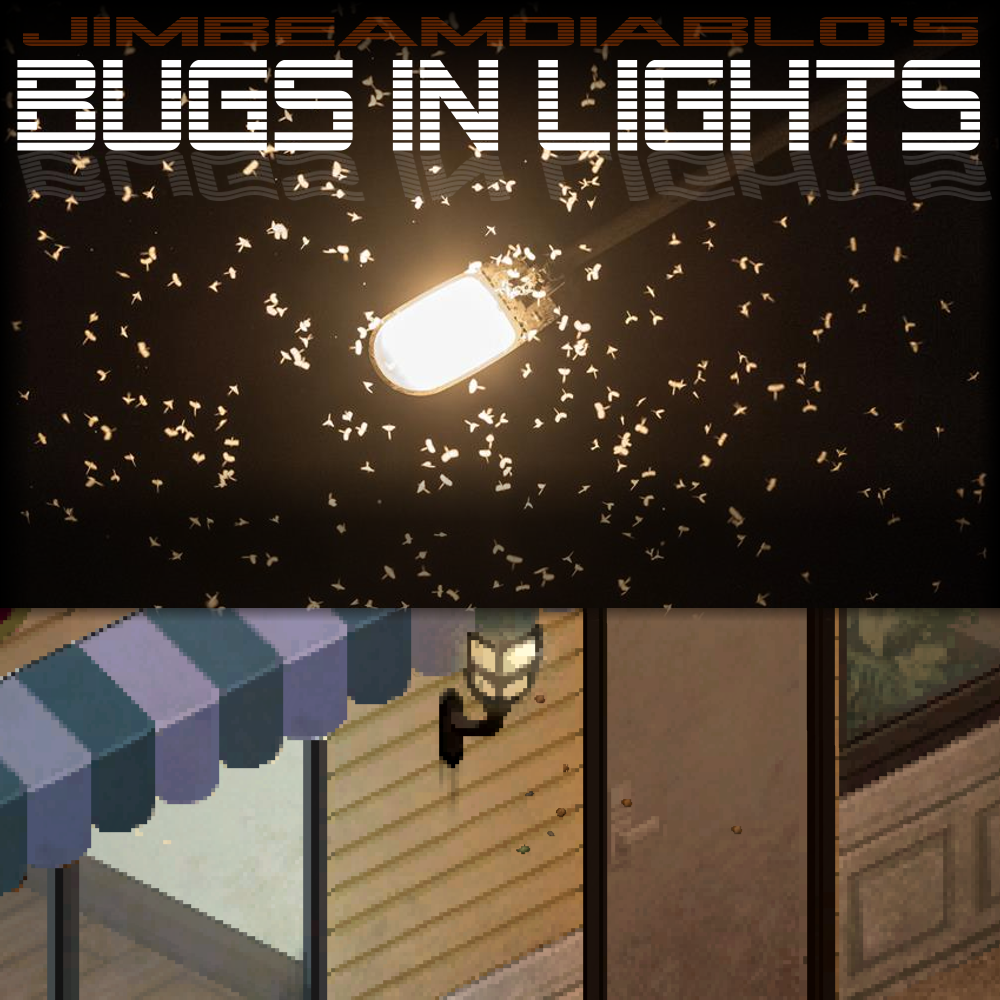
From Steam WorkshopProject Zomboid Needs More Bugs Spawn real-time rendered bugs around outdoor lights Bugs are active in the summer months Bugs are most active when it's warm and not raining Bugs are attracted to…
Project Zomboid Needs More Bugs
- Spawn real-time rendered bugs around outdoor lights
- Bugs are active in the summer months
- Bugs are most active when it's warm and not raining
- Bugs are attracted to active light sources
- Mod Options control the number and size of bugs
- Mod Option to toggle if bugs are active all year
- Mod Option to turn off temperature and rain limited spawn rates
- Mod Option so bugs can spawn both day and night
- Includes an "addBug™ function" to add your own bugs
- Safe to add at any time [spoiler]or remove, but why?[/spoiler]
- For B42 SP & MP
Check out JB's Fireflies for even more bugs!
Adding your own bugs

model: This is the name of the 3D item model used for the bug, like "Base.Plushabug"

size: This determines the scale of the 3D item. 1.0 represents the full size of the item, a good range would be 0.05 to 0.8 for bugs

speed: This sets the base velocity applied to the bug during movement. A good range is 0.0001 to 0.01, since higher values can cause the bug to move too fast to see

yawOffset: This is a degree adjustment used to ensure the "front" of your 3D model faces the actual direction of travel. The range is 0 to 360, and typical values are 0, 90 or 180 depending on how the model was exported

crazyFactor: This controls the amount of random "jitter" or "crazy"" added to the bug's velocity every frame. A good range is 0.00001 to 0.02; higher values create frantic, crack-head movement, while lower values looks like a steady drift

lightAttraction: This is how strongly the bug is "pulled" toward the light source. A range of 0.001 to 0.5 is good. Higher values make the bugs stick too close to the light source

areaOfInterest: This is the radius in squares/tiles around the light source where the bug will spend its life. A good range is 0.1 to 1.5

minFrames and maxFrames: This defines the lifespan of a single bug instance in update ticks before it despawns. A suitable range is 30 to 600, which is roughly 1 to 10 seconds of activity at 60 FPS

Example mod put in lua/client:

local BugPattern = require("jb_BugPatterns")
local bug = {
    model           = "Base.Plushabug",
    size            = 0.06,
    speed           = 0.001,
    yawOffset       = 90,
    crazyFactor     = 0.01,
    lightAttraction = 0.001,
    areaOfInterest  = 0.5,
    minFrames       = 180,
    maxFrames       = 600,
}

BugPattern.addBug(bug)
[hr][/hr] Workshop ID: 3717902500 Mod ID: JB_BugsInLights
Highlights
From source dataFootprint
Rated a light load on a server.
Last update
Its author last shipped an update 2 mo ago.
JB's Bugs In Lights [B42] on Nxeon
From our catalogue- One-click install
- Supported on Nxeon Project Zomboid servers. We download it from Steam Workshop, place it, and restart the server.
- Server load
- light
- Smallest plan we suggest
- Project Zomboid — 6 GB (6 GB RAM). This follows our own load rating above, not a benchmark.
- Latest build
- 2026-09-01, released 2026-09-01
Game versions by loader
| Loader | Game versions | Newest |
|---|---|---|
| Workshop |
From 1 recorded build of JB's Bugs In Lights [B42].
Run JB's Bugs In Lights [B42] on a Project Zomboid server
Pick a server or deploy a new one above; it is installed in one click.
What kind of mod it is
From the catalogListed on Steam Workshop as “QoL”
Quality of life & UI
Small conveniences, tweaks and interface improvements players notice straight away.
Compatibility
- Game
- Project Zomboid
Verified at the source
- ✓Steam WorkshopOfficial listing, checked 2026-11-01Open ↗
- ✓Authorjbdiablo, as published on Steam Workshop
- ✓LicenseNot published by the sourceFree















