About Louisville Spawn
From Steam WorkshopSome spawn locations in the city of Louisville. With this mod, you can select the city after starting the Sandbox. Authorization process on servers: 1. Find the server folder. By default:…
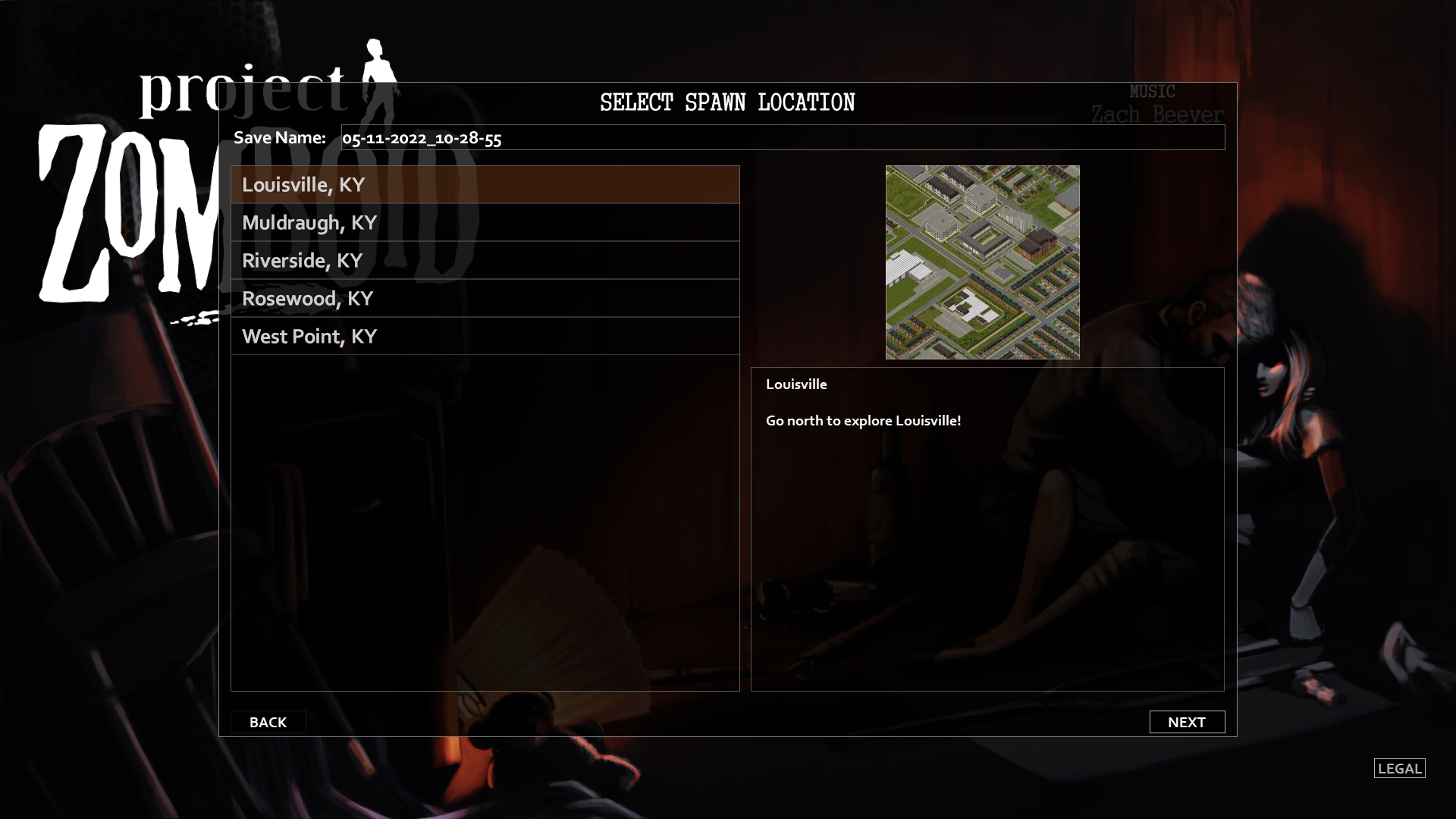
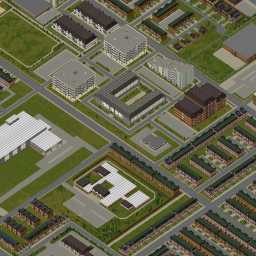
Some spawn locations in the city of Louisville. With this mod, you can select the city after starting the Sandbox.
Authorization process on servers: 1. Find the server folder. By default: C:\users\(*1)\Zomboid\server\(*2)_spawnregions.lua (*1) Your username in Windows. (*2) Your server name.
2. Add the following line to the existing ones: { name = "Louisville, KY", file = "media/maps/Louisville, KY/spawnpoints.lua" },
After that, after starting the server, you can choose Louisville as the starting city.
v42: https://steamcommunity.com/sharedfiles/filedetails/?id=3387071727
Created by: Gery D.
Workshop ID: 2680926895 Mod ID: Louisville Map Folder: Louisville, KY
Highlights
From source dataFootprint
Rated a light load on a server.
Last update
Its author last shipped an update 23 mo ago.
Louisville Spawn on Nxeon
From our catalogue- One-click install
- Supported on Nxeon Project Zomboid servers. We download it from Steam Workshop, place it, and restart the server.
- Server load
- light
- Smallest plan we suggest
- Project Zomboid — 6 GB (6 GB RAM). This follows our own load rating above, not a benchmark.
- Latest build
- 2024-12-19, released 2024-12-19
Game versions by loader
| Loader | Game versions | Newest |
|---|---|---|
| Workshop |
From 1 recorded build of Louisville Spawn.
Run Louisville Spawn on a Project Zomboid server
Pick a server or deploy a new one above; it is installed in one click.
What kind of mod it is
From the catalogMaps
Its source category doesn’t say more about what it does, so NxLabs lists it under Other.
Compatibility
- Game
- Project Zomboid
Verified at the source
- ✓Steam WorkshopOfficial listing, checked 2026-11-01Open ↗
- ✓AuthorGery D., as published on Steam Workshop
- ✓LicenseNot published by the sourceFree